

FiiO - S15
Desktop DAC & Streamer
₹ 94,999
Inclusive of all taxes
DELIVERY
Dispatches in 48 hours
RETURNS & WARRANTY
7 Day Replacement Guarantee
1 Year Warranty
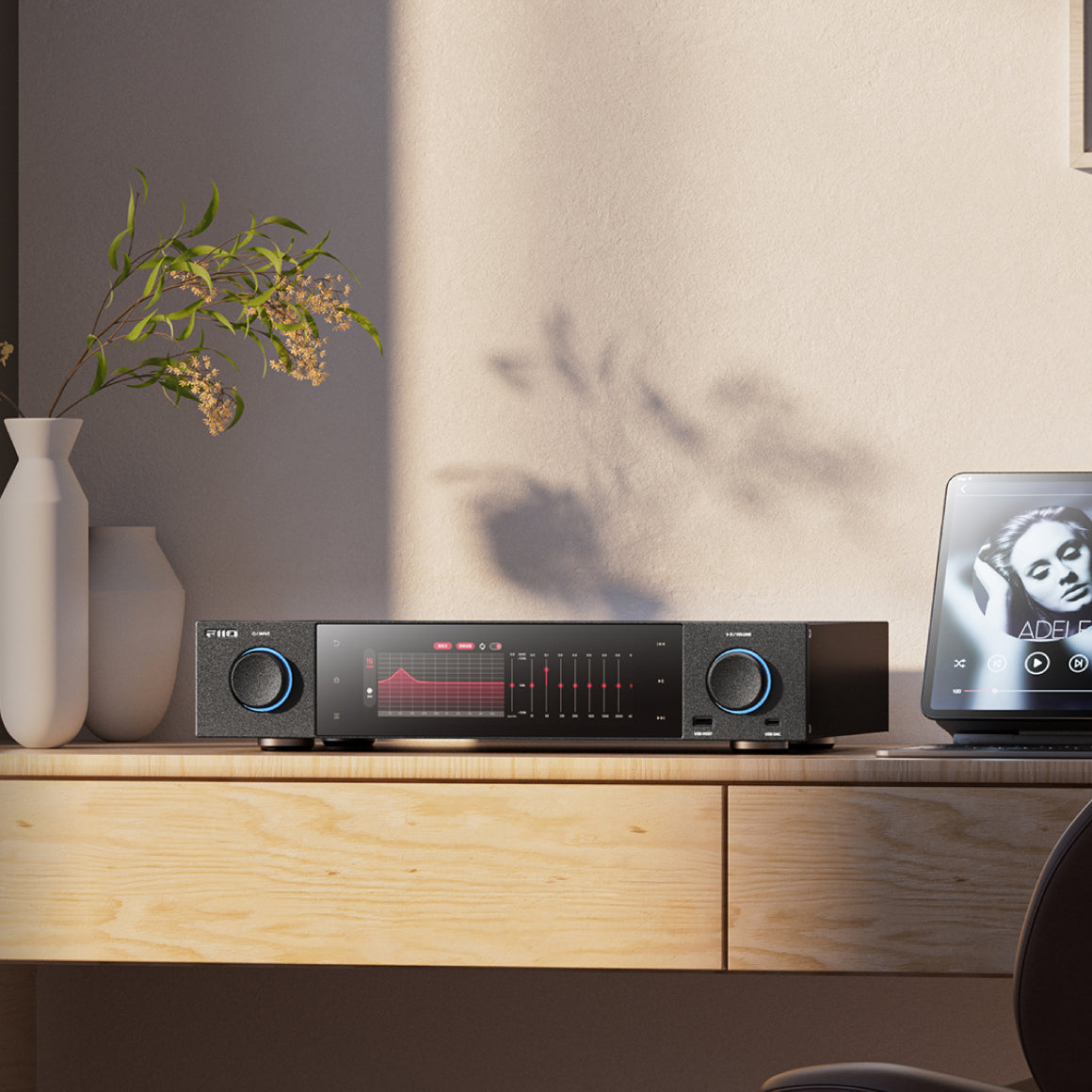
Experience High Fidelity Music Listening With The All-New Desktop Audio Streamer From FiiO - The S15
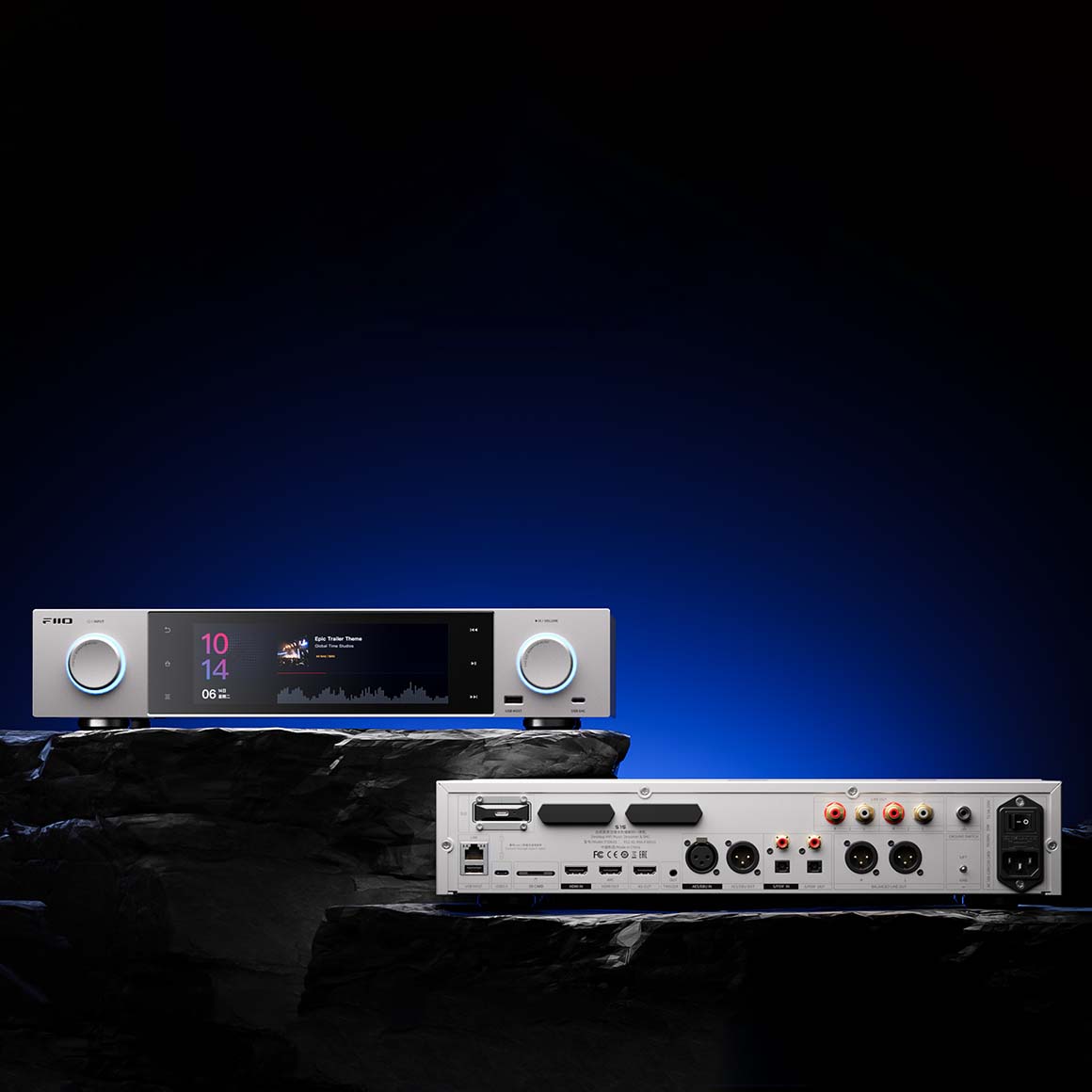
FiiO presents the S15, a high-resolution desktop audio streamer for unparalleled audio fidelity. It features flagship DAC chips from AKM - AK4191+AK4499EX with a fully balanced analogue audio architecture for accurate decoding. It equips high-end components like the ELNA electrolytic audio capacitors, advanced noise-reduction technologies etc. embedded to provide high details to your sound. S15 equips various input and output options for versatile connectivity. FiiO S15 is dual hi-res certified by the Japan Audio Society to deliver impressive audio for your music listening journey.
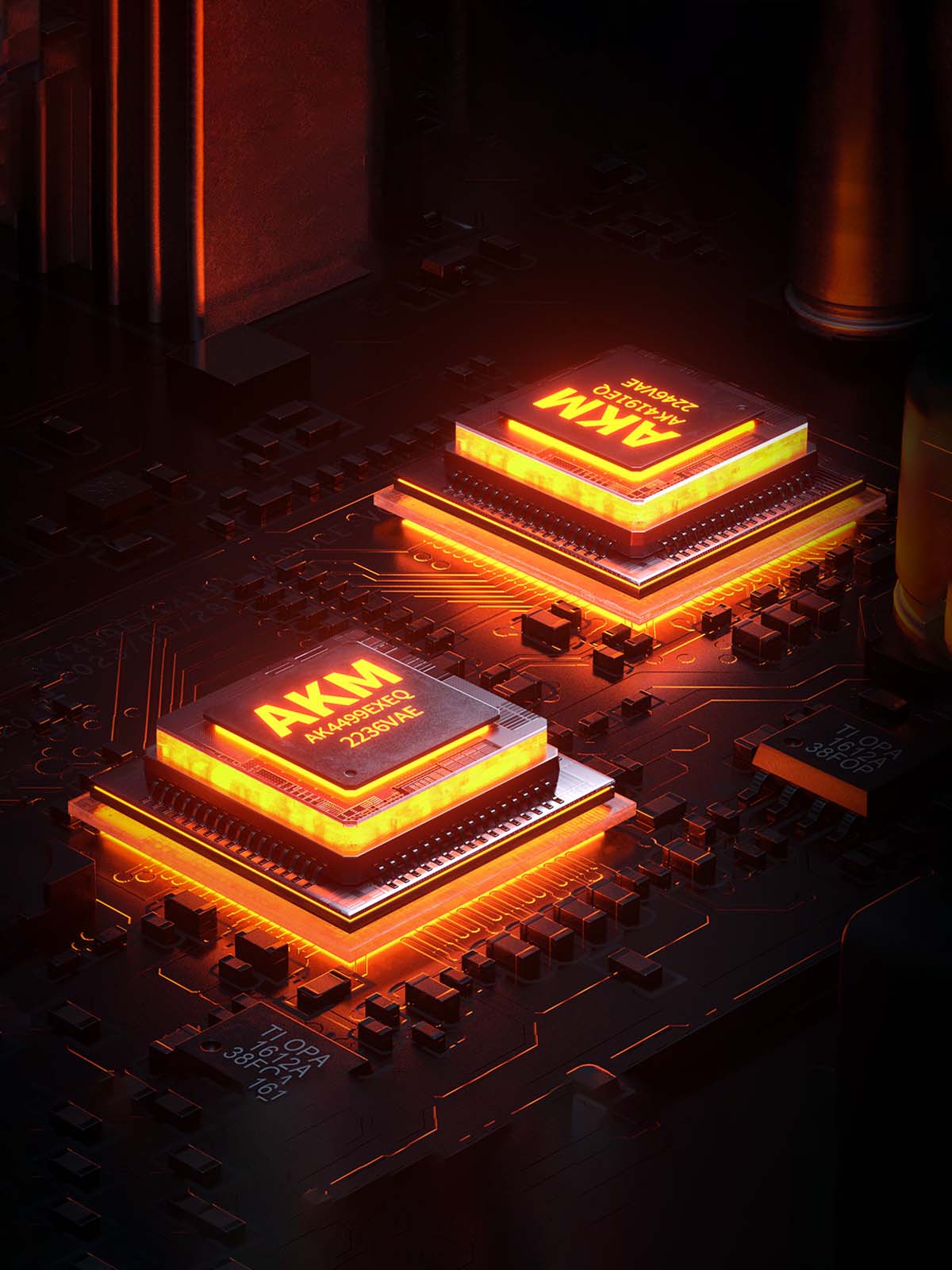
Features AK4191+AK4499EX Flagship DAC Chips From AKM For Accurate Audio Presentation
FiiO S15 houses an excellent combo of flagship DAC chips from AKM - AK4191+AK4499EX. Its innovative design fully separates digital and analog circuits and its 'DWA ROUTING Technology’ enhances the signal-to-noise ratio and minimises noise across amplitudes. This results in an immersive listening experience with clean and improved resolution for a natural sound output.
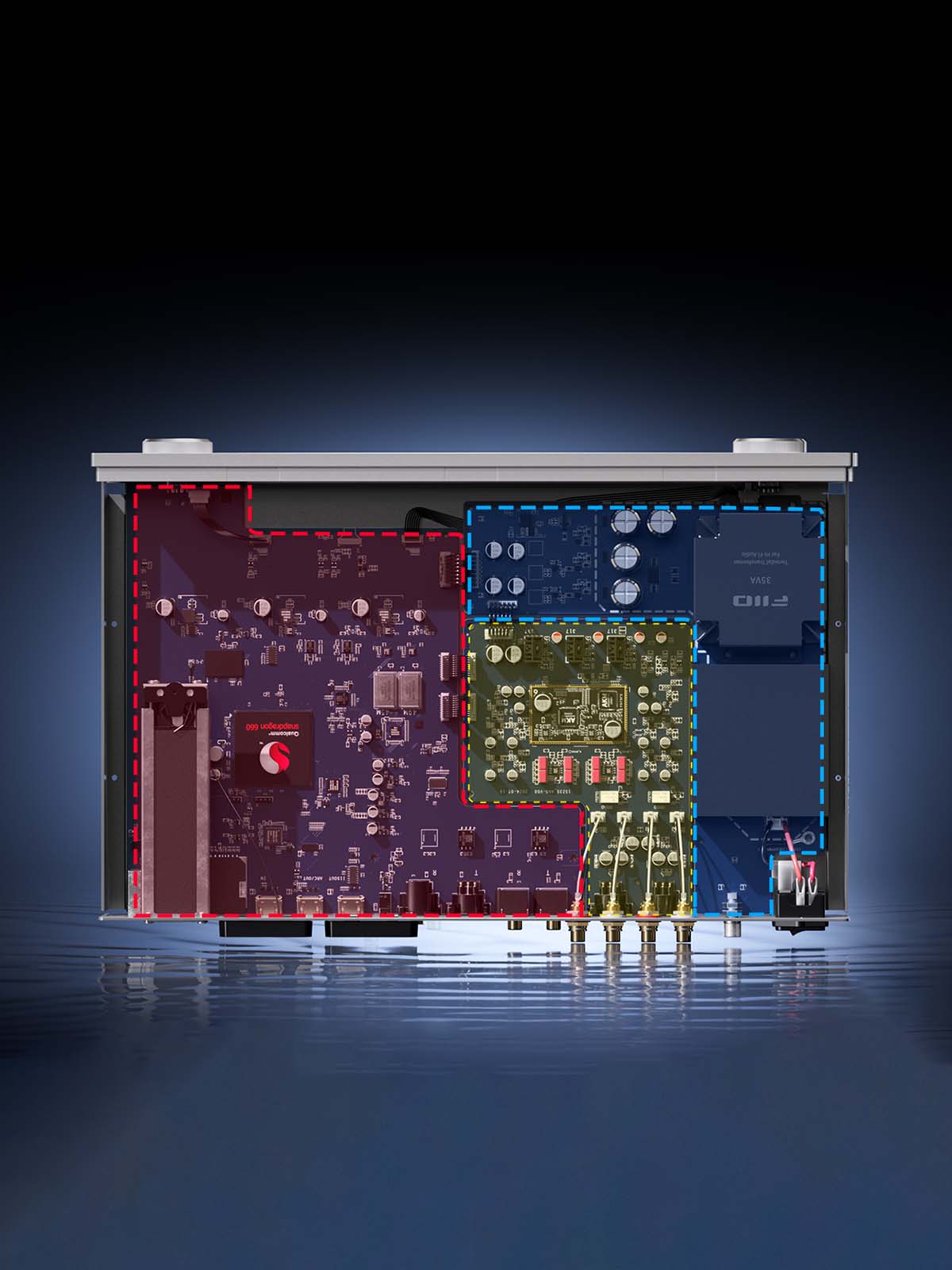
Showcases A Fully Balanced Analog Audio Architecture For Enhanced Performance
FiiO S15 employs a fully balanced circuit, from DAC decoding to the preamplifier stage, reducing noise and crosstalk for superior line and preamp output quality. The IV, LPF and other audio sections depend on the OPA1612 low-noise precision op-amps and the high-voltage supplies for dynamic and faithful sound reproduction. The digital, analogue and power sections are physically separated to prevent interference, ensuring accurate signal processing and preserving musical dynamics. It equips gold-plated copper connectors and oxygen-free copper internal wiring to ensure high-fidelity signal transmission with minimal loss and delivers pure sound.

High-Precision Audio Decoding With Femtosecond Crystal Oscillators For Accurate Sound
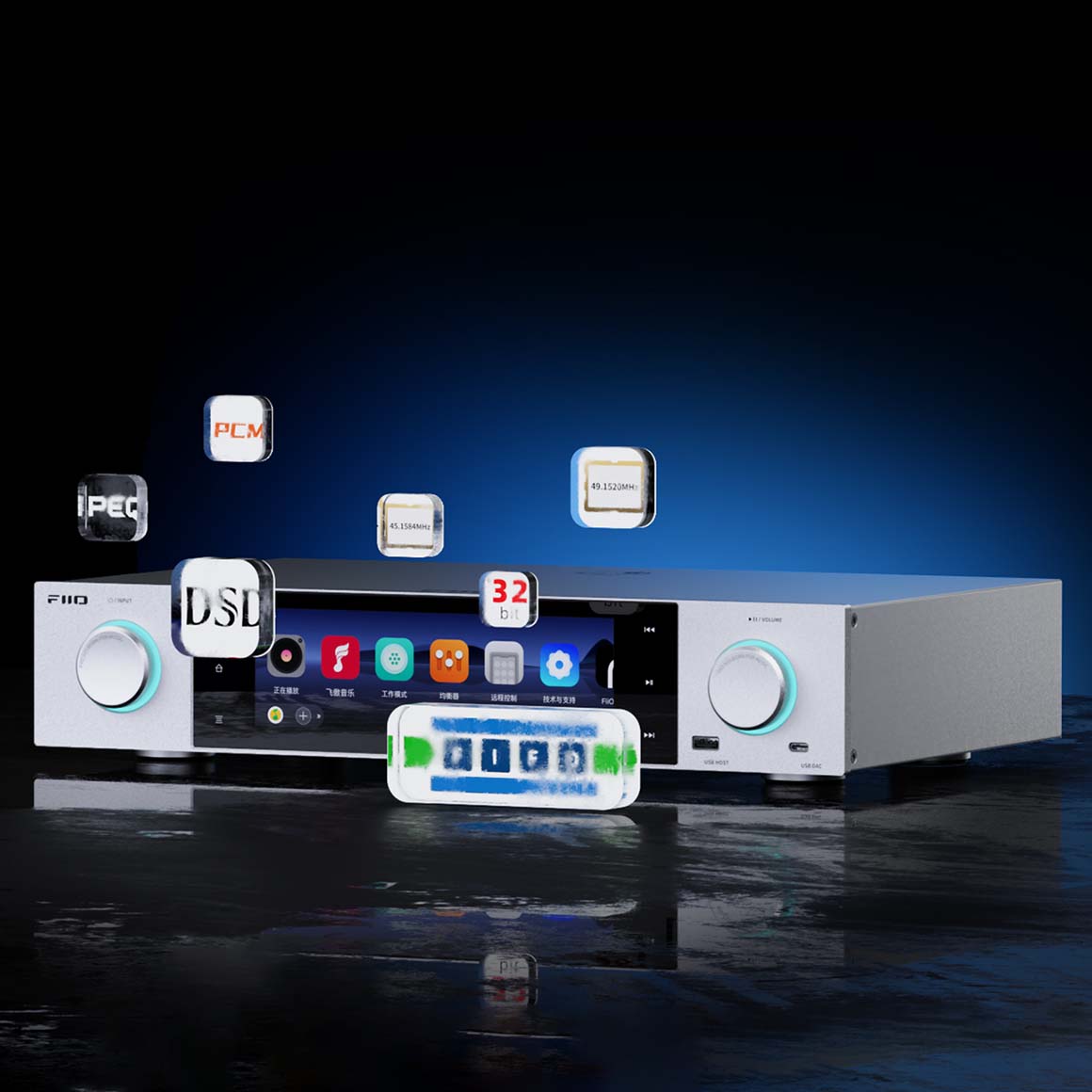
FiiO, for the first time, has utilised two top-tier noise femtosecond oscillators in the S15. It incorporates the ACCUSILICON AS318-B series femtosecond crystal oscillators (45.1584MHz and 49.1520MHz) for ultra-low phase noise to enhance the decoding capability with digital output precision and accurate audio. When it is paired with external decoders and amplifiers, it delivers reference-grade sound reproduction.
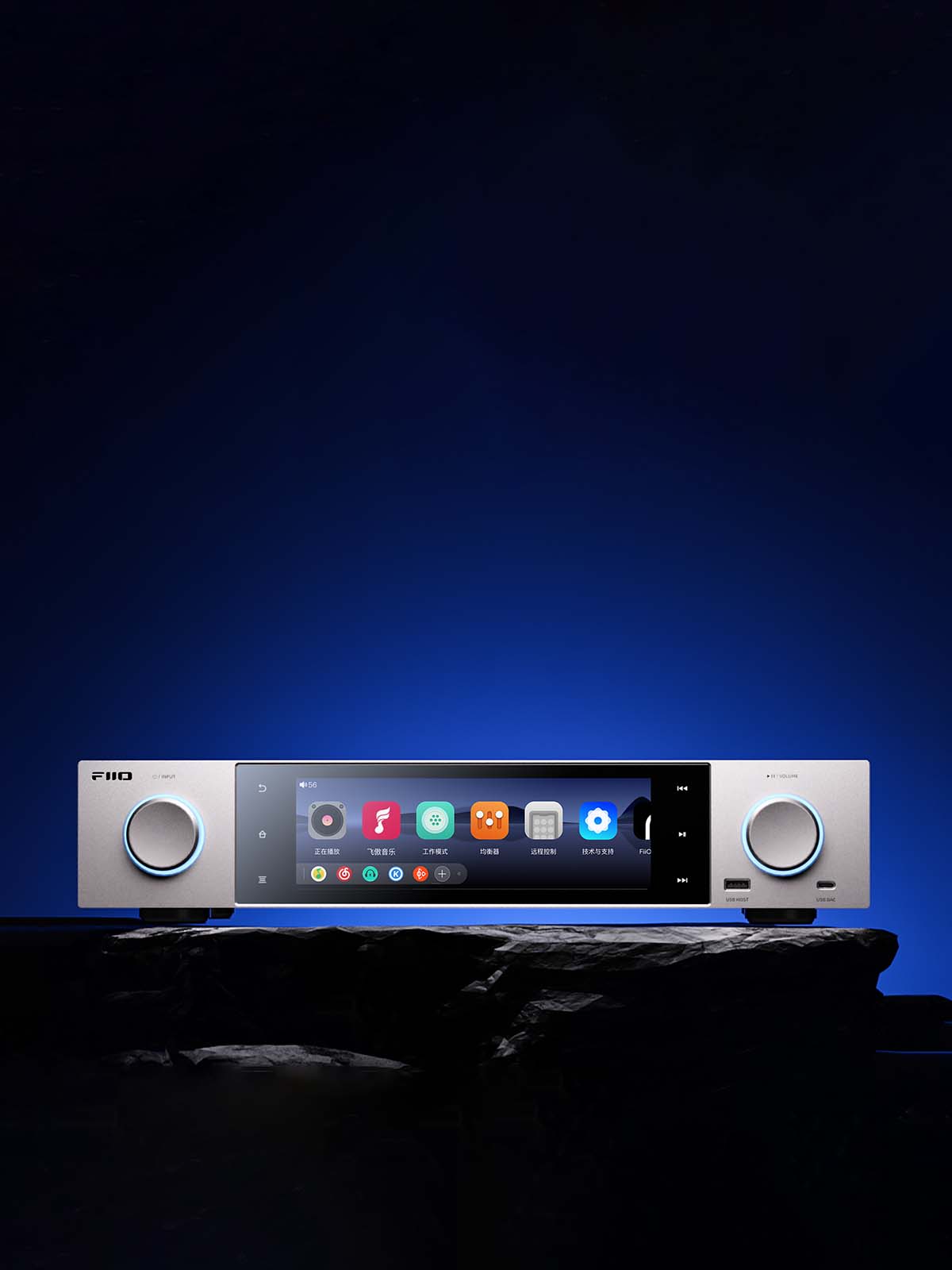
Employs High-Quality Audiophile-Grade Components To Deliver Coherent And Detailed Sound
FiiO S15 embeds ELNA electrolytic audio capacitors featuring 24 high-precision film resistors, 8 WIMA film capacitors and 4 solid capacitors to deliver coherent and highly detailed audio for original playback. Its XMOS 16-core XU316 chip supports USB DAC decoding up to 768kHz/32bit and DSD512. It is combined with Android 12 and powered by the Qualcomm Snapdragon 660 while supporting visual-audio effects like VU meters and intuitive touch interactions for convenient control. A digital audio isolation transformer ensures excellent coaxial and AES output performance, comparable to optical outputs and minimises ground loop interference.
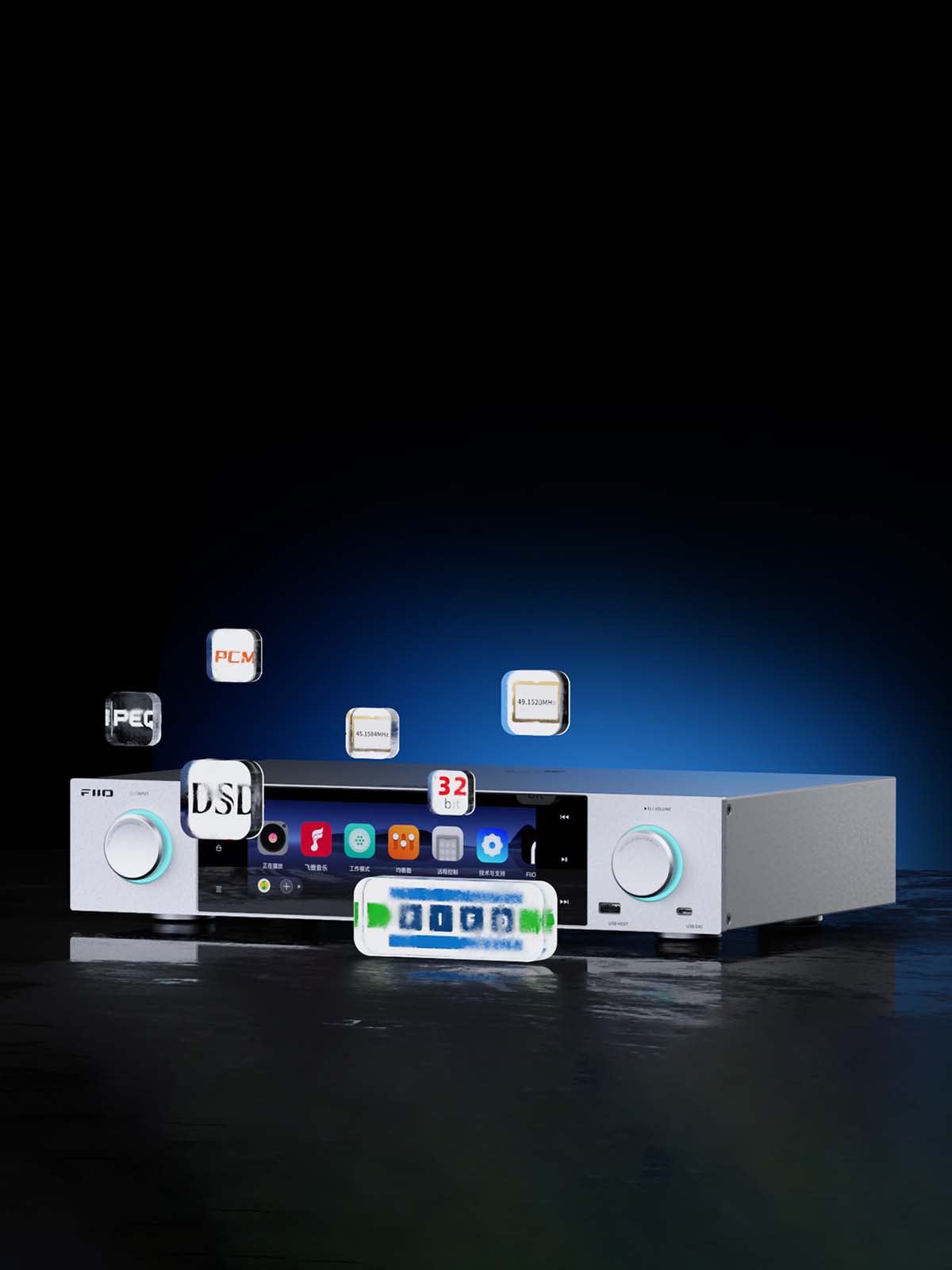
Utilises Proprietary Digital Audio Purification System For Refined Non-Resampled Audio Playback
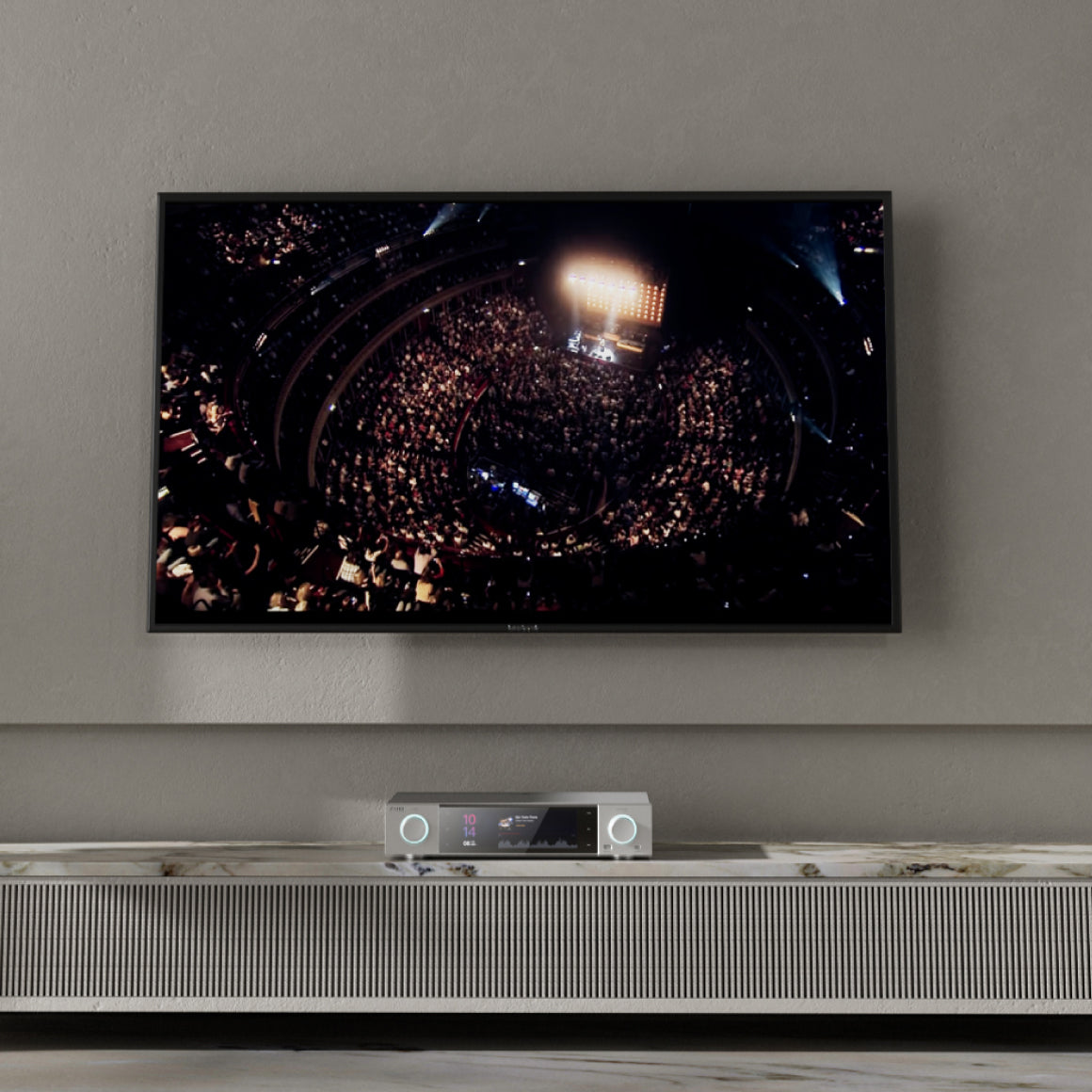
FiiO S15 utilises FiiO's custom DAPS, combined with a custom Android audio core and a low-jitter clock coprocessor, refined over the years for non-resampled audio playback. This accurately matches the PCM and DSD sampling rates to deliver pure music at both application and system levels. It supports HDMI/ARC decoding up to 192kHz/24bit, boasting HDMI 2.0 decoding, HDMI output, and HDMI ARC (Audio Return Channel) capabilities, allowing it to be a crucial component of your audiovisual setup.
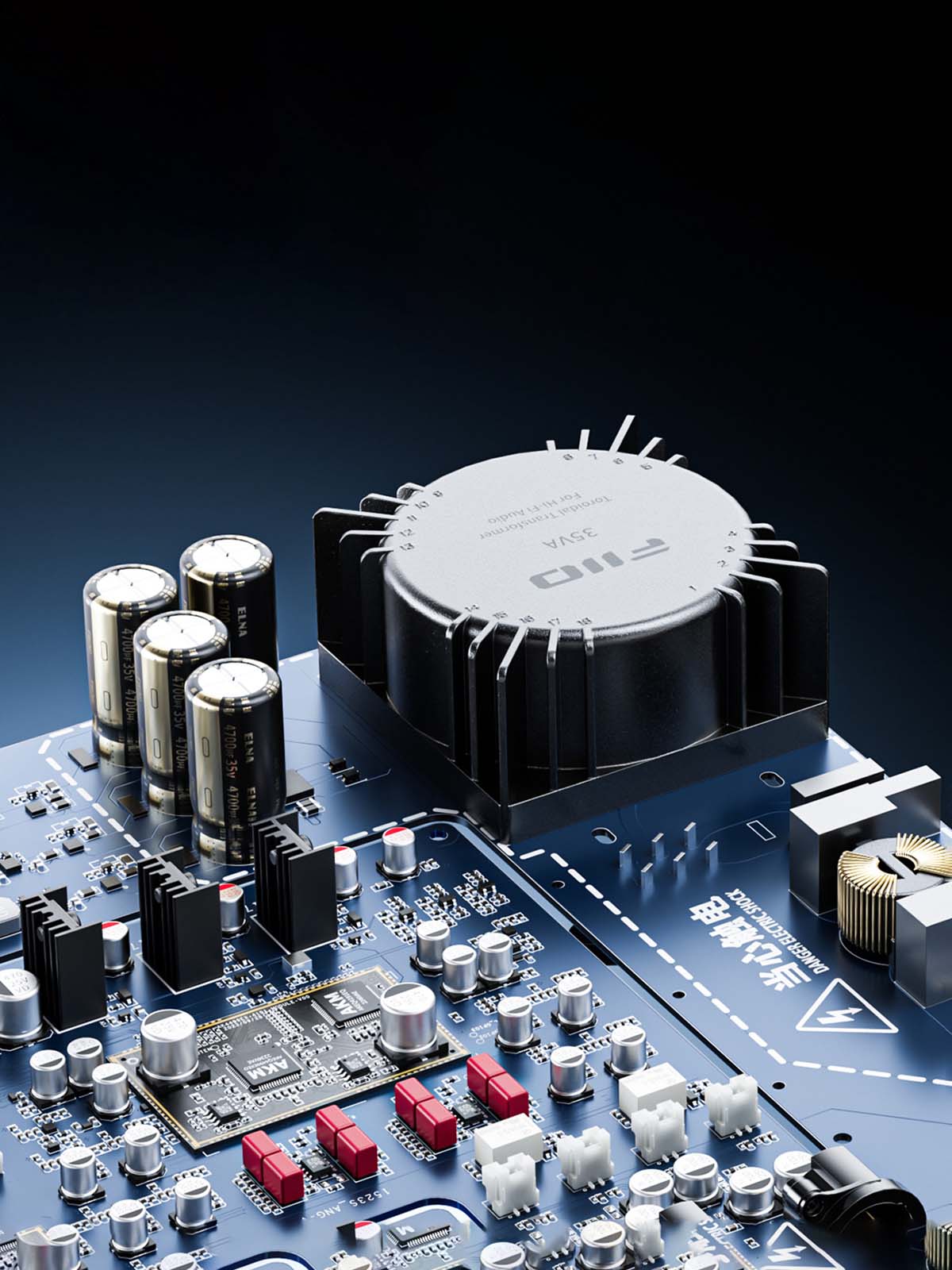
Offers Clean & Stable Power With High-Quality 35W Low-Noise Linear Power Supply
FiiO S15 is powered by a 35W custom low-noise transformer with four 4700µF ELNA audio capacitors for continuous and stable energy. This setup separates digital and analogue power supplies and prevents crosstalk, ensuring consistent, interference-resistant performance. The analogue section is powered by a multi-stage power supply, with precisely divided stages for components like the DAC and LPF. Each stage employs numerous precision low-dropout regulators (LDOs) for secondary regulation to ensure a stable and pure power supply.
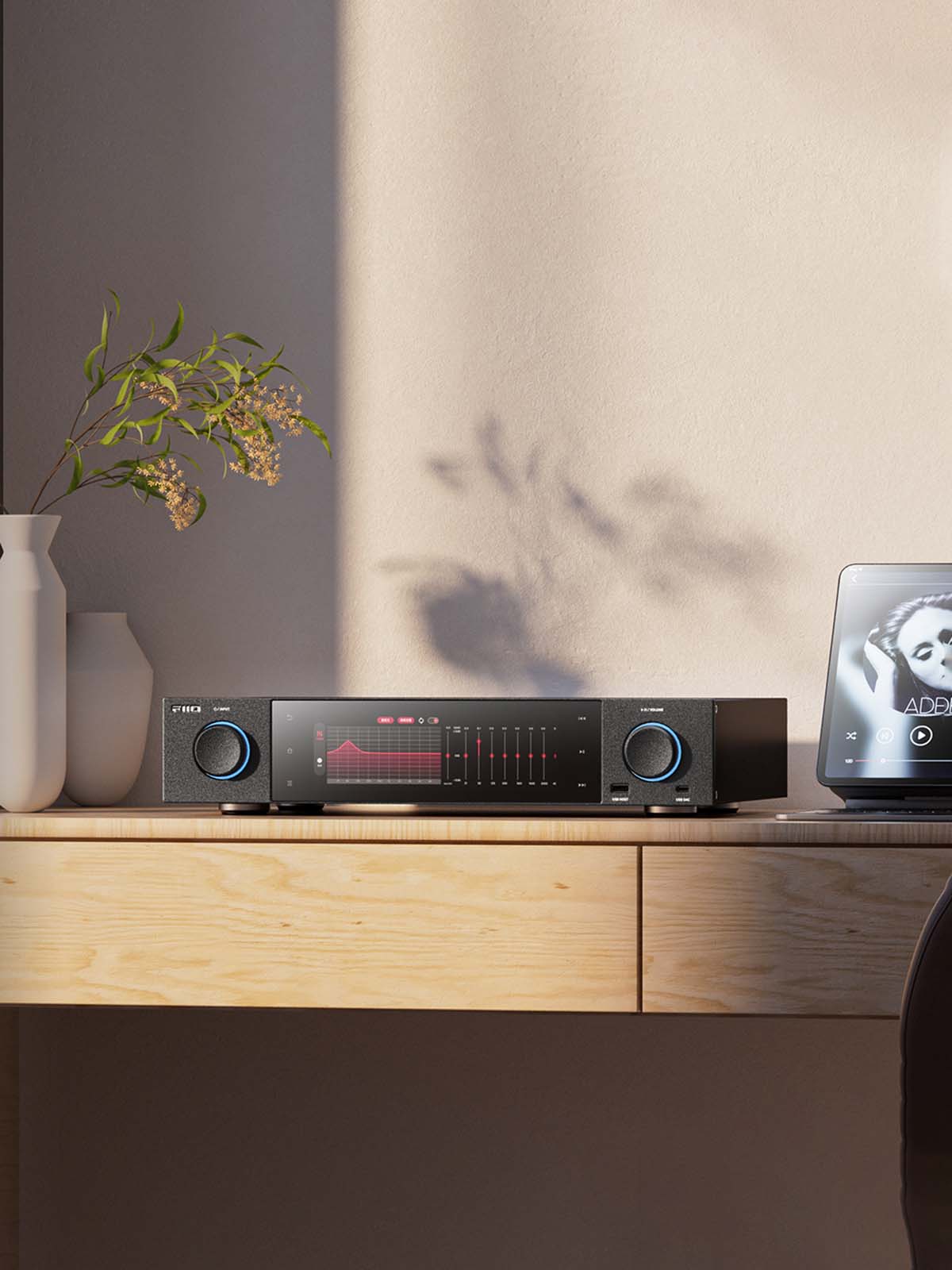
Offers 10-Band PEQ Adjustment & Supports Various Streaming Music Platforms
FiiO S15 features proprietary 10-band PEQ adjustment that provides frequency, gain, and bandwidth adjustments for tailored sound profiles and headphone curve simulation for a customised music listening experience. It also supports streaming media like Roon Ready, AirPlay, DLNA, and Bluetooth reception, the LAN playback allows streaming from NAS, LAN, cloud servers, network protocols like UPNP/ SMB/ WebDAV and local playback from microSD cards, USB drives and external hard disks. Note: Roon Ready certification is in progress. The specific passing time is subject to FIIO’s official notice.
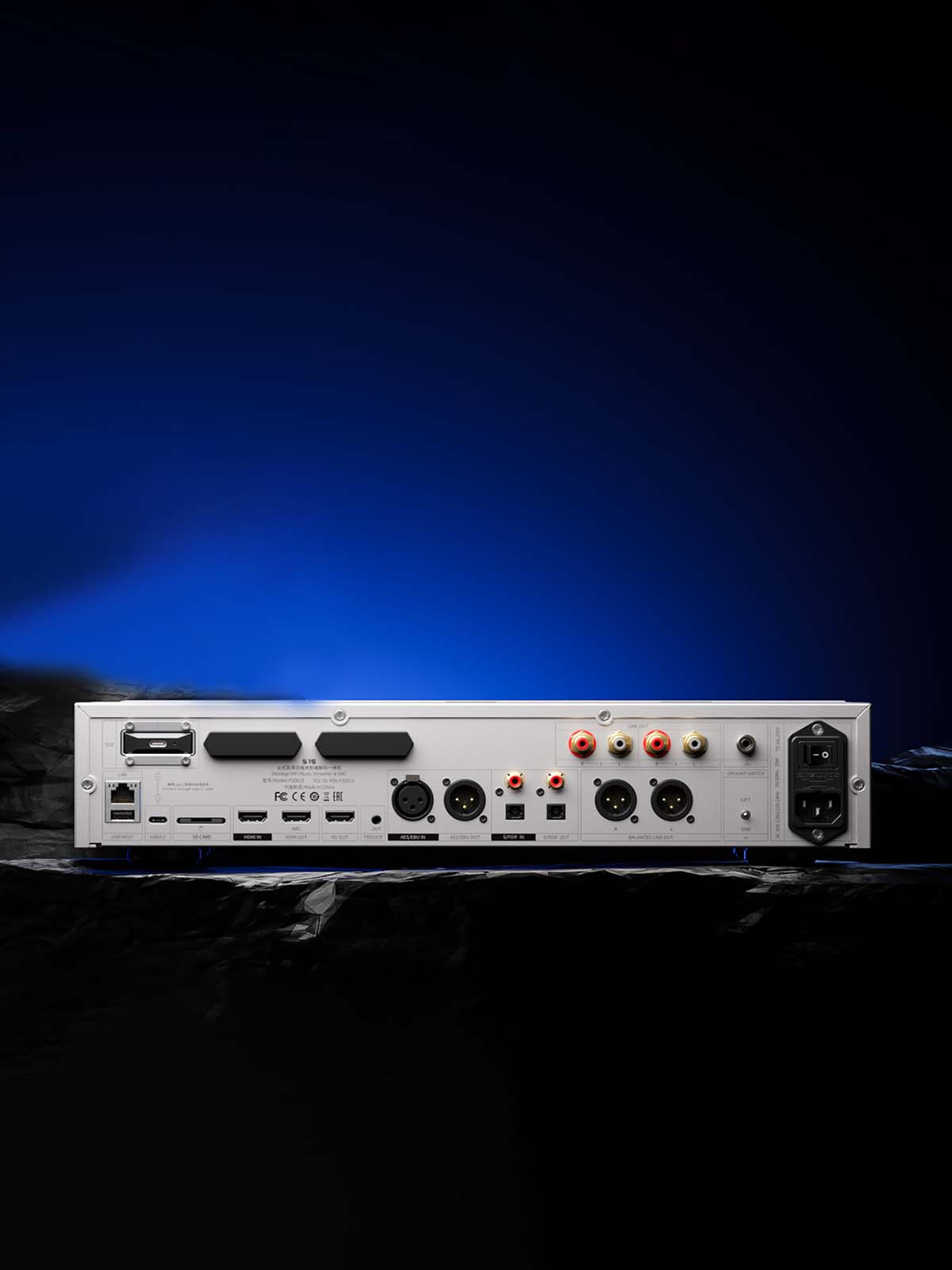
Seamlessly Connect To Various Devices With Thoughtful Input & Output Section
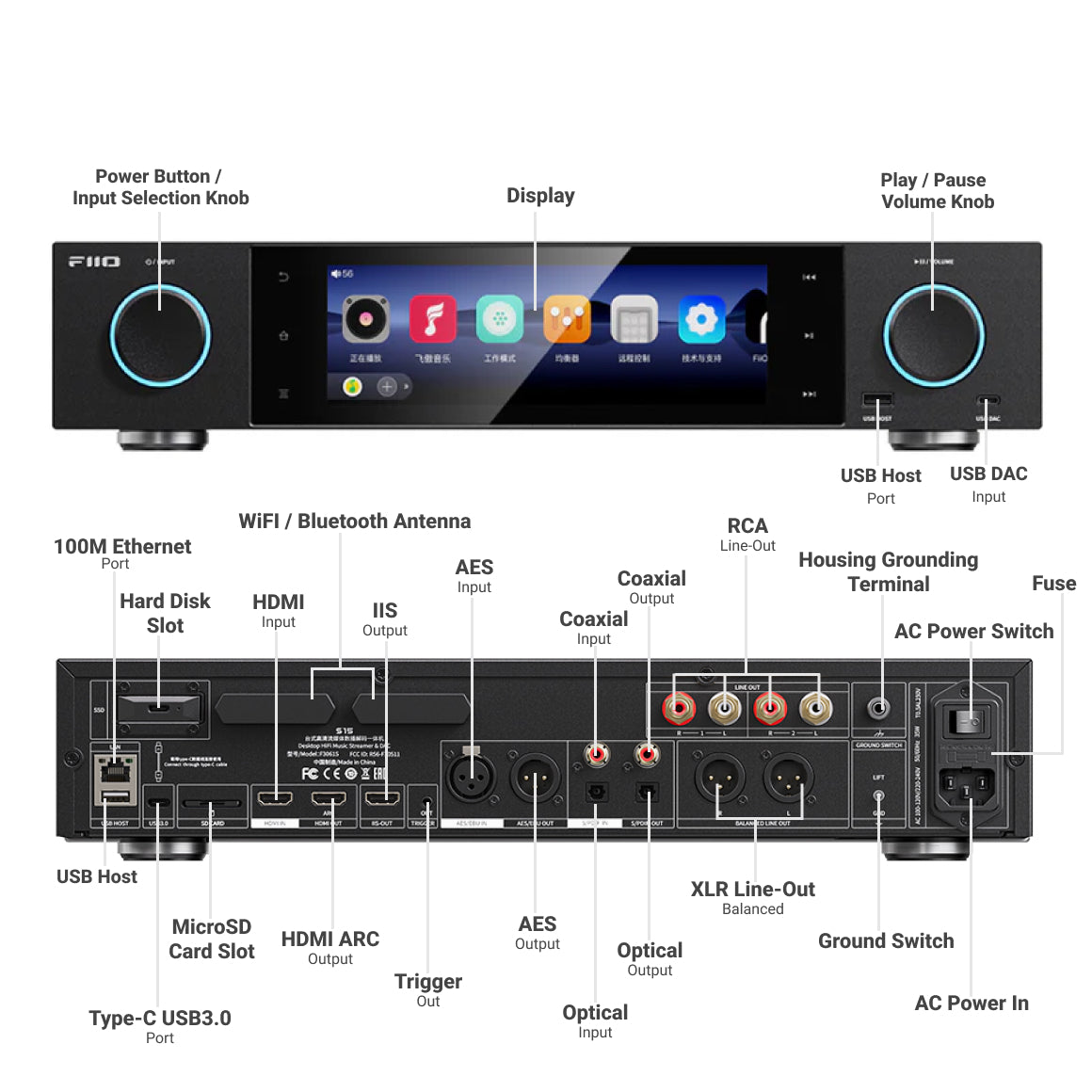
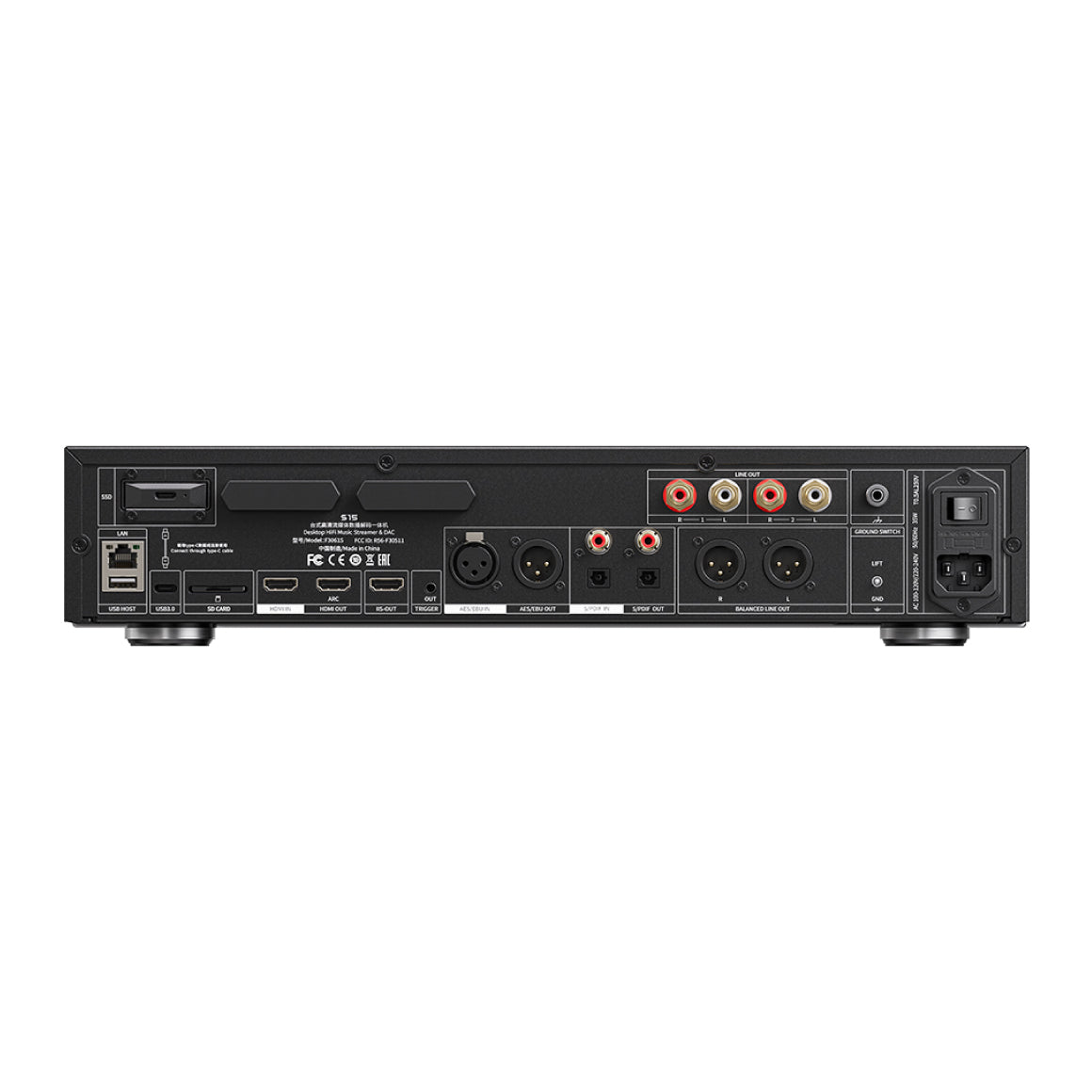
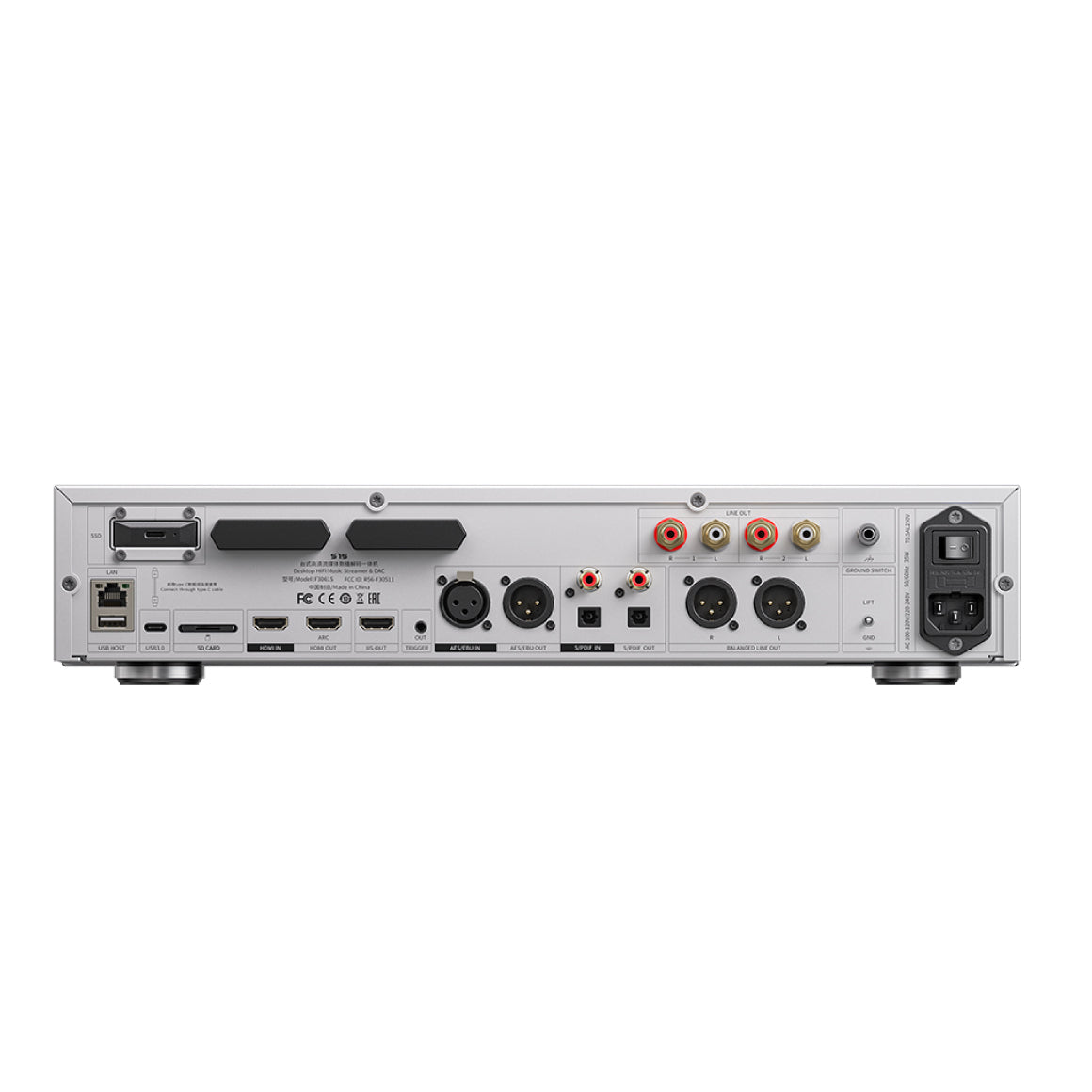
FiiO S15 is embedded with various connectivity ports of the I2S output options with 4 different pin sequences for compatibility across brands, AES input and output for high-quality digital audio signal transmission with strong anti-interference, left and right tulip-shaped NEUTRIK XLR ports that are oxidation-resistant and durable for stable connection and gold platted copper RCA output connectors. It features a hard disk slot and a high-speed USB 3.2 M.2 550 hard disk cage that can efficiently store and manage huge libraries. It also features a trigger-out port to link to other devices to switch on and off synchronously. Connect wirelessly through the Qualcomm QCC5125 Bluetooth chip, this Bluetooth 5.1 version chip supports audio codecs such as LDAC and aptX Adaptive.
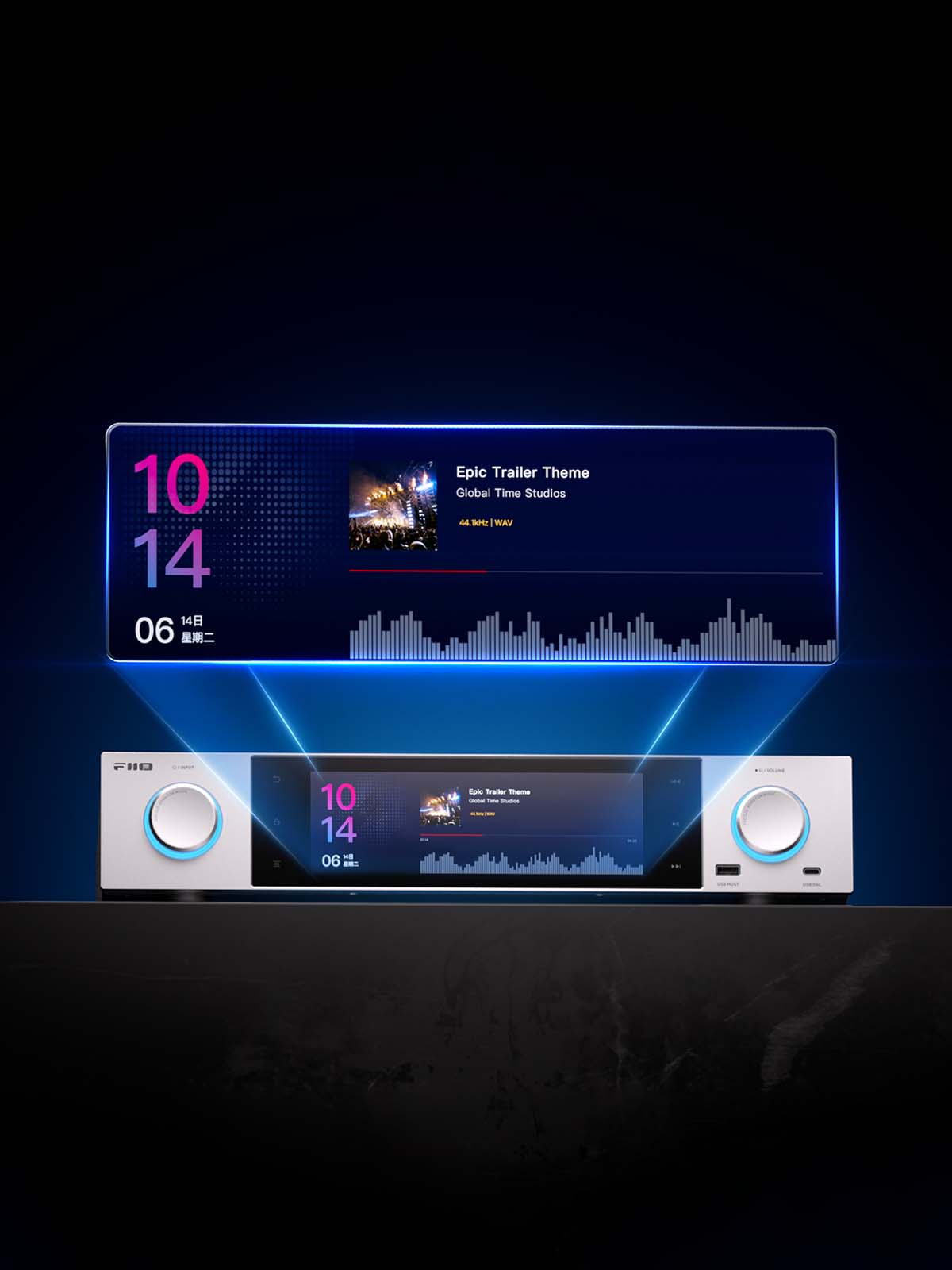
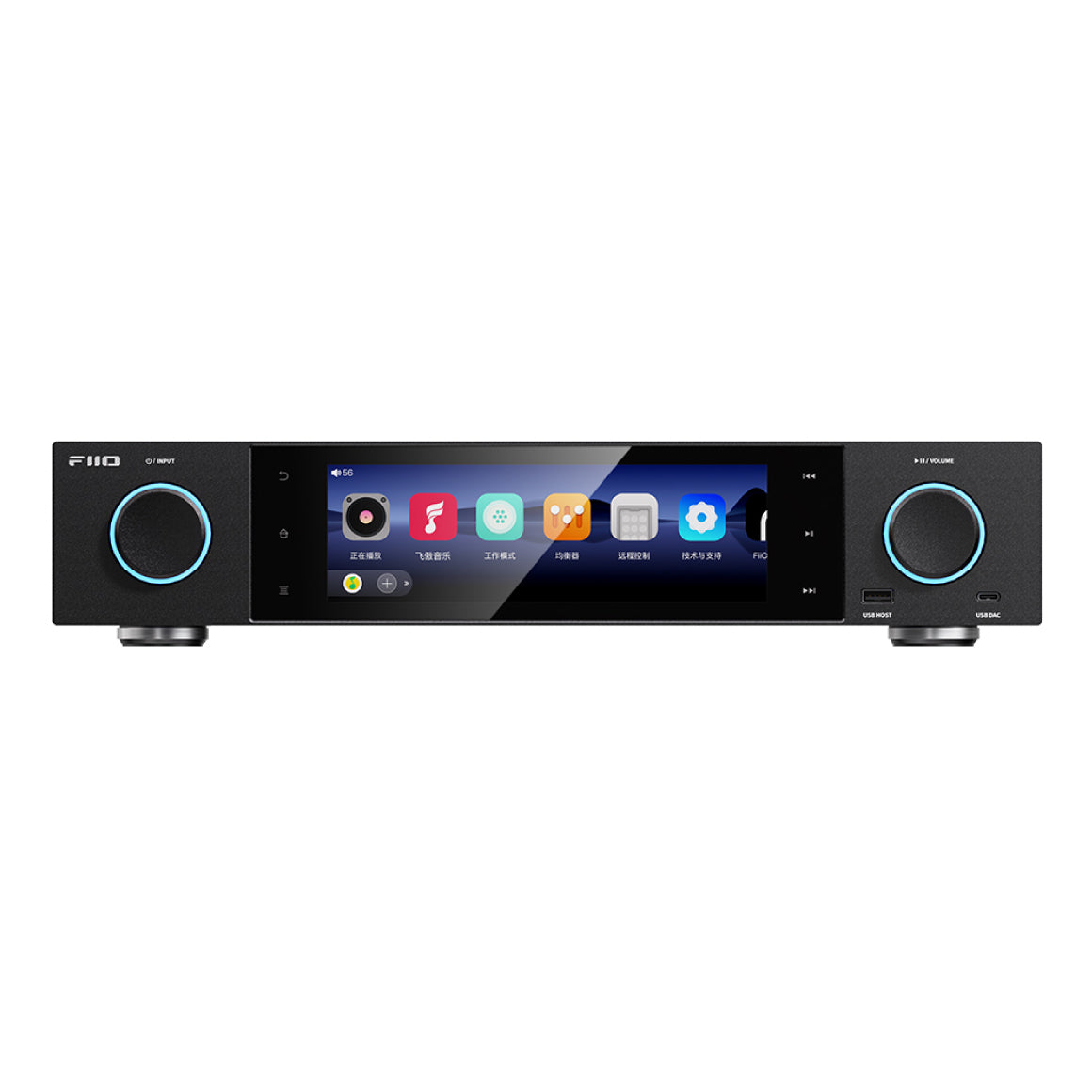
Equips Versatile 7.84-inch Display Screen With FiiO’s New OS Landscape Design
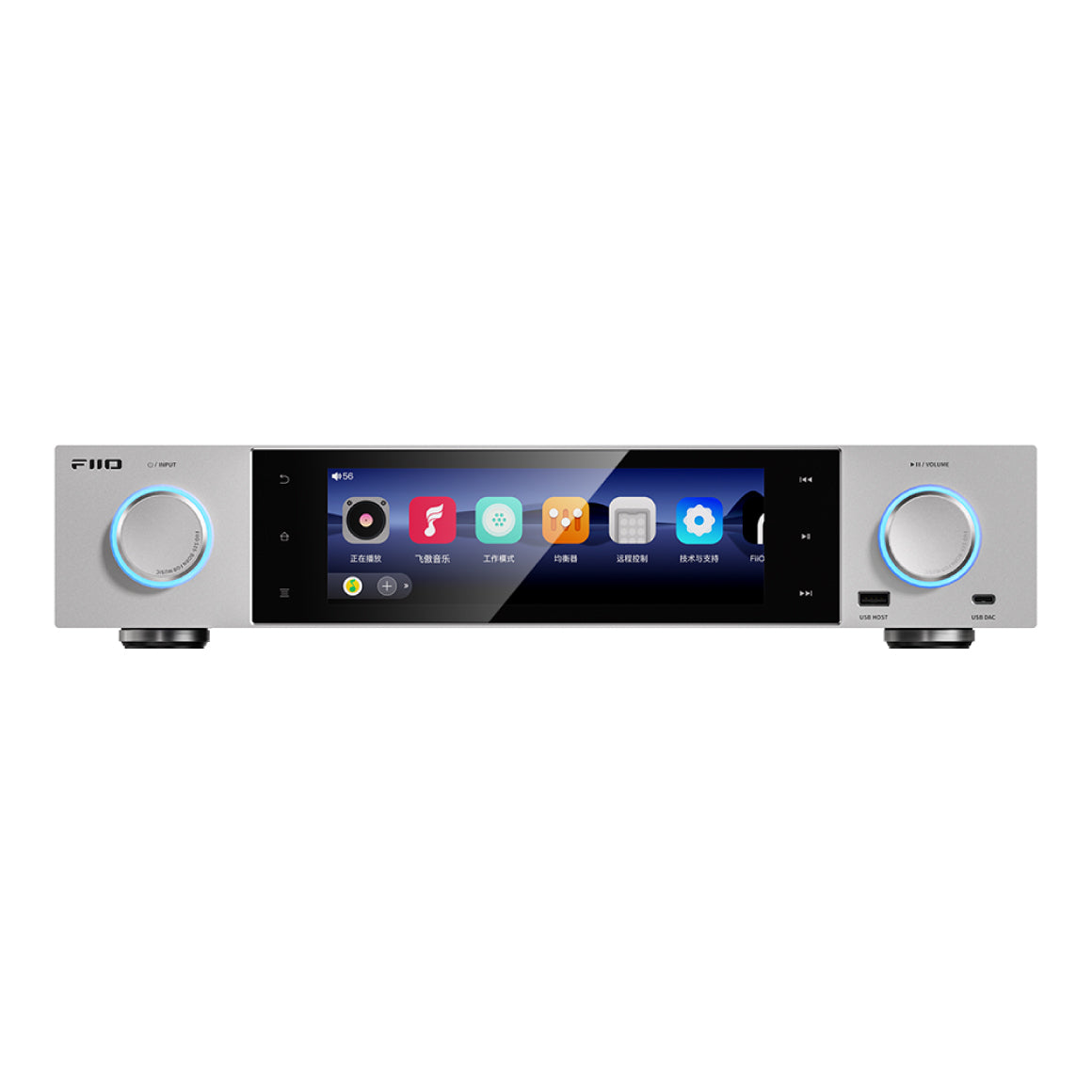
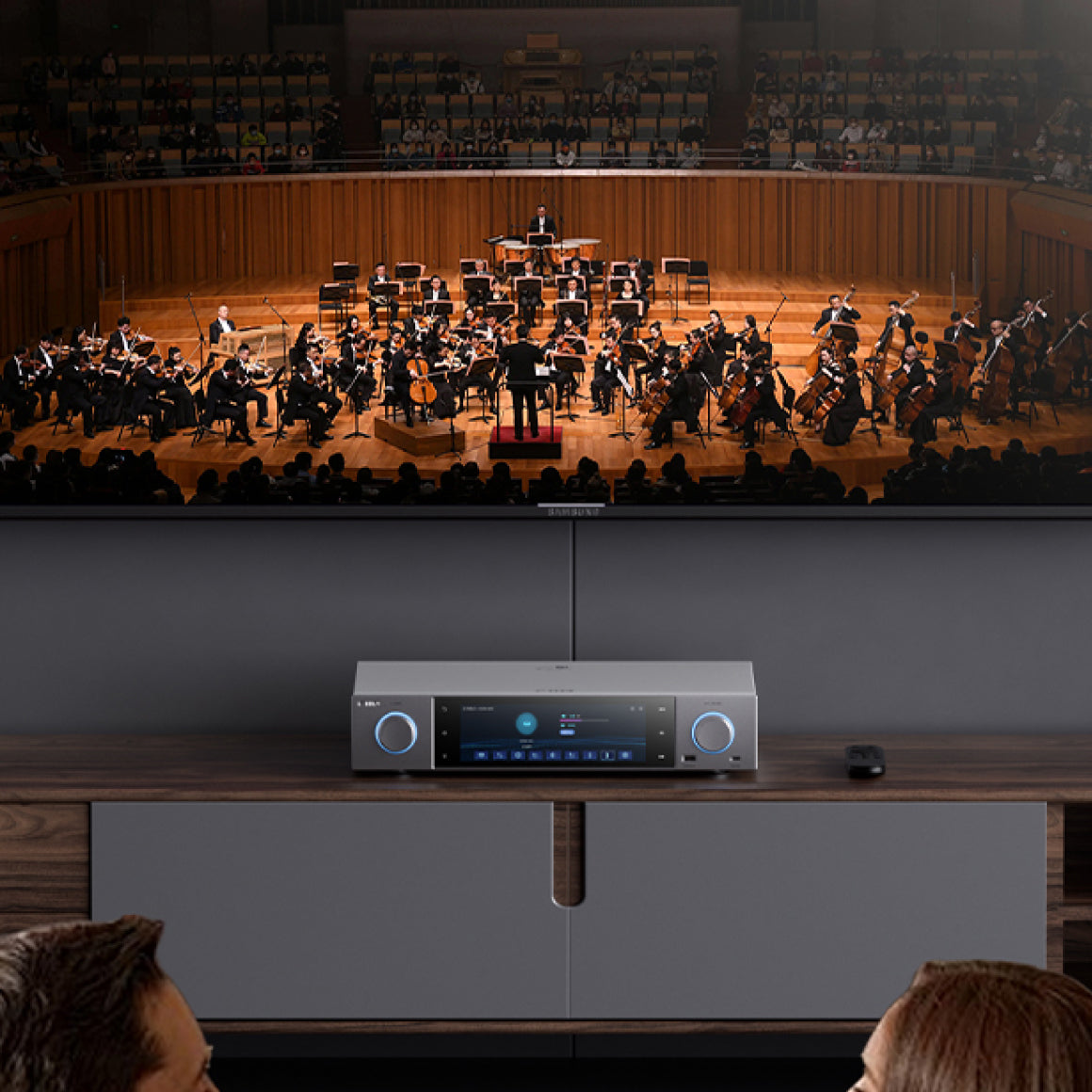
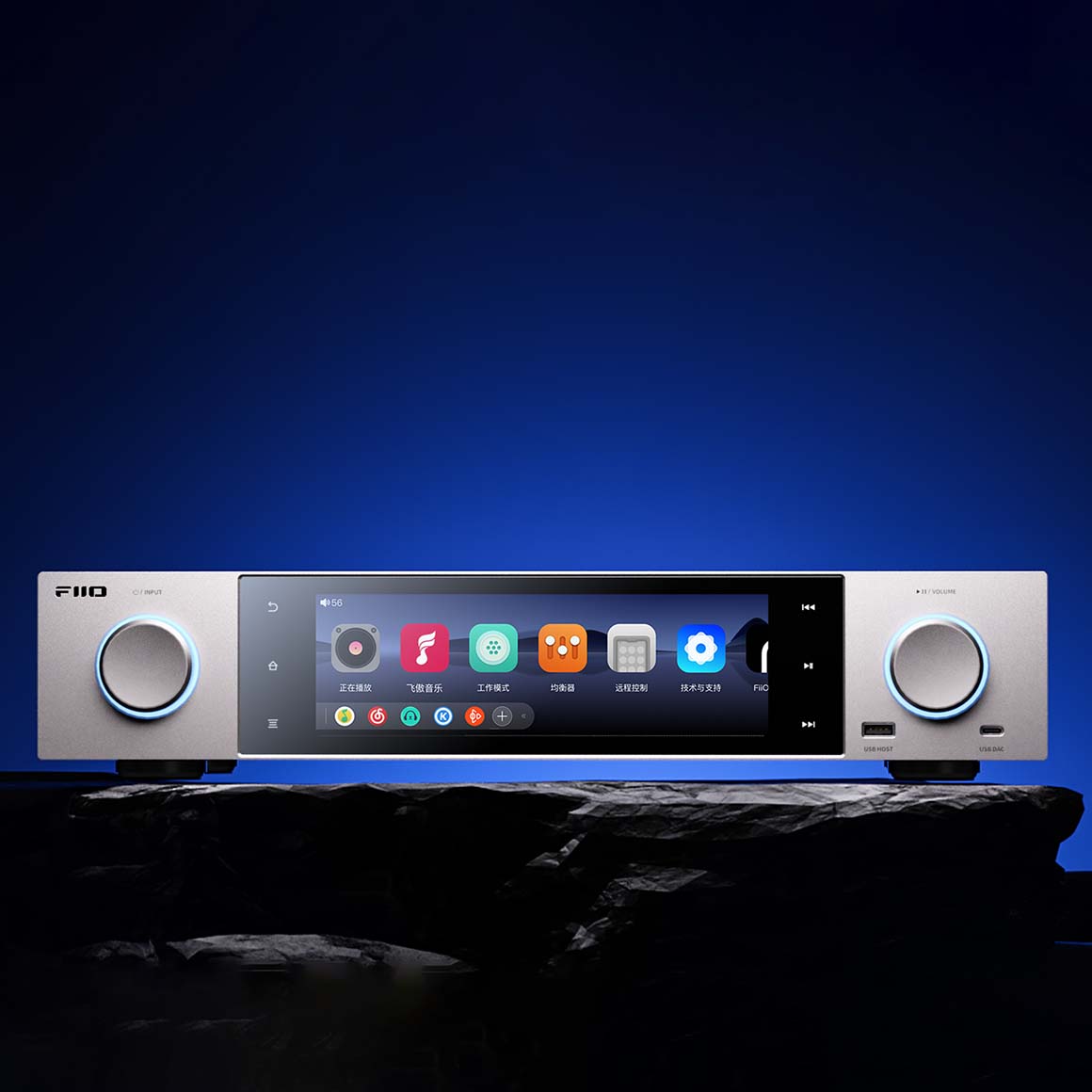
FiiO S15 features a 7.84-inch automotive-grade colour screen with a custom dual-screen interface, ensuring an intuitive and smooth user experience. It equips FiiO’a’s new custom landscape display system, offering visual effects for an immersive experience. S15 combines a custom Android 12 build for a clean display with intuitive functionality for easy convenience. It also features customisable home screen that allows you to edit the home screen layout. The display screen features a virtual control buttons on the display screen to access functions like return/return to home/operating mode/previous track/play and pause/next track for easy access to features. It supports app-based remote control and Bluetooth remote through the FiiO’s companion app and you can freely edit the layout as you prefer. NOTE: To download the FiiO companion App, click here for Android & iOS
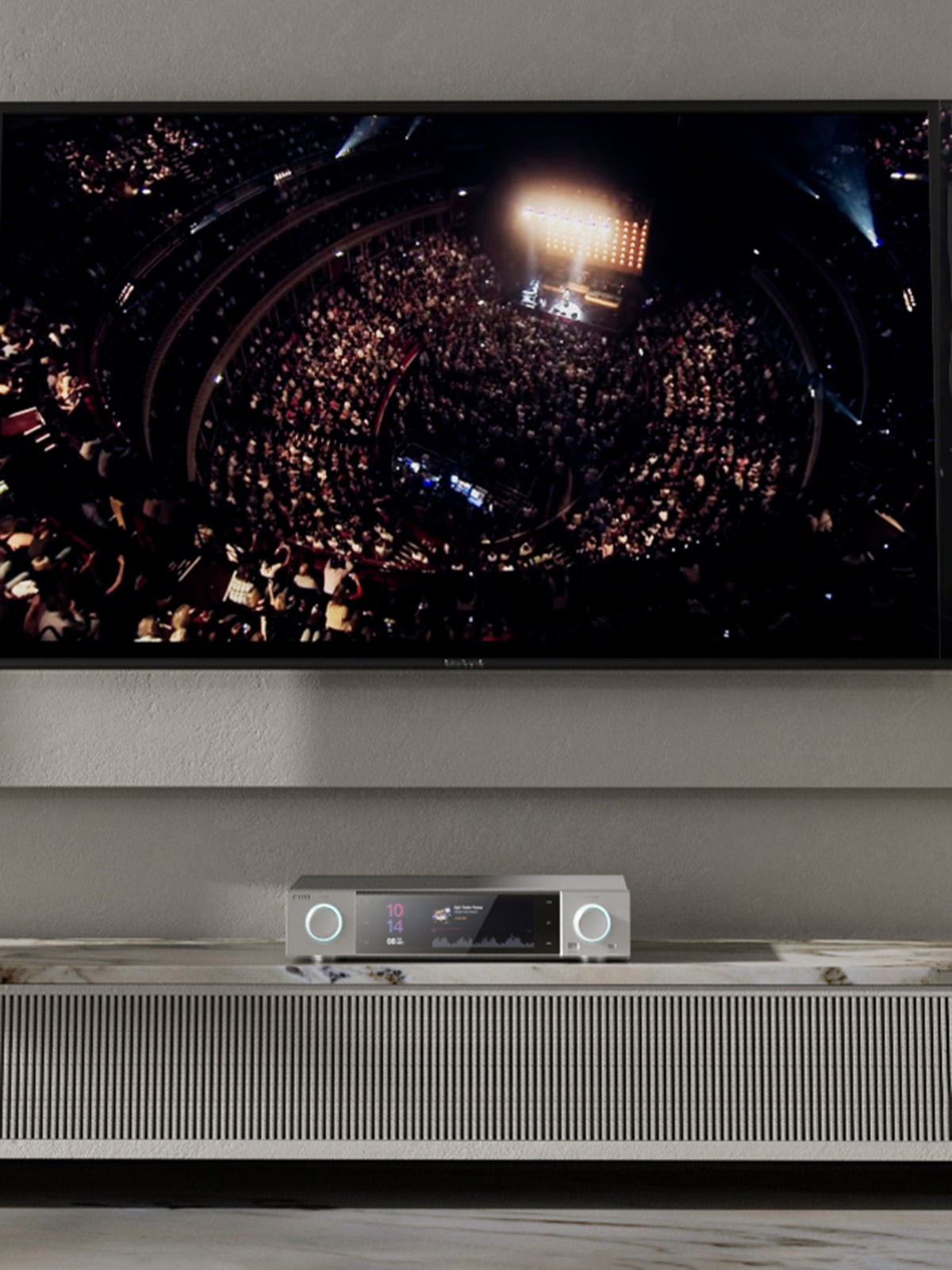
Meticulously Designed With a Metal Body For Durability & Comes With A Smart Remote
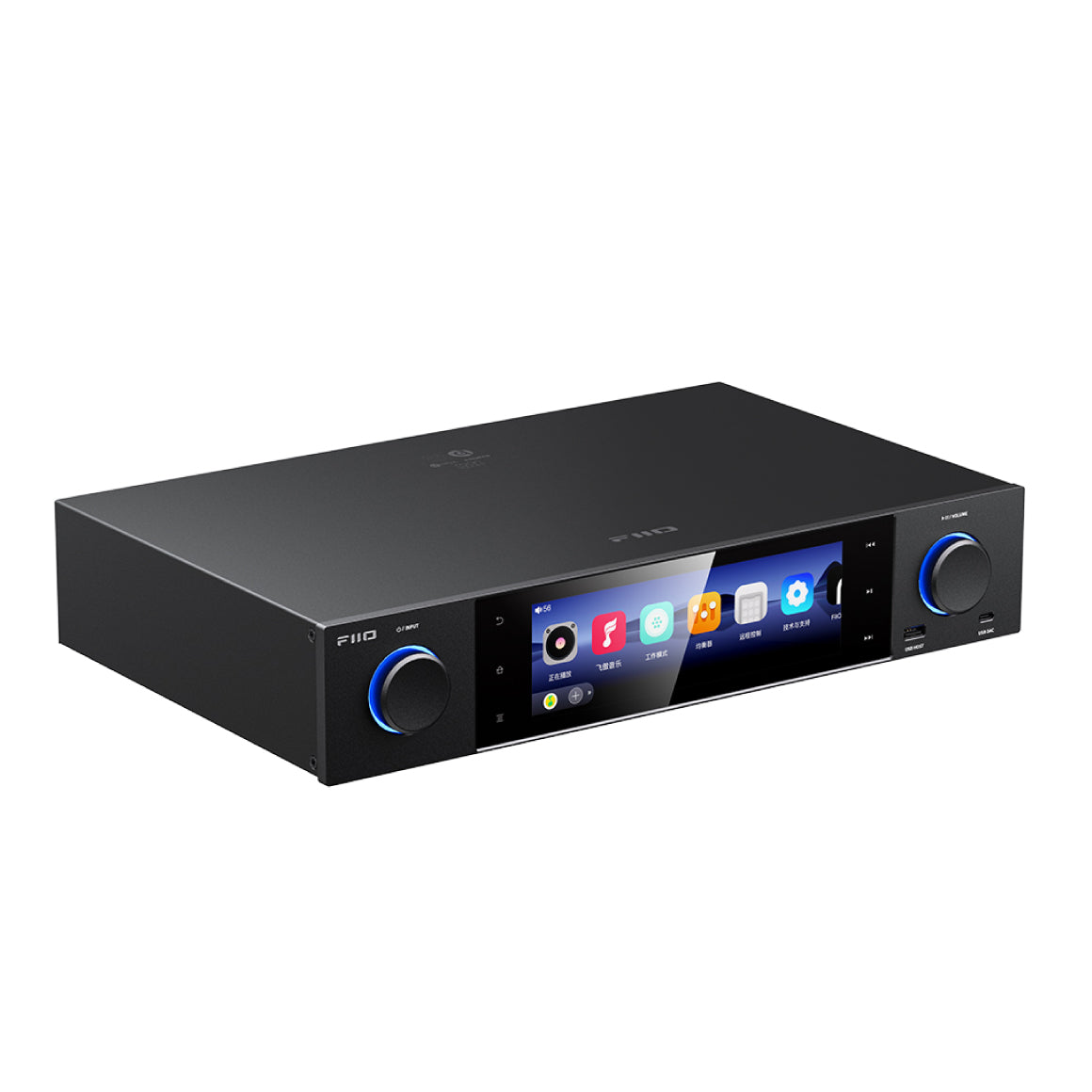
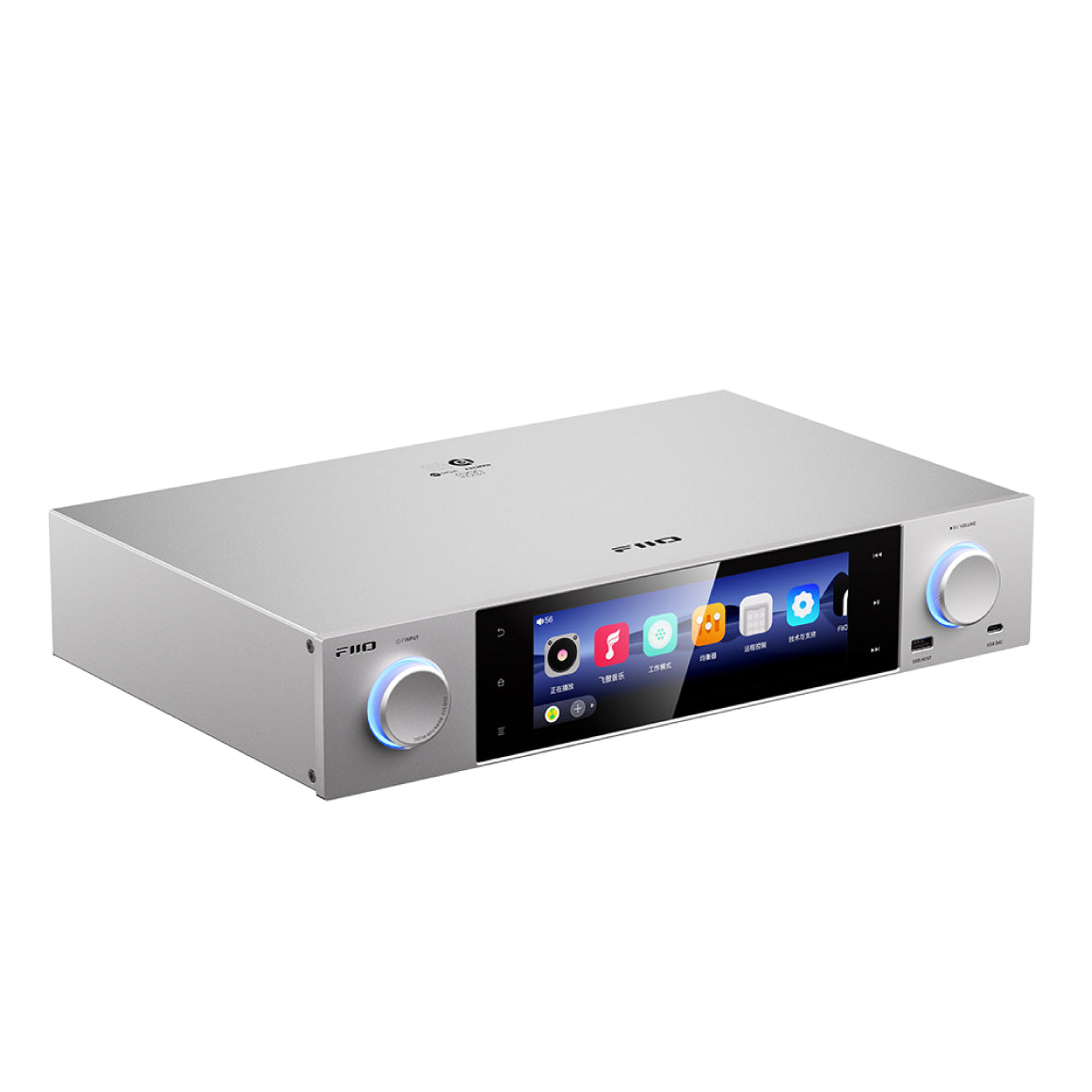
FiiO S15 is meticulously designed with a metal body weighing up to 5kg and with a width of 430mm. The high-quality material ensures durability and stability and prevents vibration-induced sound degradation. It comes with a smart Bluetooth remote that allows for quick access to features for an effortless experience.
All You Need To Know About The FiiO S15
Hardware solution
Master control : Qualcomm Snapdragon 660 DAC : AK4191+AK4499EXUSB decoding : XU316 Bluetooth : QCC5125 (reception)
Work mode
Android Mode / Pure Music Mode / USB DAC Mode / Bluetooth Receiving Mode / AirPlay Mode / Coaxial Decoding Mode / Roon Ready / Optical Decoding Mode / HDMI IN Mode , HDMI ARC Mode and AES Decoding Mode
RAM
4GB
ROM
64GB / About 46GB Available
Storage Card
Single MicroSD Card Expansion, Supports Up to 2TB in Theory
M.2 Portable Hard Disk
Supports 2TB And Above
Channel Balance
L20~R20 (each for 0.5dB)
Buttons And Ports
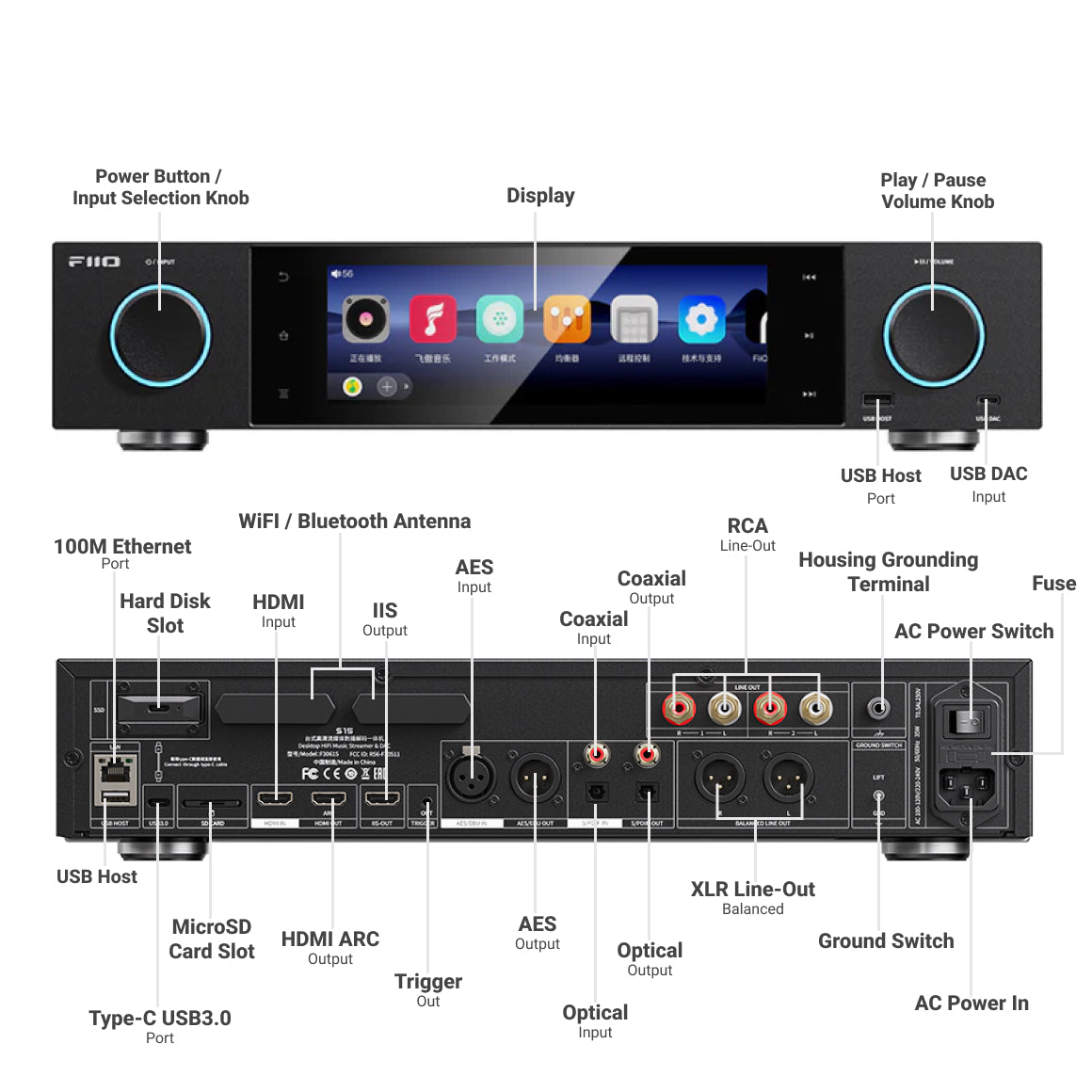
Knob : Encoder Knob (including volume adjusting)*1 + Output Selection Knob (including power on/off)*1 USB : Type-C USB3.0*1+USB A*2 (data transfer) Grounding Terminal : M6x23mm Grounding Terminal Toggle Switch : Ground Selection Switch*1 Balanced Line-Out PortXLR3 Balanced Port Single-ended Line-Out Port : RCA Port*2 Digital Optical Input Port : Optical Port Digital Coaxial Input Port : RCA Port Digital Optical Output Port : Optical Port Digital Coaxial Output Port : RCA Port AES Input Port : XLR3 Balanced Port AES Output Port : XLR3 Balanced Port TRIGGER Port : Standard 3.5mm Headphone Port (TRIGGER OUT Port*1) HDMI Port : HDMI IN Port*1, HDMI OUT(ARC) Port*1 Ethernet Port : 100M Ethernet Port I2S Port : HDMI I2S Output Port*1
Special Functions
WiFi : 2.4GHz / 5GHz, Supports DLNA, AirPlay, WiFi Song Transfer, Roon Ready, etc. Bluetooth Transmission (5.0) : AAC / SBC / aptX / aptX HD / LDAC / LHDC Bluetooth Reception (5.1) : SBC / AAC / aptX / aptX LL / aptX HD / aptX Adaptive / LDAC FIIO Link : Android Supports WiFi and Bluetooth Control, iOS Supports Bluetooth Control HDMI Ecoding : Supports Audio Decoding for DVD / Set-top Box / Computer HDMI ARC : Supports Audio Decoding For Devices With ARC Function HDMI I2S : Supports Audio Decoding For Devices With I2S InputAll to DSD : Supported EQ Adjustment : 10-Band Dynamic EQ Adjustment (±12dB), Built-in 8 Preset EQ, Supports Self-Define EQ MQA : Supports Full Decoding Operating Mode : Supports Gesture Navigation, Two-Button Navigation And Three-Button Navigation Max. Supported Sampling Rate : USB DAC : Up to768kHz/32bit; DSD512 (Native) Native Decoding : Up to384kHz/32bit; DSD256 (Native) USB Audio : 768kHz/32bit; DSD512 (Supports DoP/D2P/Native) Coaxial In Decoding : Up to 192kHz/24bit AES In Decoding : Up to 192kHz/24bit Optical In Decoding : Up to 96kHz/24bit Coaxial Out : Up to 384kHz/24bit; DSD128 (D2P/DOP) AES Out : Up to 384kHz/24bit; DSD128 (D2P/DOP) Optical Out : Up to 192kHz/24bit HDMI In : Up to 192kHz/24bit HDMI Out : Up to 192kHz/24bit Bluetooth Codec Indicator (Knob Indicator Light) : Blue : SBC Cyan : AAC Purple : aptX/aptX LL Yellow : aptX HD White : LDAC Green : aptX Adaptive Orange : LHDC Cyan : SQ Yellow : HR Green : DSD Magenta : MQA Sampling rate indicator (knob indicator light) : Blue : Lossy Cyan : SQ Yellow : HR Green : DSD Magenta: MQA Screensaver : Supported Firmware Upgrade : Supports Upgrade Through Local Storage + microSD card + OTA Double Tap to Wake Up : Supported
Power Supply Parameters
Supports AC 110~120V/220~240V 50/60Hz; 230V and 115V Input Level Switch
Parameters of pre XLR out (XLR3 out, USB DAC/Optical/Coaxial/AES Decoding)
THD+N : <0.00023% (1kHz/0dB@10KΩ) SNR : ≥131dB (A-weighted) Crosstalk : ≥126dB Noise Floor : <2.6uV (A-weighted) Frequency Response : 20Hz~70kHz: attenuation<2.8dB 20Hz~20KHz: attenuation<0.3dB Line Output Level : 8.9Vrms
Parameters of Pre RCA Out (RCA out, USB DAC/Optical/Coaxial/AES decoding)
THD+N : <0.00026% (1kHz/-0dB@10KΩ) SNR : ≥128dB (A-weighted) Crosstalk : ≥120dB Noise Floor : <1.8uV (A-weighted) Frequency Response : 20Hz~70kHz: attenuation<2.8dB 20Hz~20KHz: attenuation<0.3dB Line Output Level : 4.5Vrms
Parameters of XLR Out (XLR3 out, USB DAC/Optical/Coaxial/AES decoding)
THD+N : <0.00026% (1kHz/-0dB@10KΩ) SNR : ≥126dB (A-weighted) Crosstalk : ≥120dB Noise Floor : <2.5uV (A-weighted) Frequency Response : 20Hz~70kHz: attenuation<2.8dB20Hz~20KHz: attenuation<0.3dB Line Output Level : 4.8Vrms
Parameters of RCA Out (RCA out, USB DAC/Optical/Coaxial/AES decoding)
THD+N : <0.00027% (1kHz/-0dB@10KΩ) SNR : ≥122dB (A-weighted) Crosstalk : ≥117dB Noise Floor : <1.8uV (A-weighted) Frequency Response : 20Hz~70kHz: attenuation<2.8dB 20Hz~20KHz: attenuation<0.3dB Line Output Level : 2.4Vrms
Display
7.84-inch (400*1280) Bezel-Less Display
Weight
About 5647g
Volume Control
Volume Knob
Color
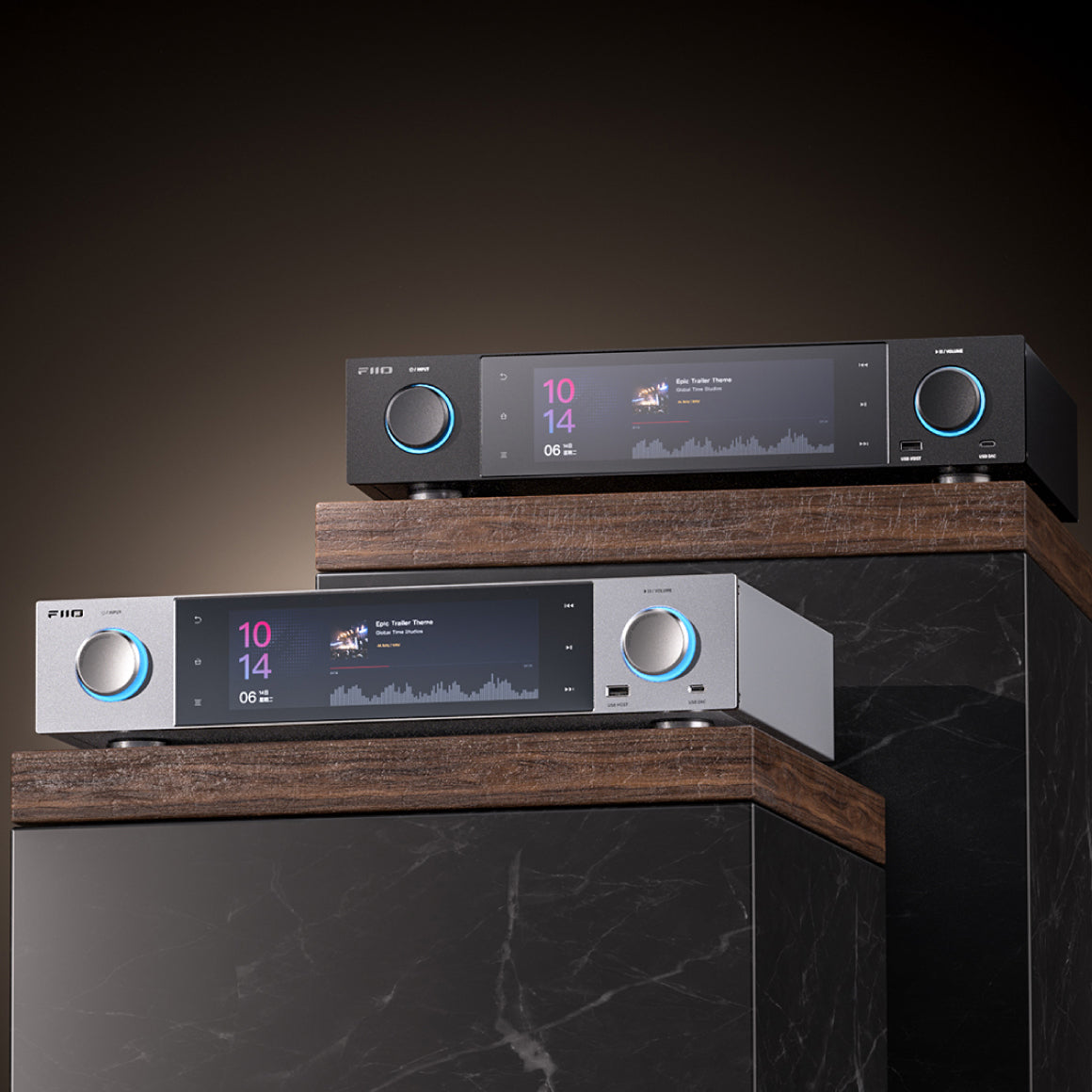
Black / Silver
Box Contents
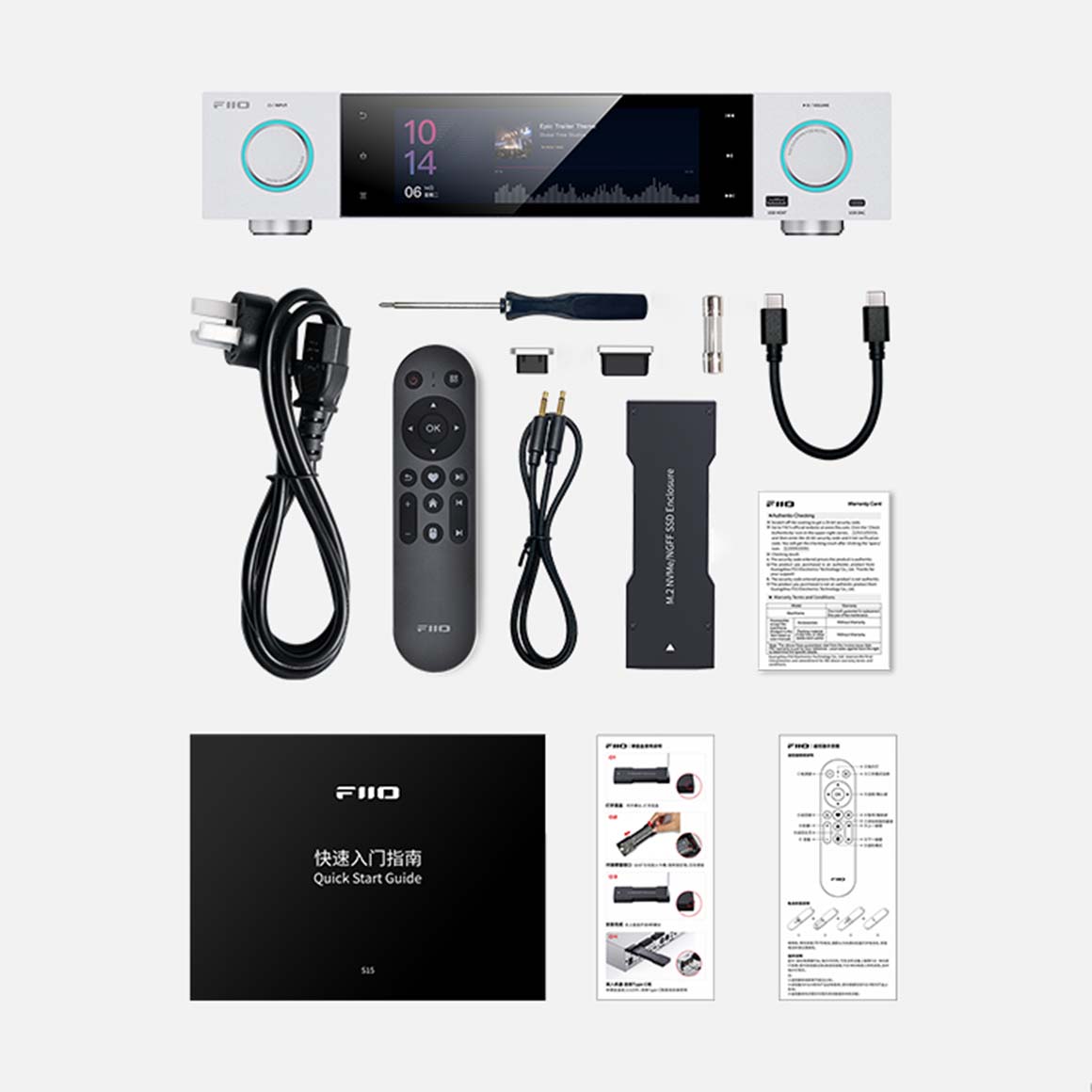
1. FiiO S152. HDD Cage Data Cable Supporting 3.0*13. Spare Fuse*14. HDD Cage Installation Screwdriver*15. USB-A Dust Plug*16. USB-C Dust Plug*17. AC Power Cord*1 8. Bluetooth Remote*1 9. 3.5mm Audio Cable*110. M.2 HDD Cage*111. Warranty Card*1 12. Quick Start Guide*113. HDD Cage Instruction Manual*114. Remote Control Diagram*1
Have a question? Get in touch!
Check out the most common questions our customers ask. Still have questions? Talk to our Headphone Gurus.

Our customer support is available Monday to Friday: 11am-6pm.
What is the warranty period on the FiiO S15 and how do I claim warranty?
The warranty period on FiiO S15 is for 1 year. To read more information click here.
How to upgrade the firmware of FiiO S15?
The S15 supports Online Upgrade and Local Upgrade. 1. Online Upgrade If a new firmware is available and can be detected (with the S15 connected to the internet), an upgrade notification will appear in the notification center. Tap it to enter the update menu for the online upgrade. If there's no upgrade notification showing up, go to Technical Support → Firmware Upgrade and tap Check for update availability to check manually. 2. Local Upgrade The S15 can also be upgraded locally by using a firmware package: Download the firmware package file from the FiiO website. Copy it to the internal storage of the S15 or an SD card. Go to Technical Support → Firmware Upgrade → Local Upgrade and select the firmware package file to start the upgrade. Notes: Do not unzip the firmware package file. If the device enters factory mode and cannot detect the firmware, the firmware file may be damaged. In this case, press the power button to reboot the device, re-download the firmware file, and restart the upgrade. Note: The remote control-related optimizations require use with FiiO Control 3.43 version (click here) or the latest iOS version of FiiO Control. Please update the FiiO Control App first. S15 FW1.0.4 Firmware Download Link: click here
How to access the storage/SD card after connecting the FiiO S15 to a computer?
Note: Only the Type-C port on the rear panel of the FiiO S15 supports file copying. For Windows computers, it is driver-free. After connecting the FiiO S15 to the computer by the included USB cable, the driver will be automatically installed. Then the FiiO FiiO S15 disk can be directly seen on the computer. Mac computers need a driver. 1.After connecting the FiiO S15 to the Mac computer, click the "NO NAME" folder emerging on the desktop->double click Mac->Mac/MAC OS MTP Client->Android File Transfer.dmg. Drag the "Android File Transfer.dmg" to the desktop of the computer. 2.Drag the "Android File Transfer" file to the "Applications" folder and wait for the completion of the copy. 3.Enter "Applications", and double click the "Android File Transfer". Then you can manage the files stored in the internal storage of the FiiO S15 or the Micro SD card. Notes: The FiiO S15 folder will directly pop up the next time it is being connected to the same computer.
How can I use the third party APP in FiiO S15?
The FiiO S15 is open Android system and supports almost all Android apps. And there are two methods to install third-party apps. Method 1, you can connect to WiFi and go to FiiO Market, Google Play or other apps market to download relevant apps and install them directly. Method 2, local installation, copy the downloaded APK to FiiO S15 from your computer, then go to the file manager to find the corresponding APK and click to install. How to log in to Apple Music APP? Since most apps are optimized for portrait mode and fewer are adapted for landscape mode, the default display size on the FiiO S15 does not allow the Apple Music login interface to fit. Please go to the Settings > Display menu to adjust the “Display Size” to “Small” to scroll and access the account login interface.
How to change the language?
1. Go to the menu of Settings->System->Languages and input->Languages. 2. Tap "Add a language" to choose the intended one. 3. Press the "=" icon on the right side and drag it to the first line to select the language successfully. Note: The language of the FIIO Music app defaults to follow the system's. You can also go to the FIIO Music app->ME>Languages/语言 to choose the language independently.
How to use the remote control function in FiiO S15?
1.The remote control function needs to be controlled by the FIIO Control app. Please make sure the app on your phone is the latest one. FiiO Control download link: click here. 2.Make sure the FiiO S15 and your phone are connected to the same LAN. 3.Tap the “FIIO Cast” icon on the homepage of the FiiO S15 and enter the homepage. You can select either “Resolution quality first” or “Fluency first” (the option is valid only on the same screen control). “Resolution quality first” is the default setting. Tap “Start” to enter the page of “Waiting for connection”. 4.Go to the FIIO Control app on your mobile phone, successively tapping Add a device->DAP to search for the corresponding device (or tap “Click for more ways to connect” on the bottom of the FiiO S15, and scan the QR code to connect). Connect them to enter the basic controlling page. On this page are some regular operations for the FiiO S15. Tap “same screen control” to remotely control the display of the FiiO S15. Same screen control Mobile phone screen and FiiO S15 screen synchronized display. Since the resolution of the cell phone and FiiO S15 are different, the display effect will be different. Both the mobile phone and FiiO S15 screen can operate. independent control Mobile phone screen adapts to the Android interface display and the FiiO S15 screen will not respond to the changes. The operating effect is same as the mobile phone operation. At this time the FiiO S15 can only be operated by the mobile phone.
Product Title