


FiiO - JM21
Hi-Res Digital Audio Player
₹ 18,999
Inclusive of all taxes
DELIVERY
Dispatches in 48 hours
RETURNS & WARRANTY
7 Day Replacement Guarantee
1 Year Warranty
FiiO Introduces Its All-New Hi-Res Digital Audio Player - The JM21
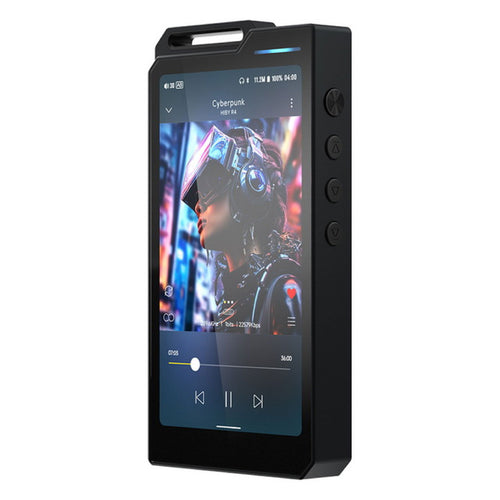
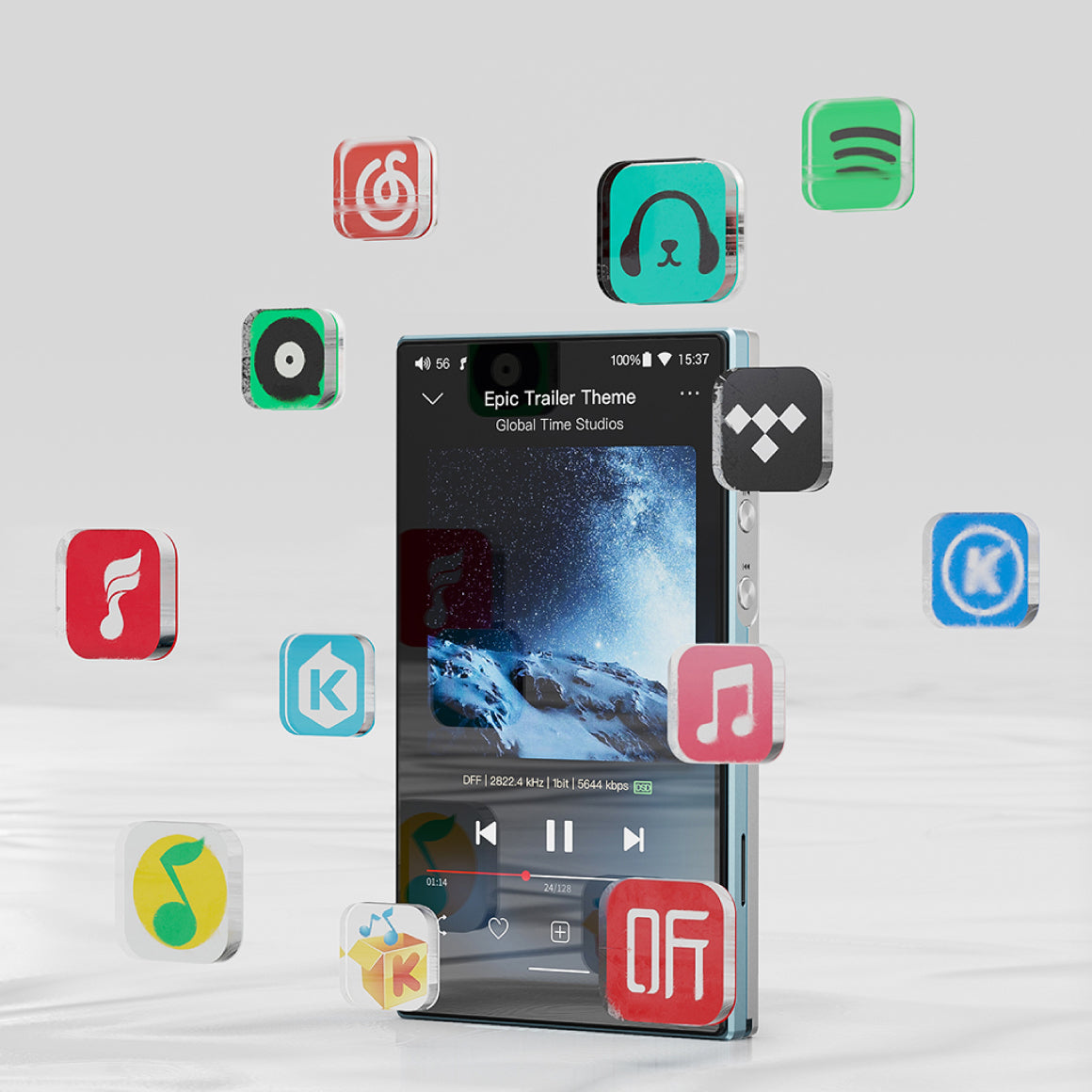
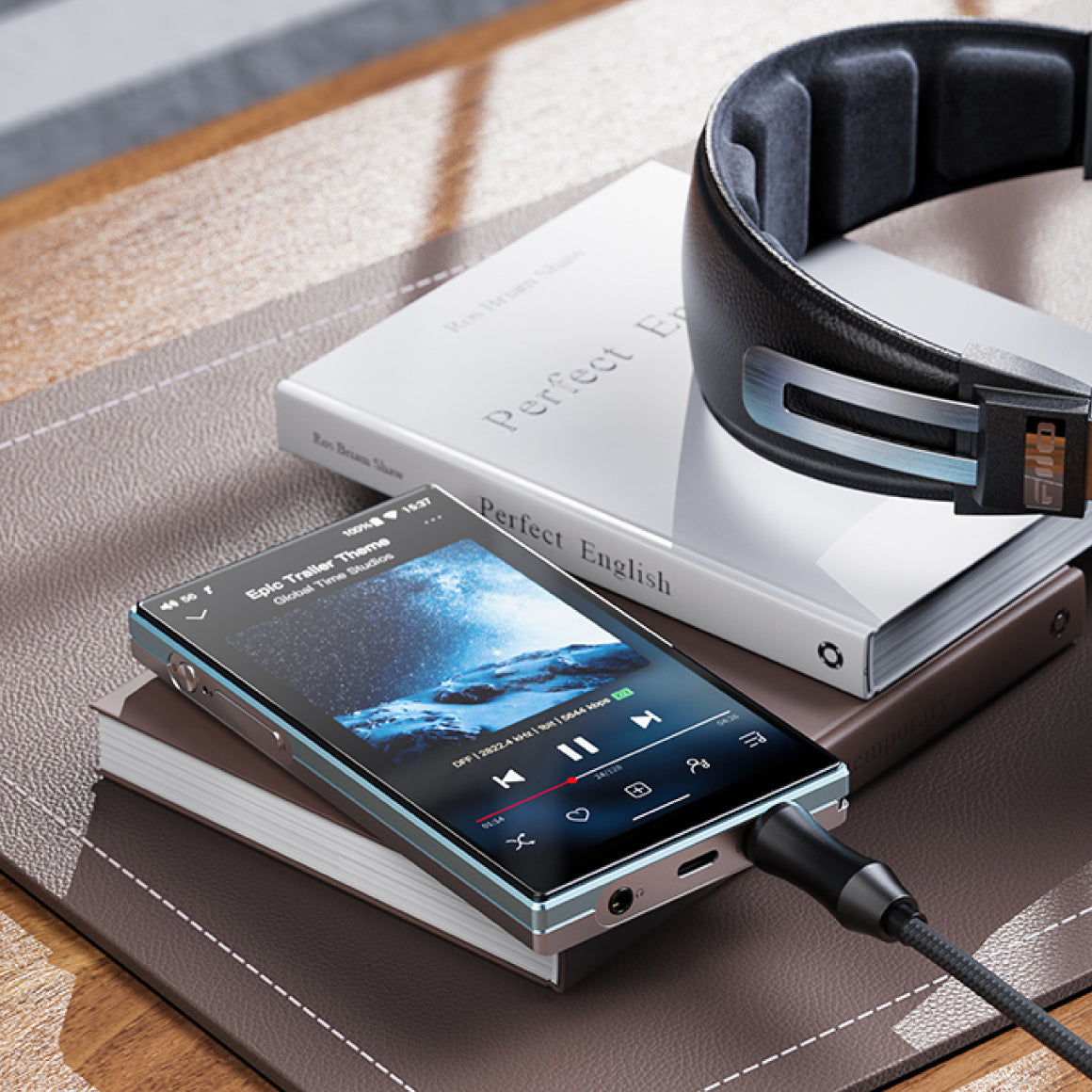
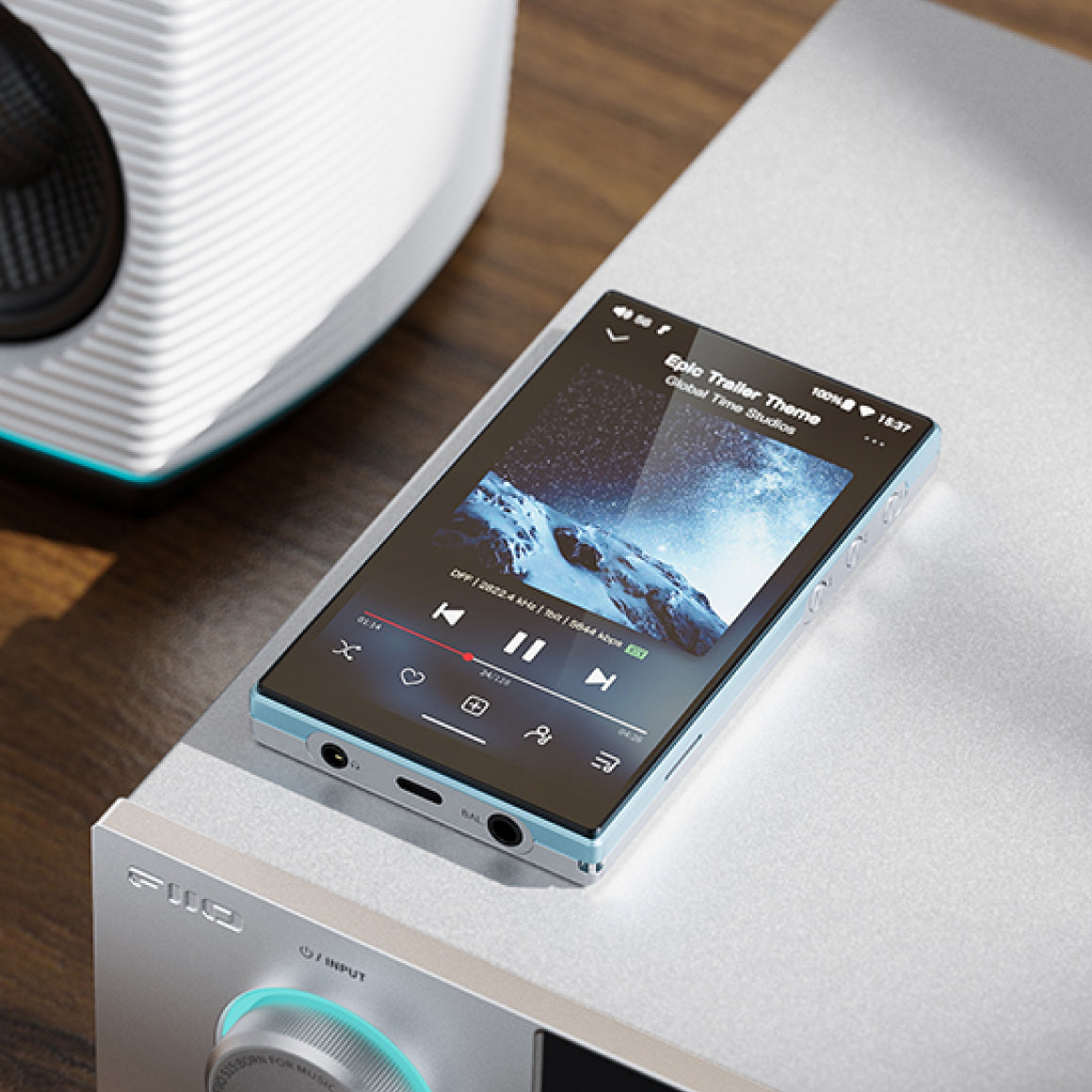
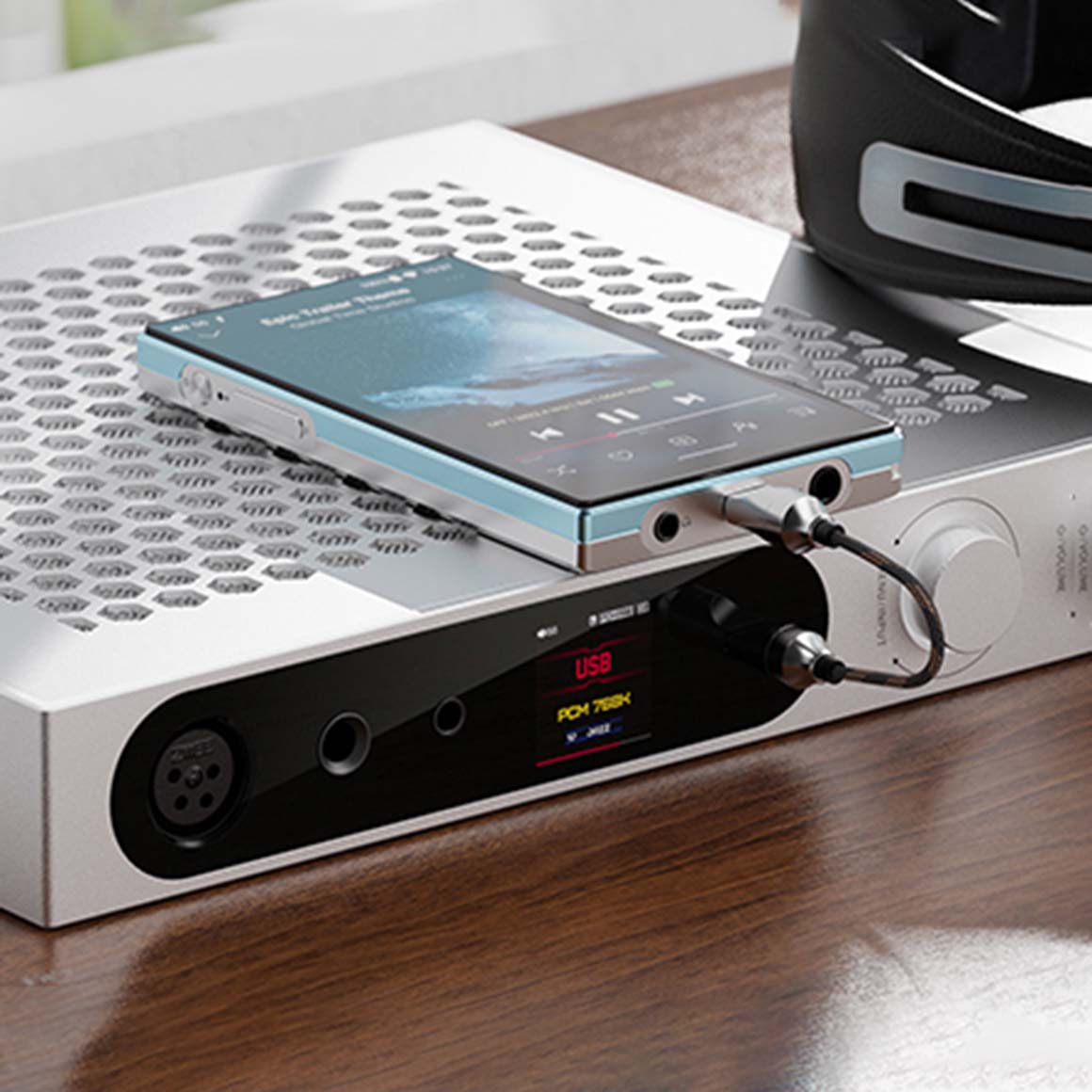
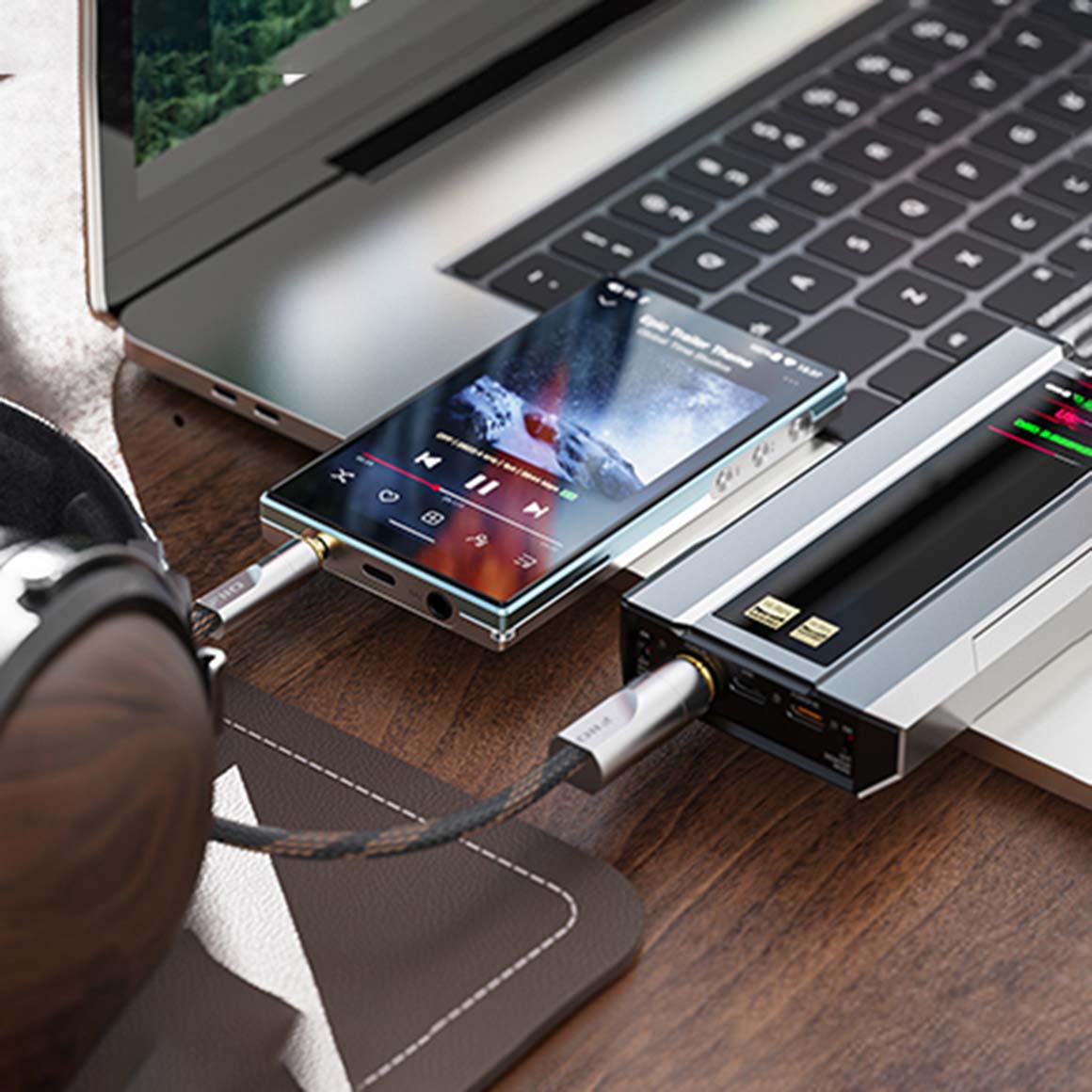
FiiO presents the JM21, a high-quality digital audio player featuring dual flagship ⚙️ CS43198 DAC chips from Cirrus Logic and high-performance SGM8262 op-amps to deliver exceptional sound clarity and balanced audio output with immersive dynamics. It is powered by a Snapdragon 680 processor and a custom Android 13 OS for seamless performance while supporting major music streaming platforms and local playback. The versatile connectivity options like ✂️ Bluetooth 5.0, USB DAC functionality and adjustable gain levels for diverse audio preferences. Its ultra-thin, lightweight design with a 4.7-inch HD touchscreen, offers unmatched portability and user-friendly operation.
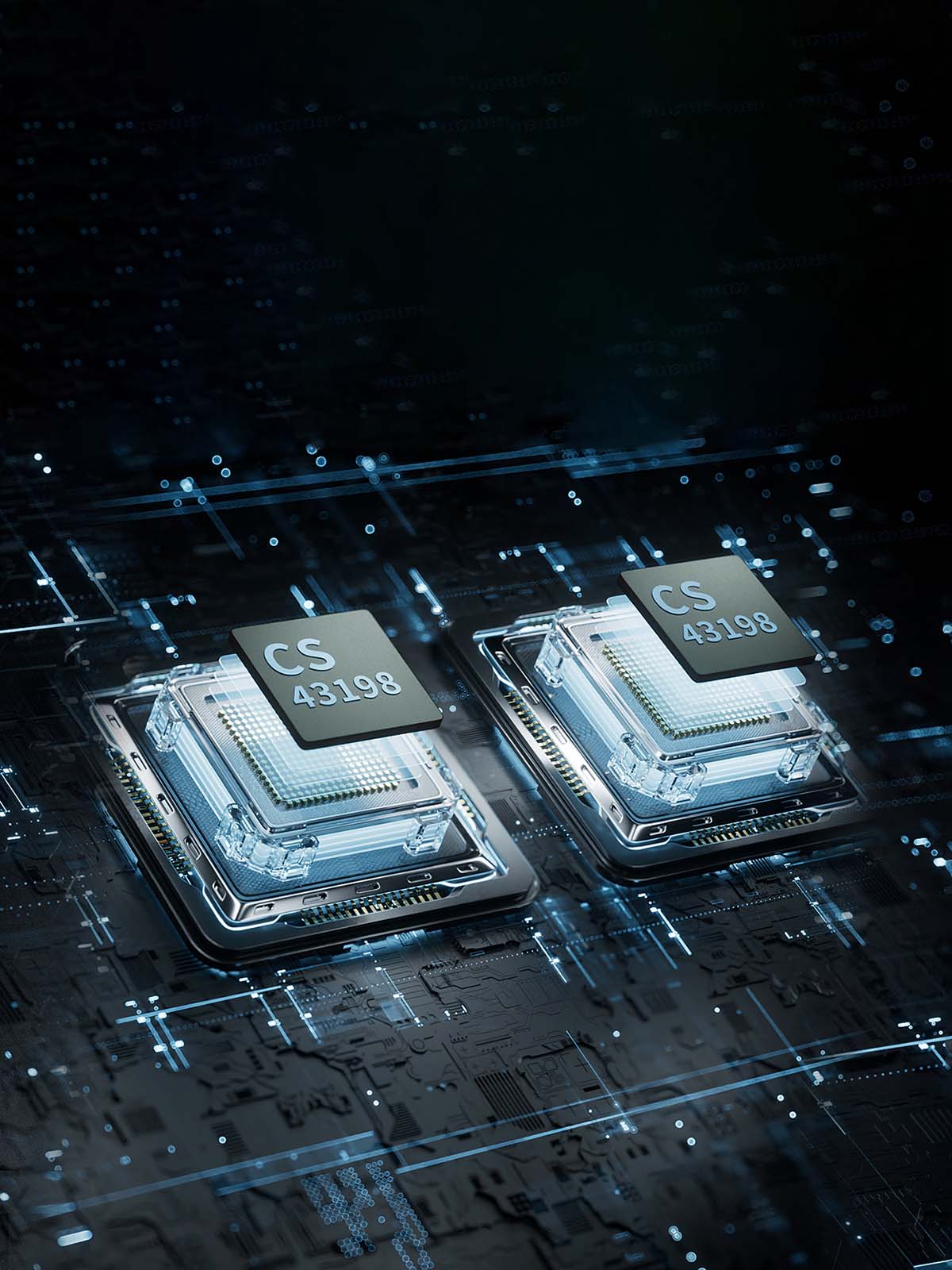
Features Dual CS43198 Flagship DAC Chips From Cirrus Logic For Accurate Decoding
FiiO JM21 features two Cirrus Logic flagship ⚙️ CS43198 DACs to deliver exceptional sound clarity and detail with high-resolution audio decoding. Their fully balanced design reduces noise and distortion, enhancing audio purity and dynamics. They support various sampling rates, ensuring compatibility with high-quality music files. This configuration provides an immersive listening experience ideal for audiophiles.
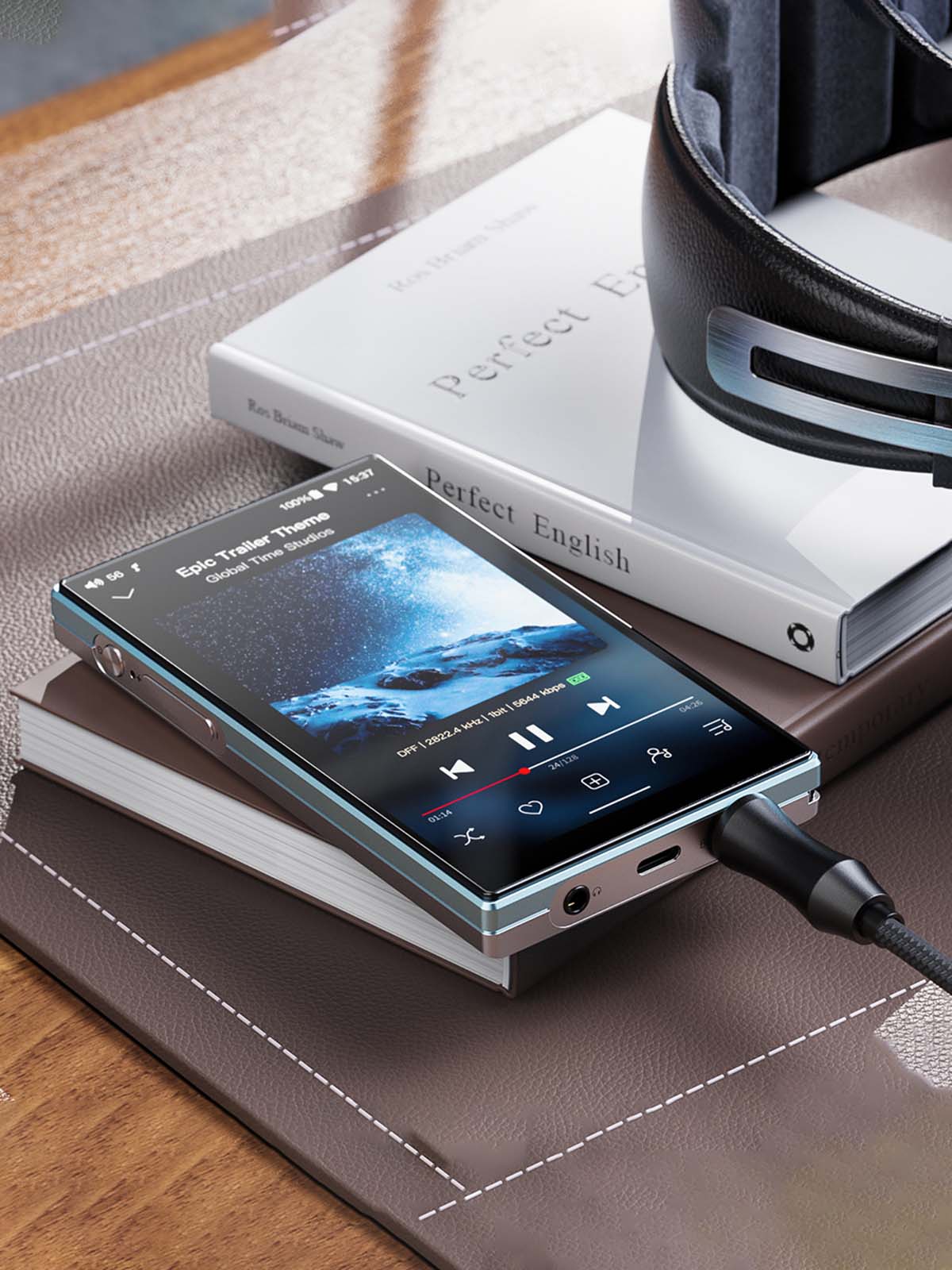
Equips Two High-Performance SGM8262 Op-Amps With High Power Output
FiiO JM21 houses two high-performance SGM8262 op-amps to deliver exceptional audio performance with a 🚀 power output of 700mW 700mW@32Ω. It delivers THD+N<1% and a fully balanced output for an immersive music listening experience. It offers easy drivability with various headphones and provides high-quality audio output.
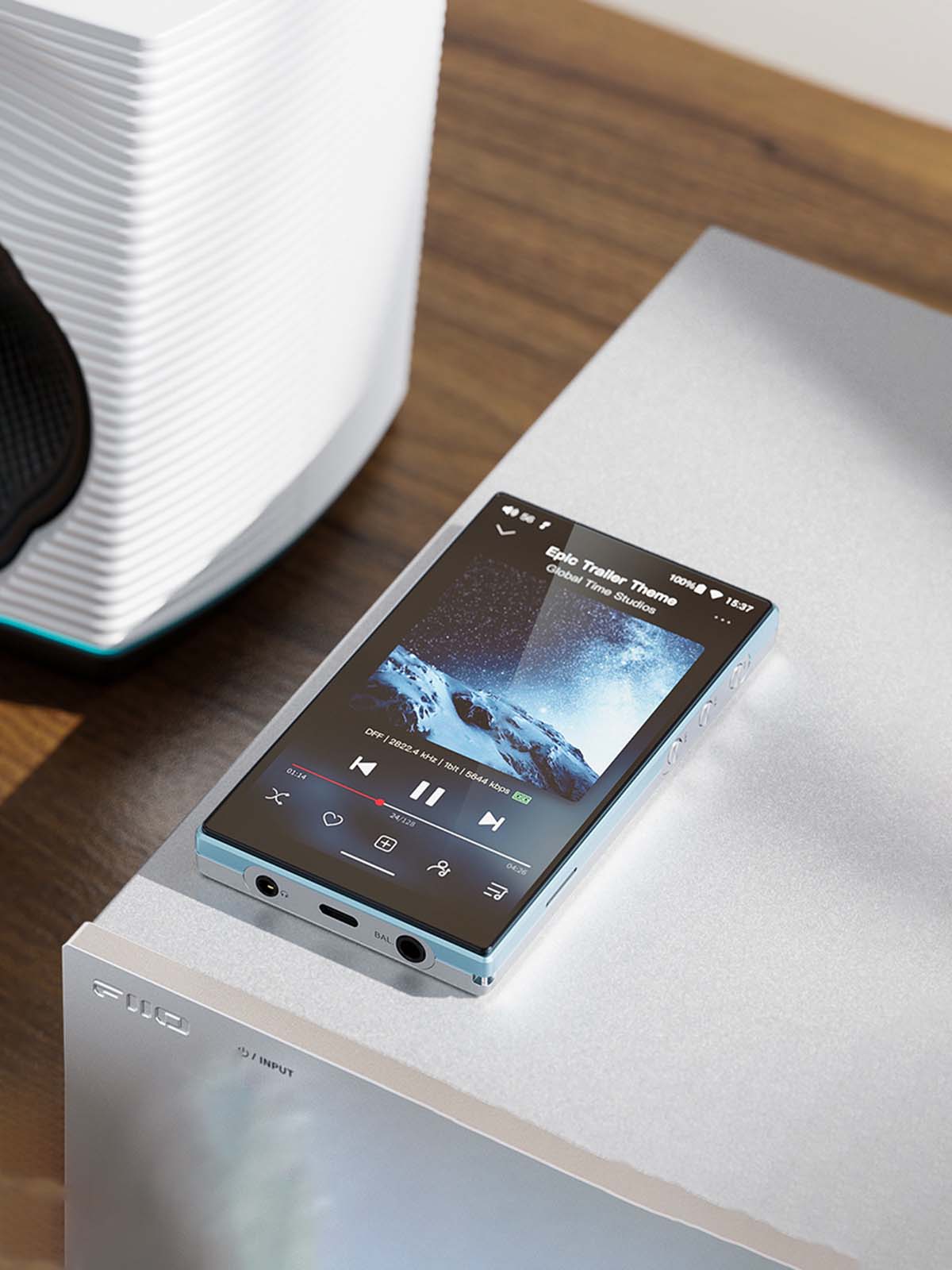
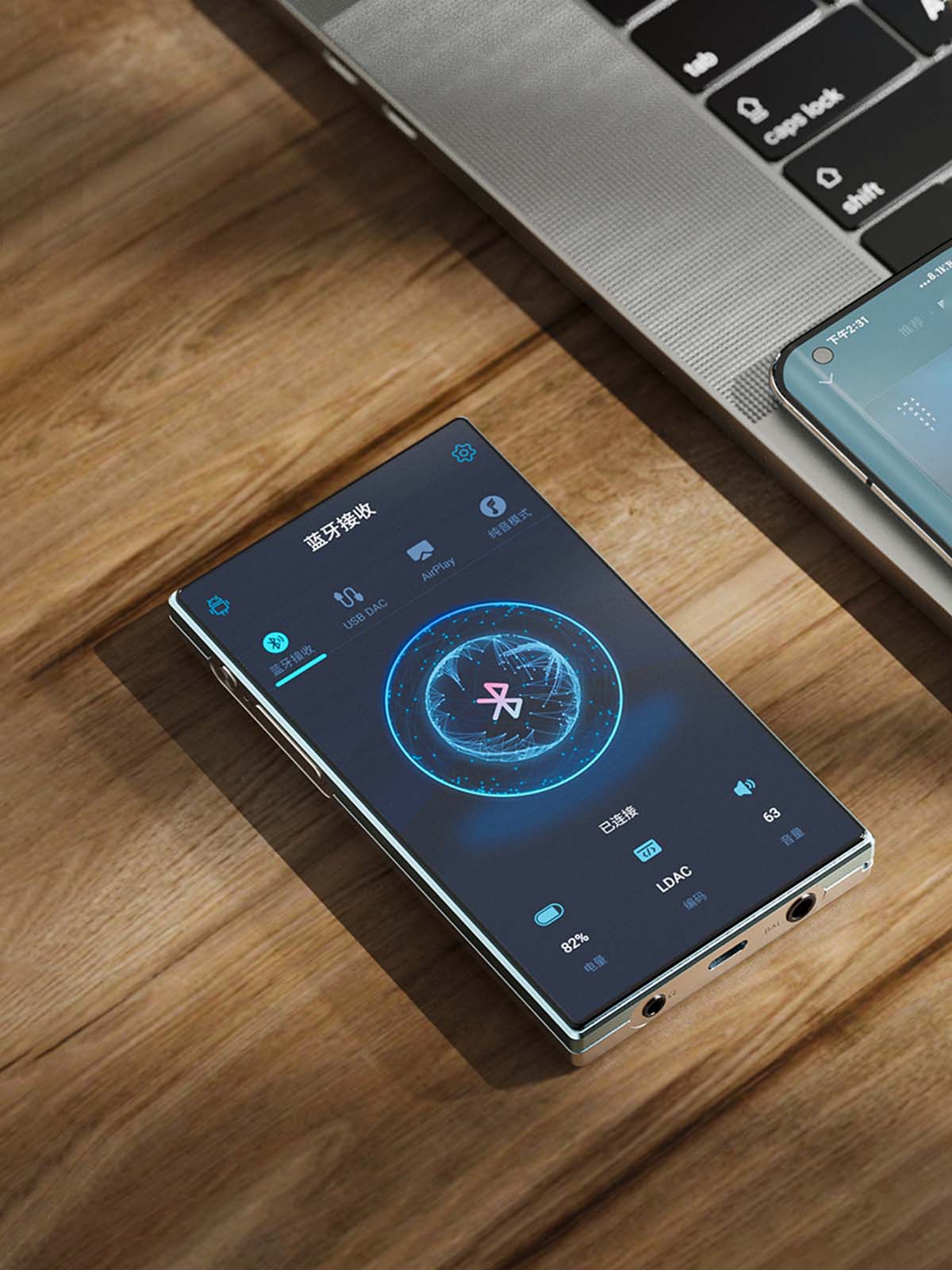
Versatile Connectivity Via Bluetooth, Headphone Outputs And USB DAC
Note that this mode is best suited for audio applications and may not be ideal for video playback due to slightly higher latency.
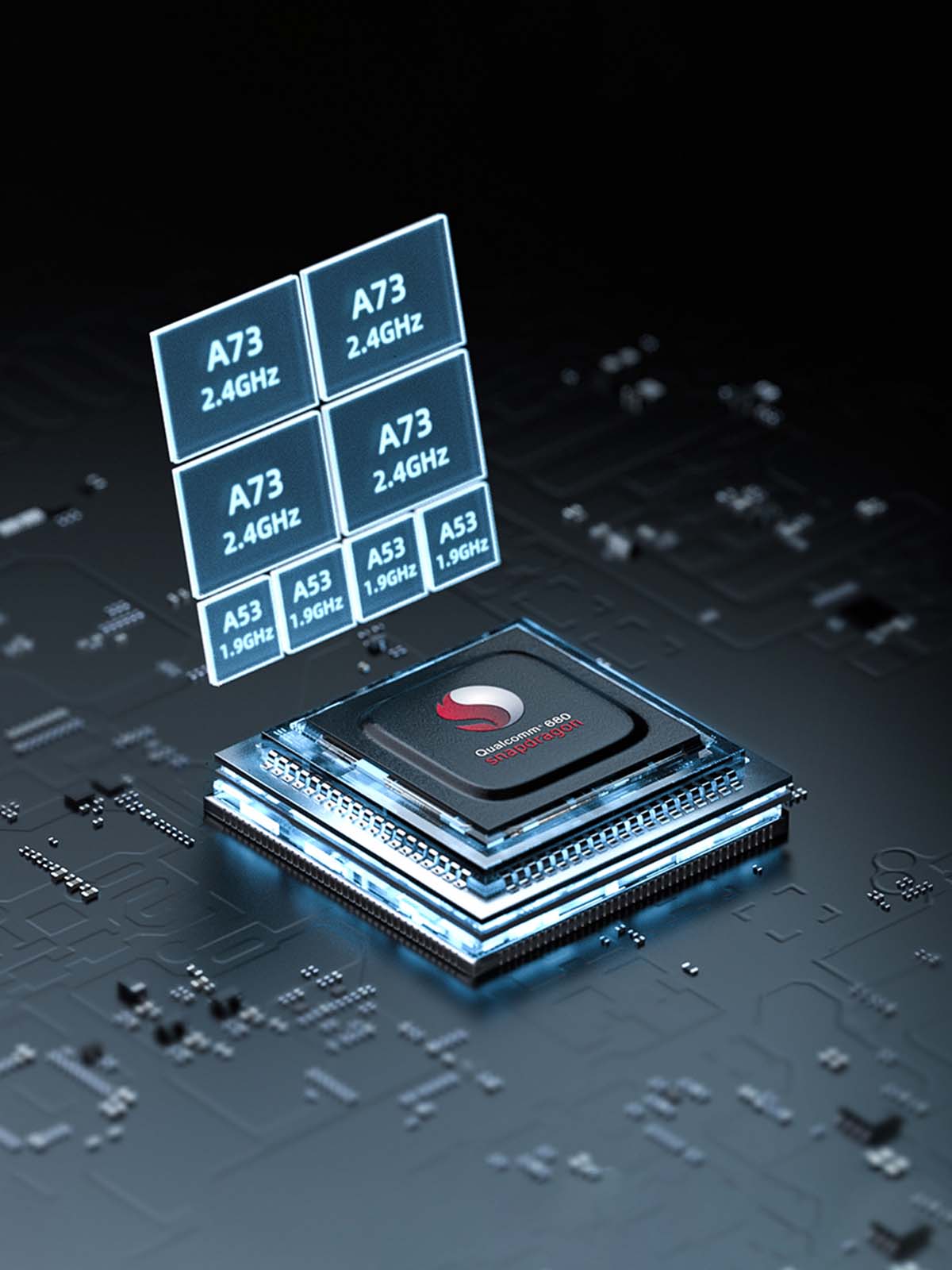
Embeds Snapdragon 680, 5th Gen FPGA & Femtosecond Crystal Oscillators For Seamless Performance
FiiO JM21 employs a 5th-generation FPGA paired with dual 10ppm low-temperature drift crystal oscillators with ceramic gold-plated bases and ultra-low phase noise. These custom crystal oscillators are screened at the femtosecond level to ensure consistent and stable output. The high-precision, low-jitter unified clock source ensures that digital audio signals are handled carefully through the audio circuit. It houses a Qualcomm Snapdragon 680 processor featuring eight Kryo™ 265 architecture and clock frequencies up to 2.4GHz with a 6nm fabrication process for higher performance.
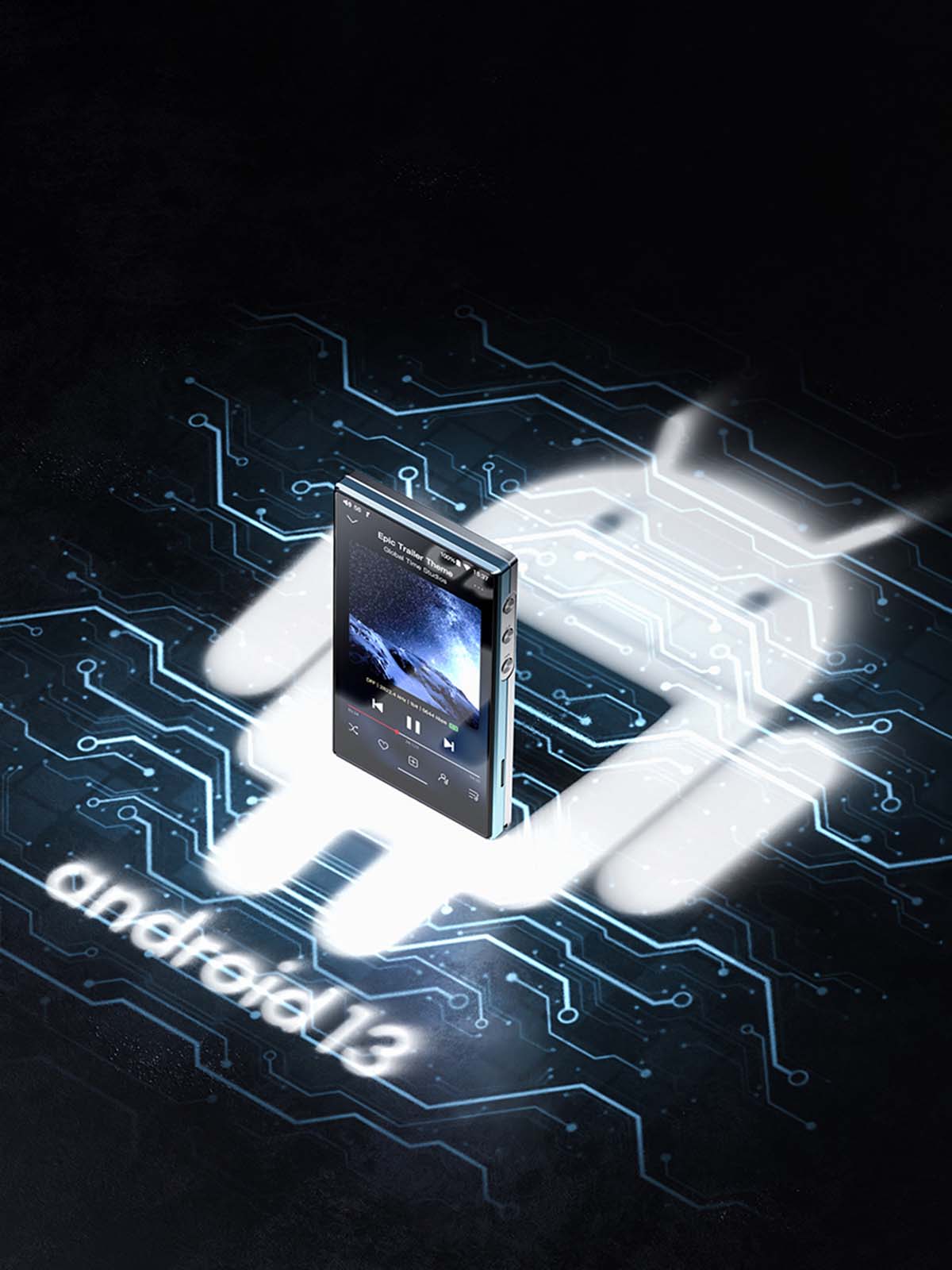
Supports Android 13 OS And Various Music Streaming Platforms Through SRC Audio Degradation
FiiO JM21 supports custom Android 13 OS, providing a smooth user experience and support for major streaming platforms and local music playback while preserving the original 🔬 sampling rate for lossless quality. The SRC audio degradation allows you to use FiiO Music, Apple Music, or other third-party apps to play local music or connect to an external DAC through USB. It ensures the original sampling rate is untouched for lossless sound quality.
Customise Your Music Listening Experience With Three Adjustable Gain Levels
FiiO JM21 provides three adjustable gain levels that allow you to customise your sound. Each gain level has its own volume curve to ensure a high-quality tailored music listening experience for both in-ear monitors and over-ear headphones.
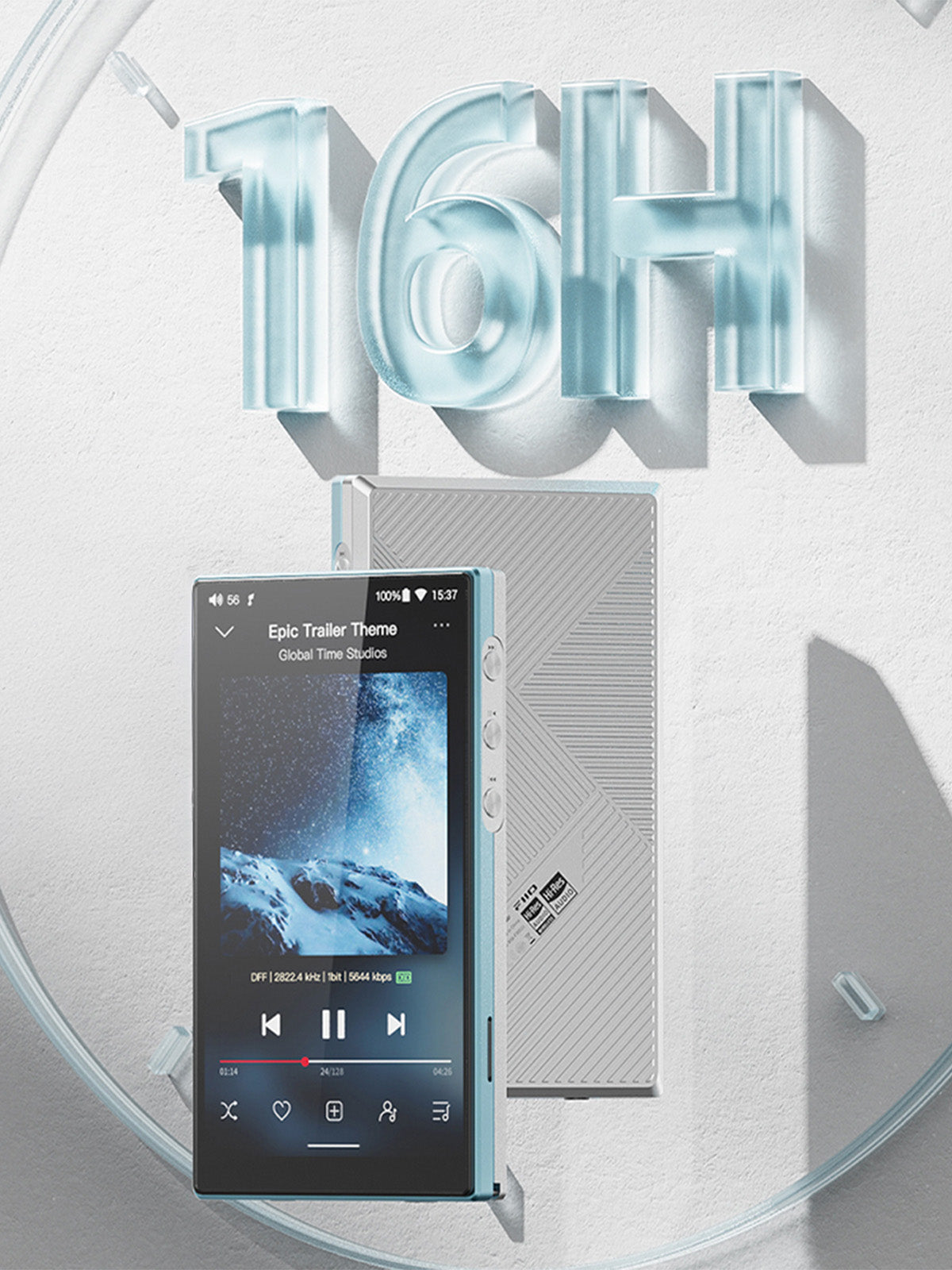
Segmented Power Supply & Shielded Partions For Enhanced Sound With 16 Hours Of Battery Life
FiiO JM21 features a segmented power supply design that isolates digital and analogue sections with an op-amp in the four-channel amplification stage supported by dedicated LDO regulators. The Shielded partitions further reduce signal interference for pristine sound quality. It offers a ⏳ battery life of 16 hours for an uninterrupted music-listening experience throughout the day.
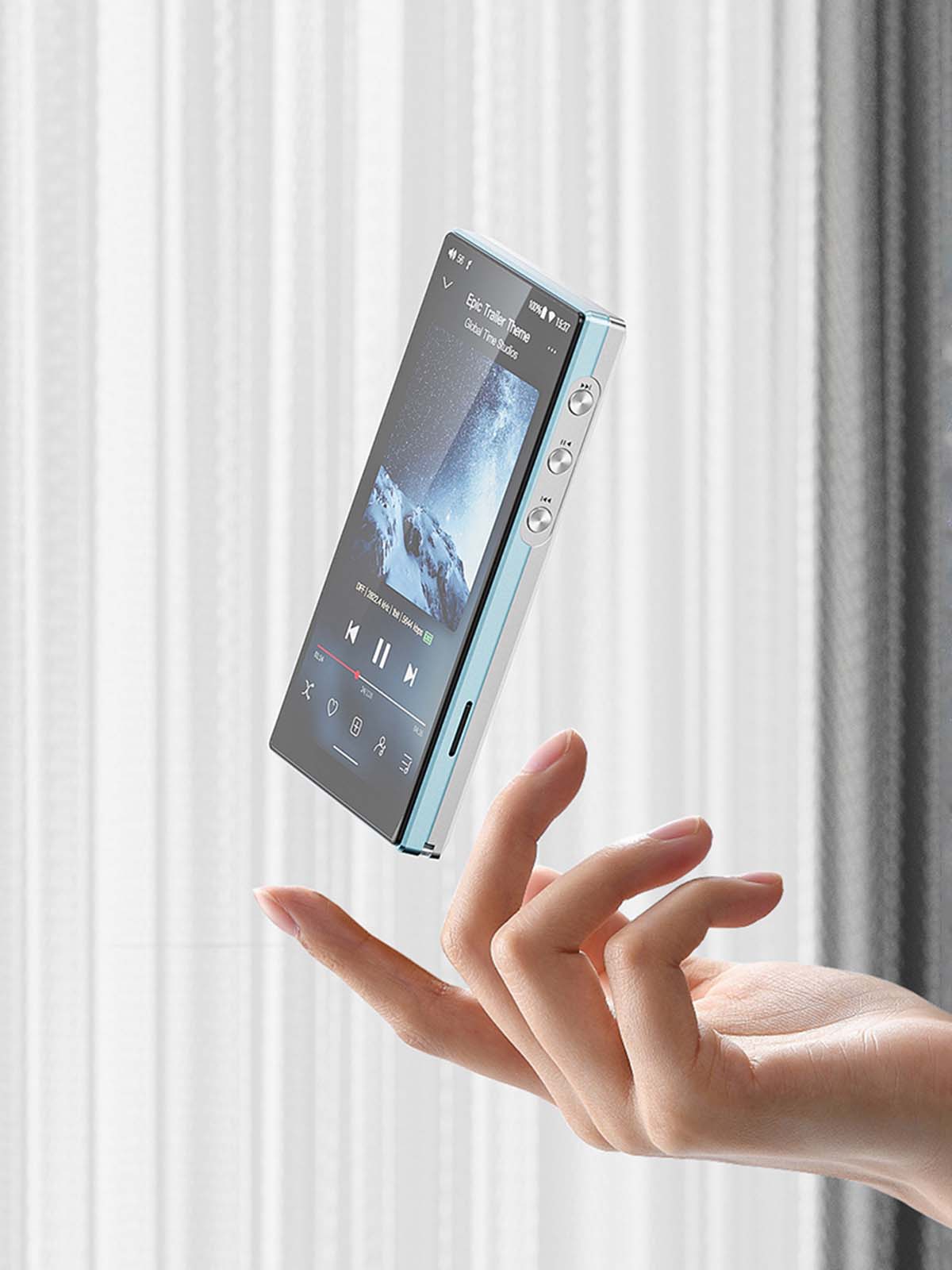
Meticulously Designed With A Sleek Design & Available in 2 Exquisite Colors
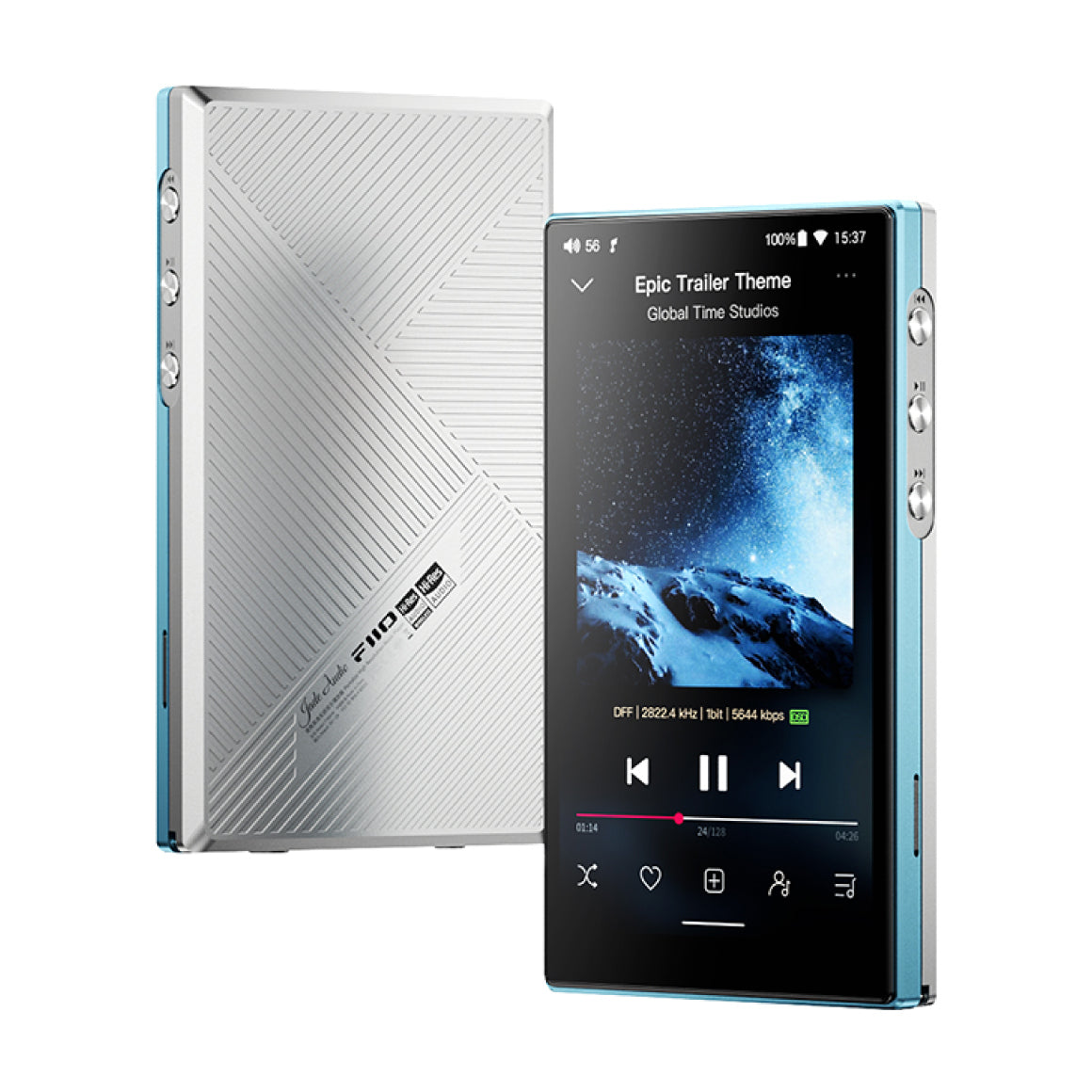
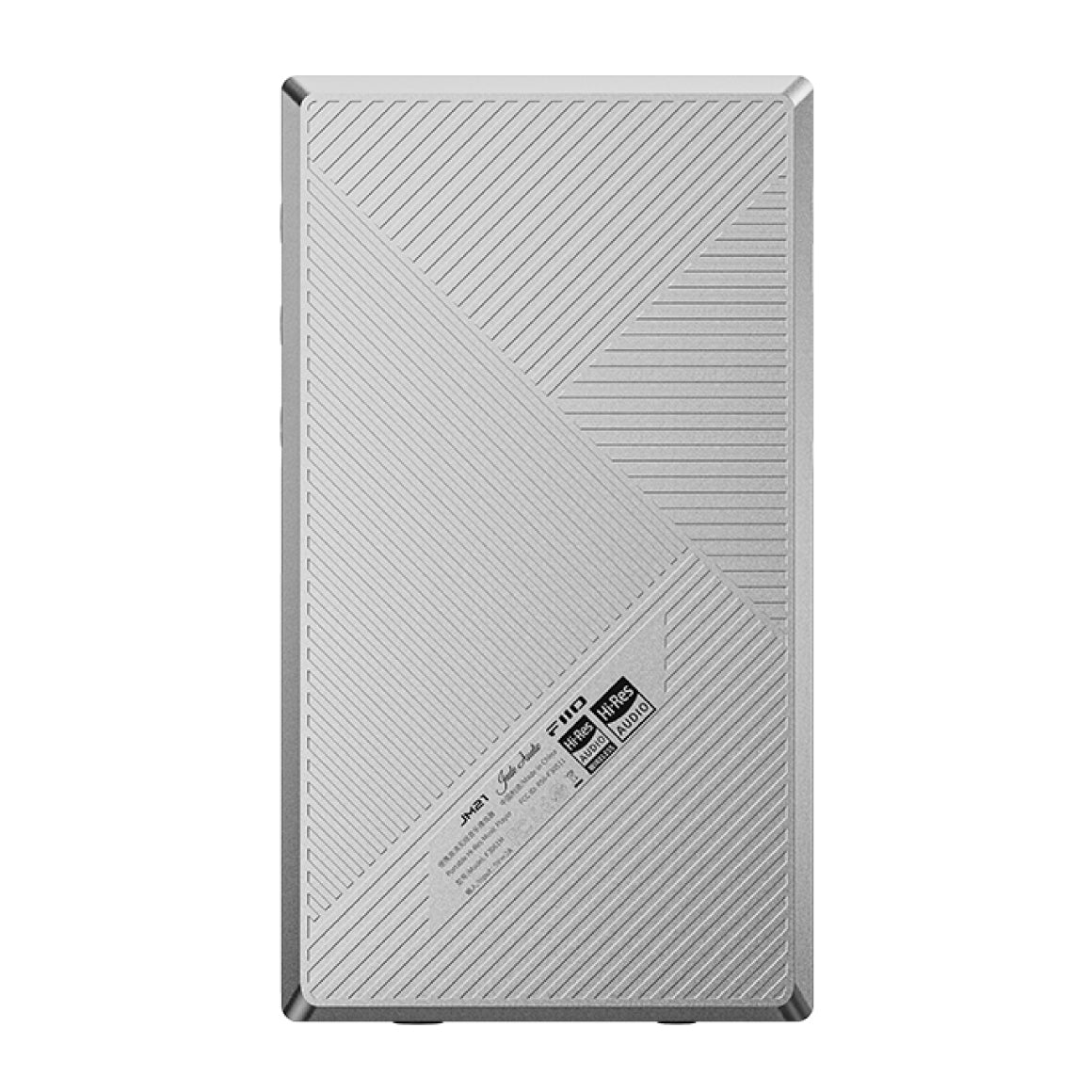
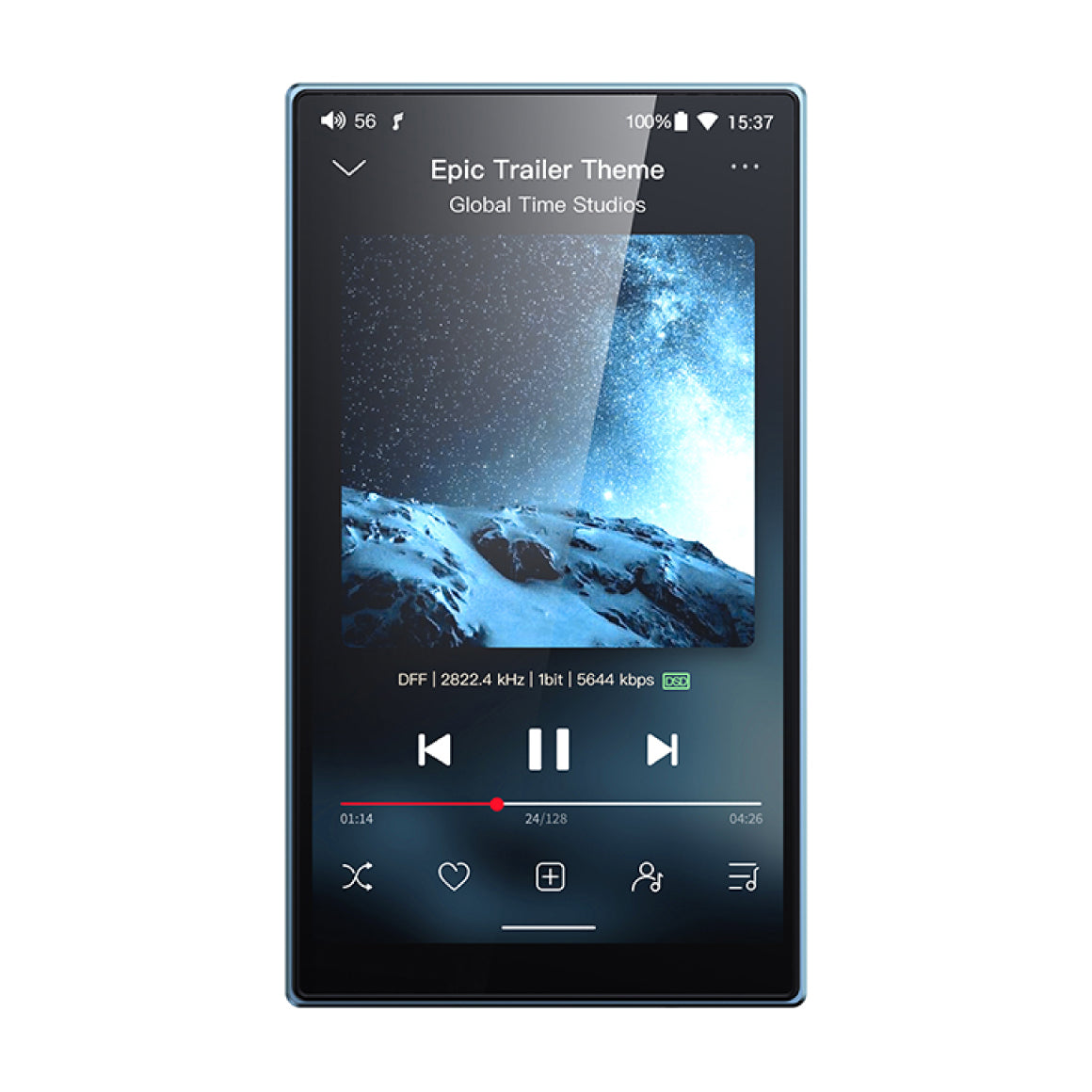
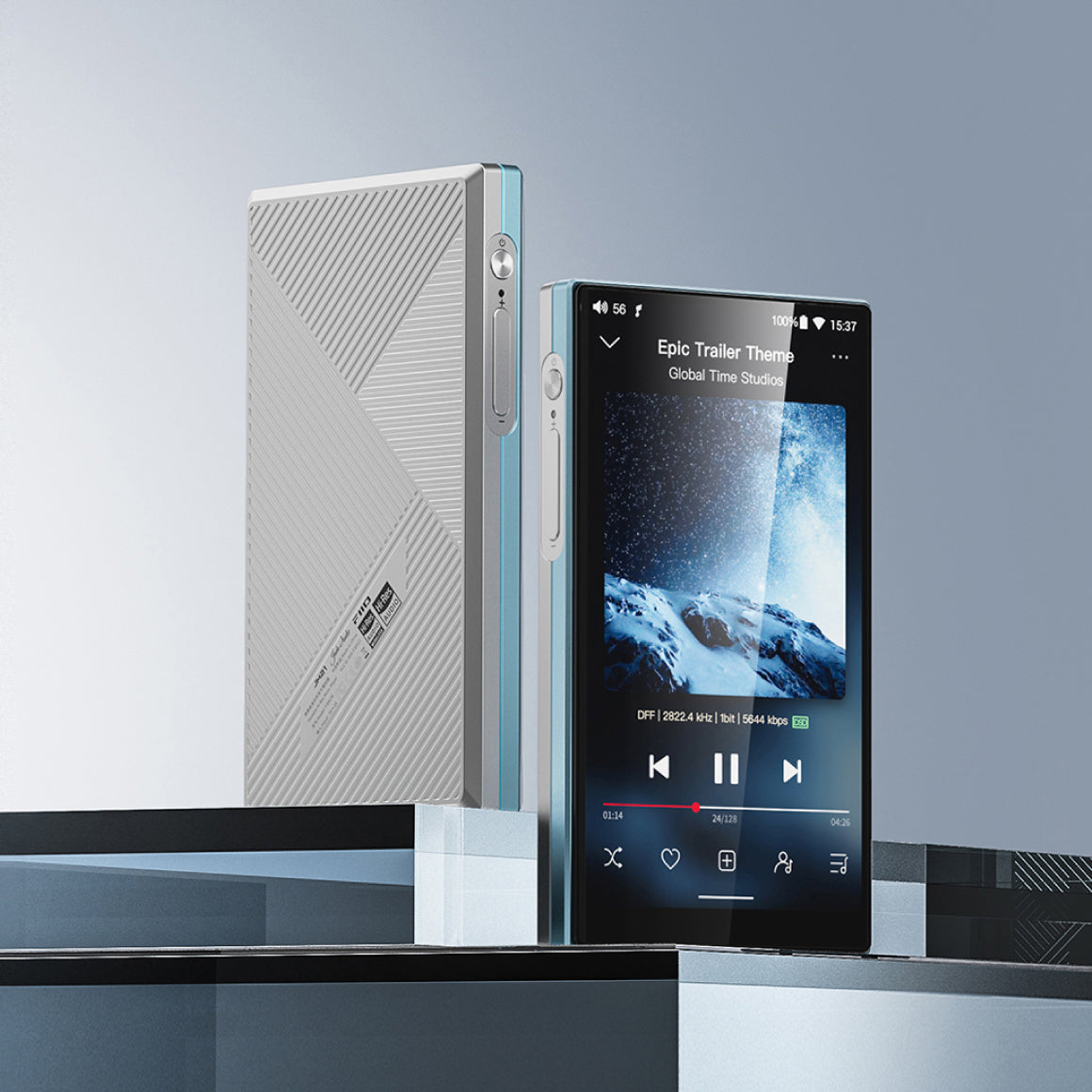
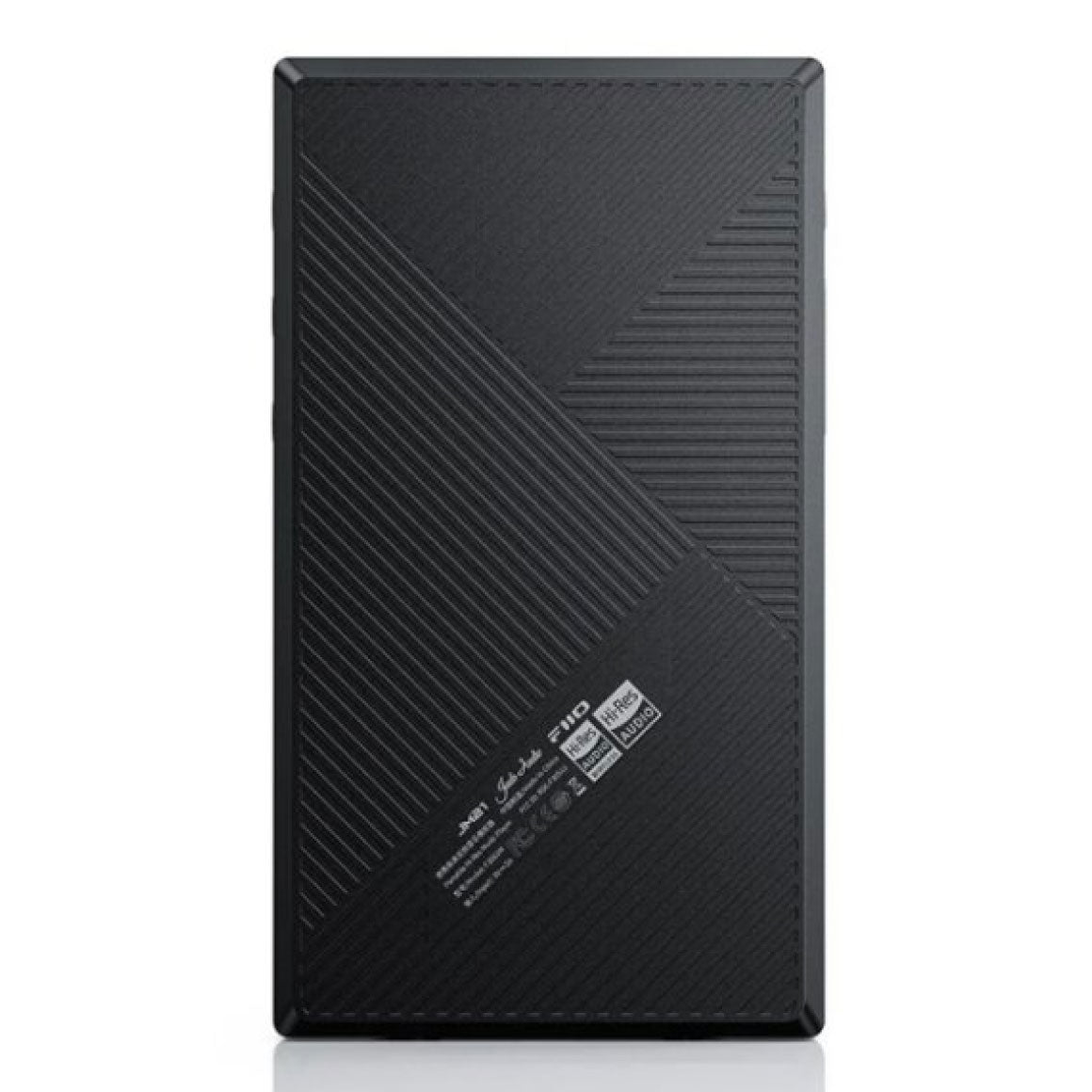
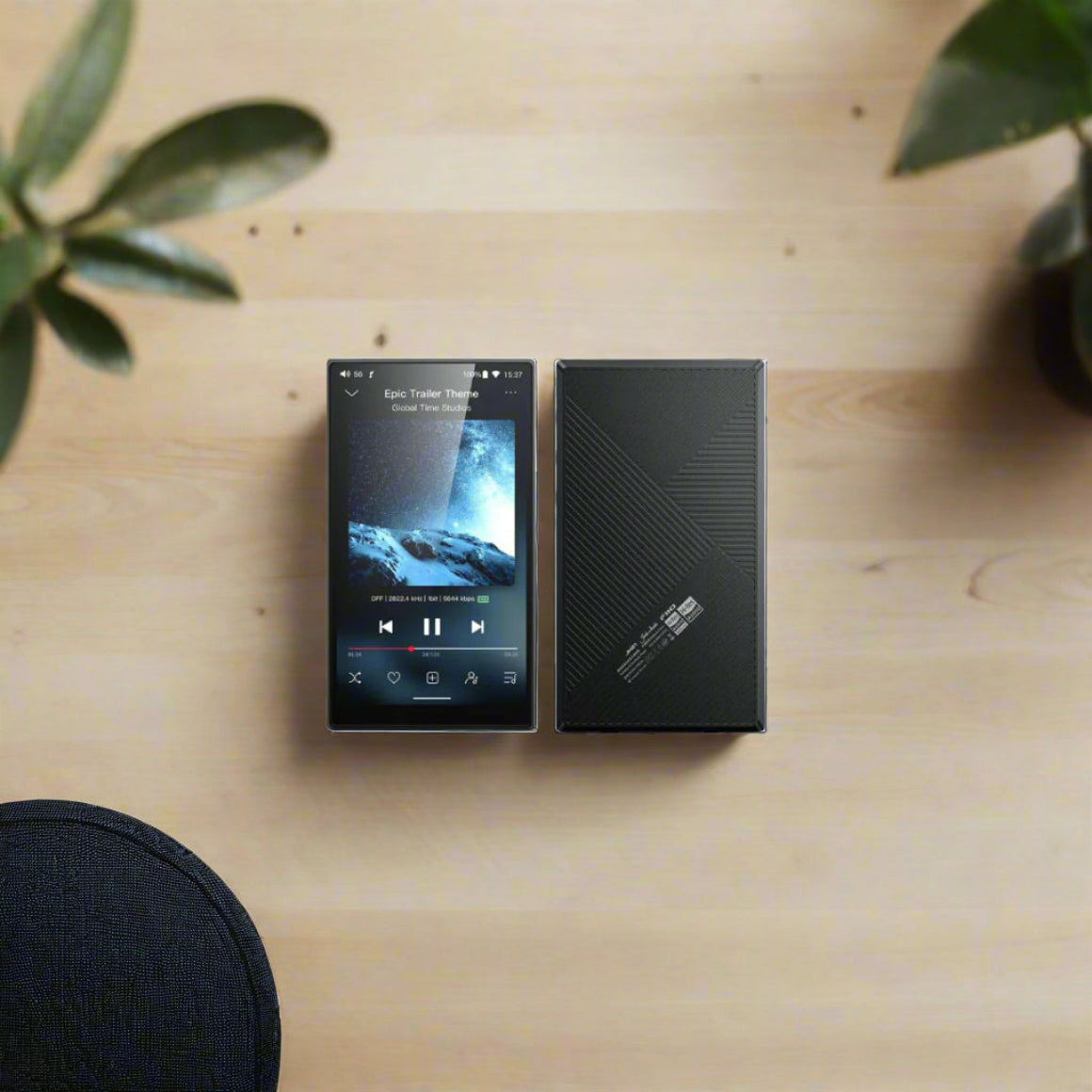
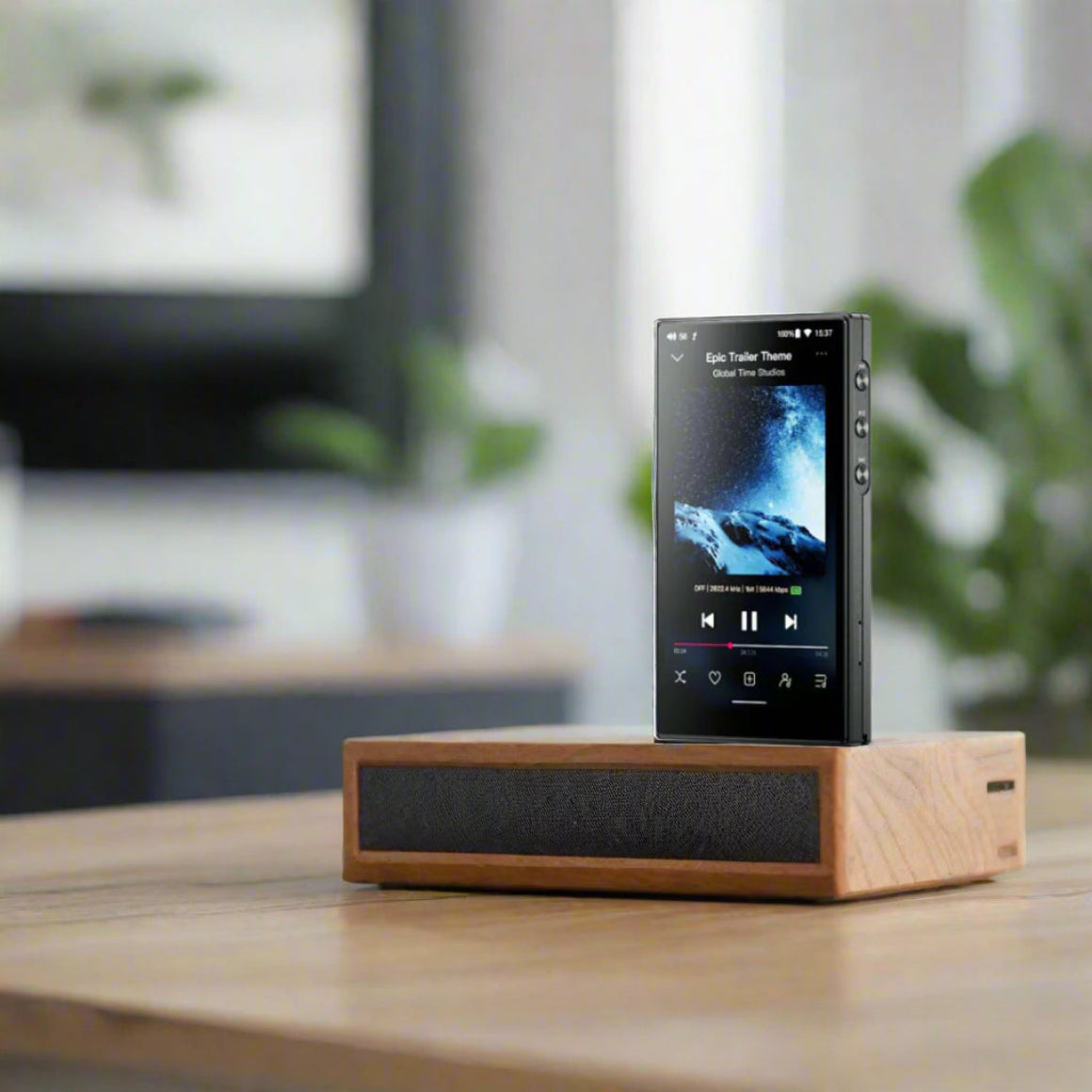
FiiO JM21 is meticulously designed featuring a sleek design. It embeds a 4.7-inch HD touchscreen display that ensures aesthetics and functionality. The JM21 weighs 156g and measures up to 13mm, making it portable to carry around anywhere and an ideal companion for music enthusiasts. Its smooth, responsive touchscreen allows effortless navigation for an immersive and intuitive music experience. It is available in 2 colors - Sky Blue and Black, choose what you prefer.
All You Need To Know About The FiiO JM21
Hardware Solution
Main Controller : Qualcomm Snapdragon 680 DAC : CS43198 * 2Amp : SGM8262 * 2
Headphone Output
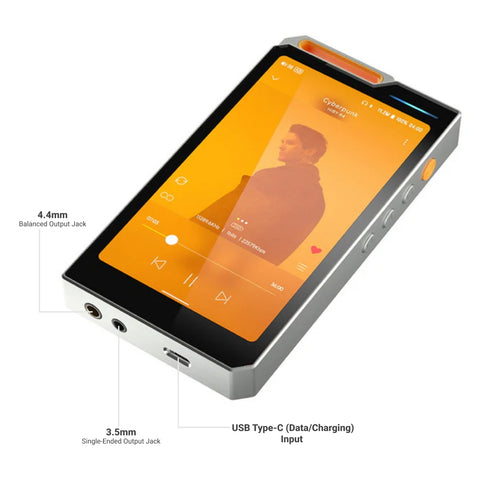
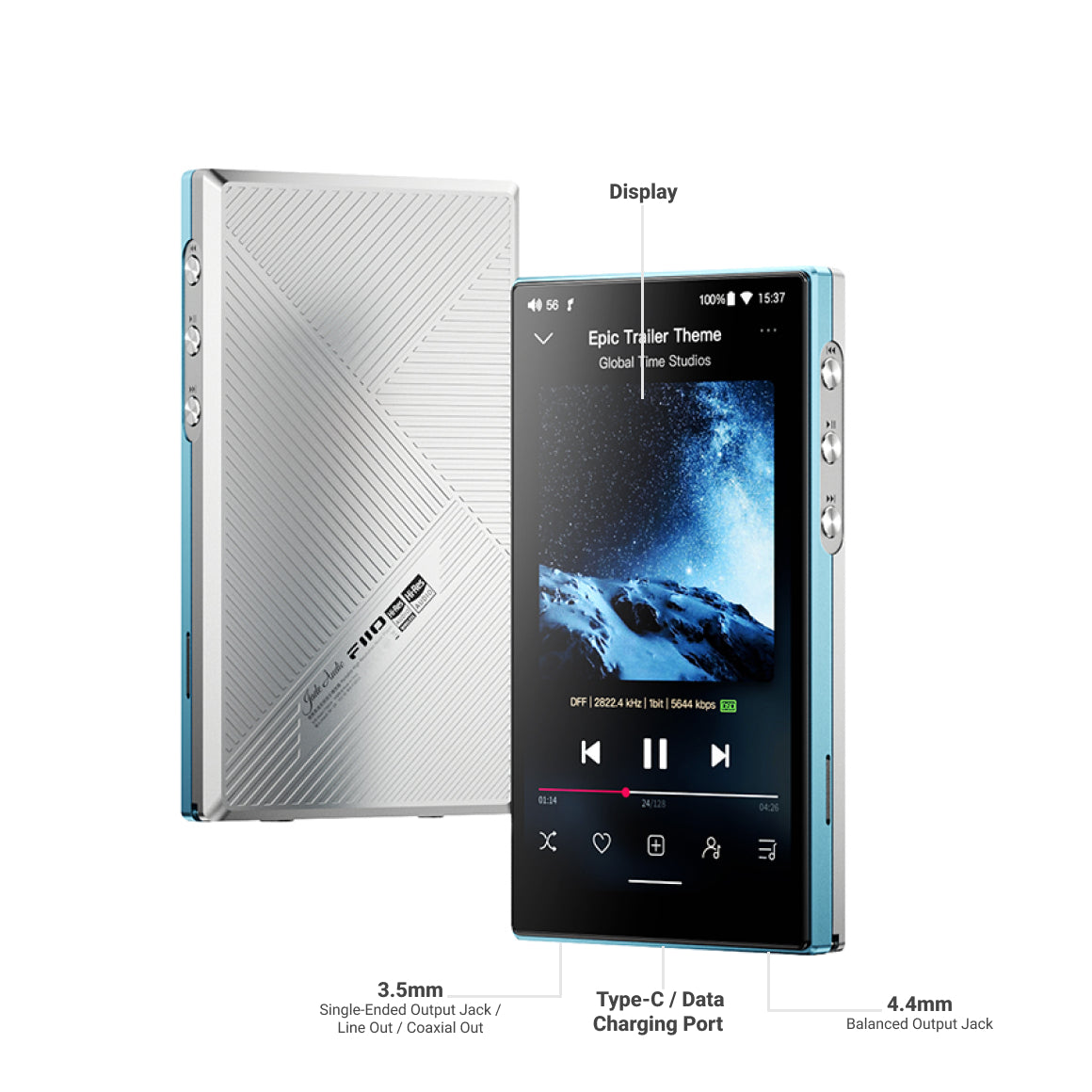
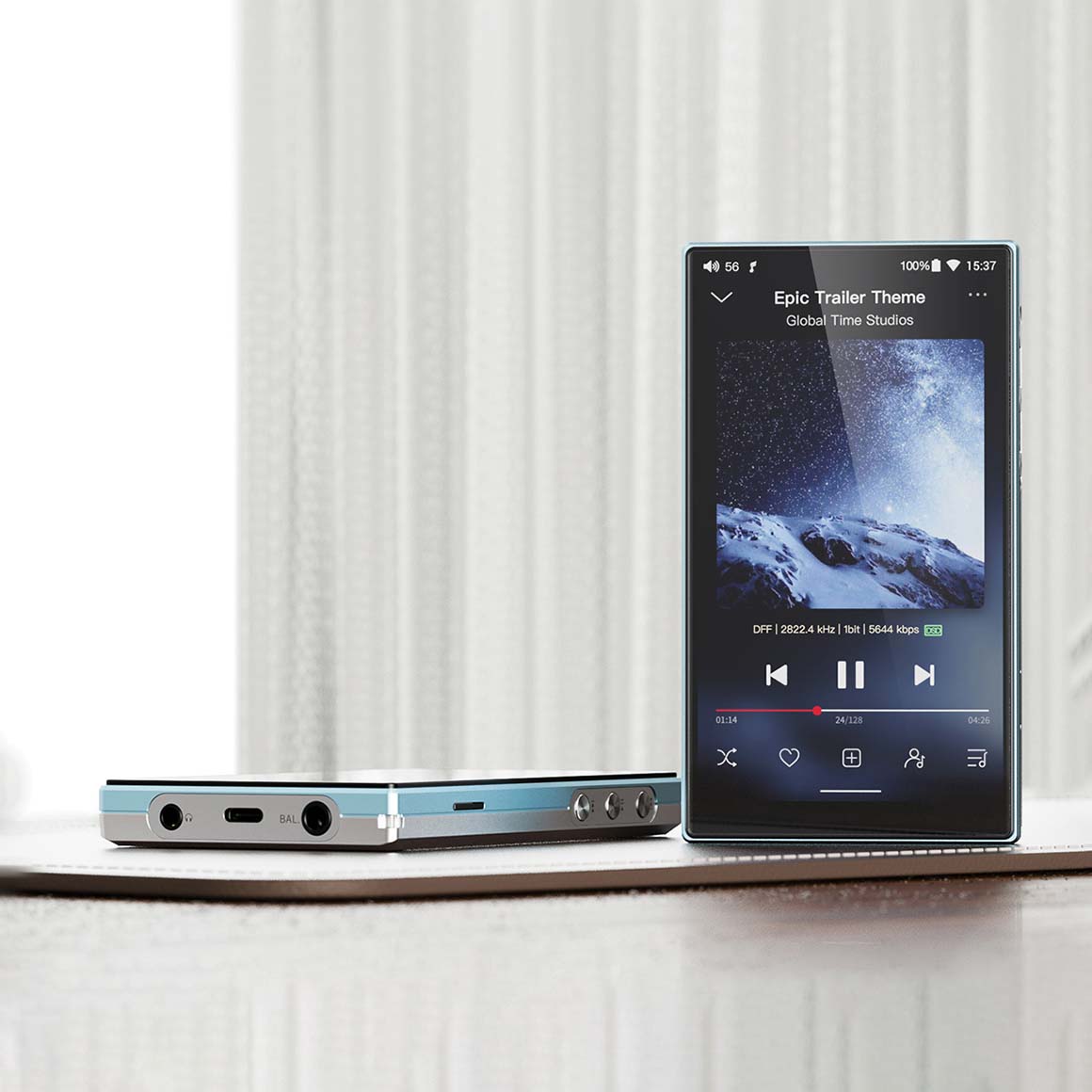
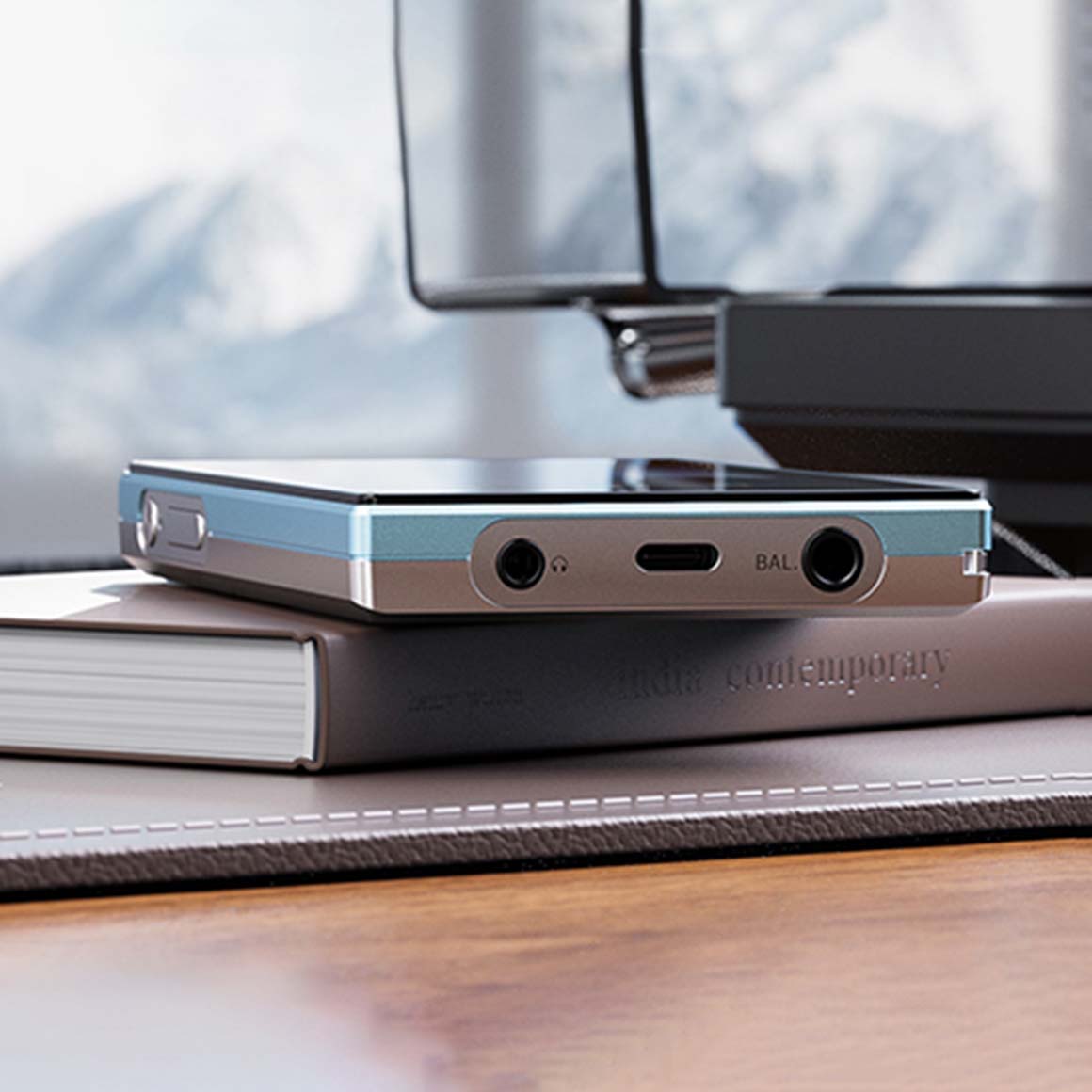
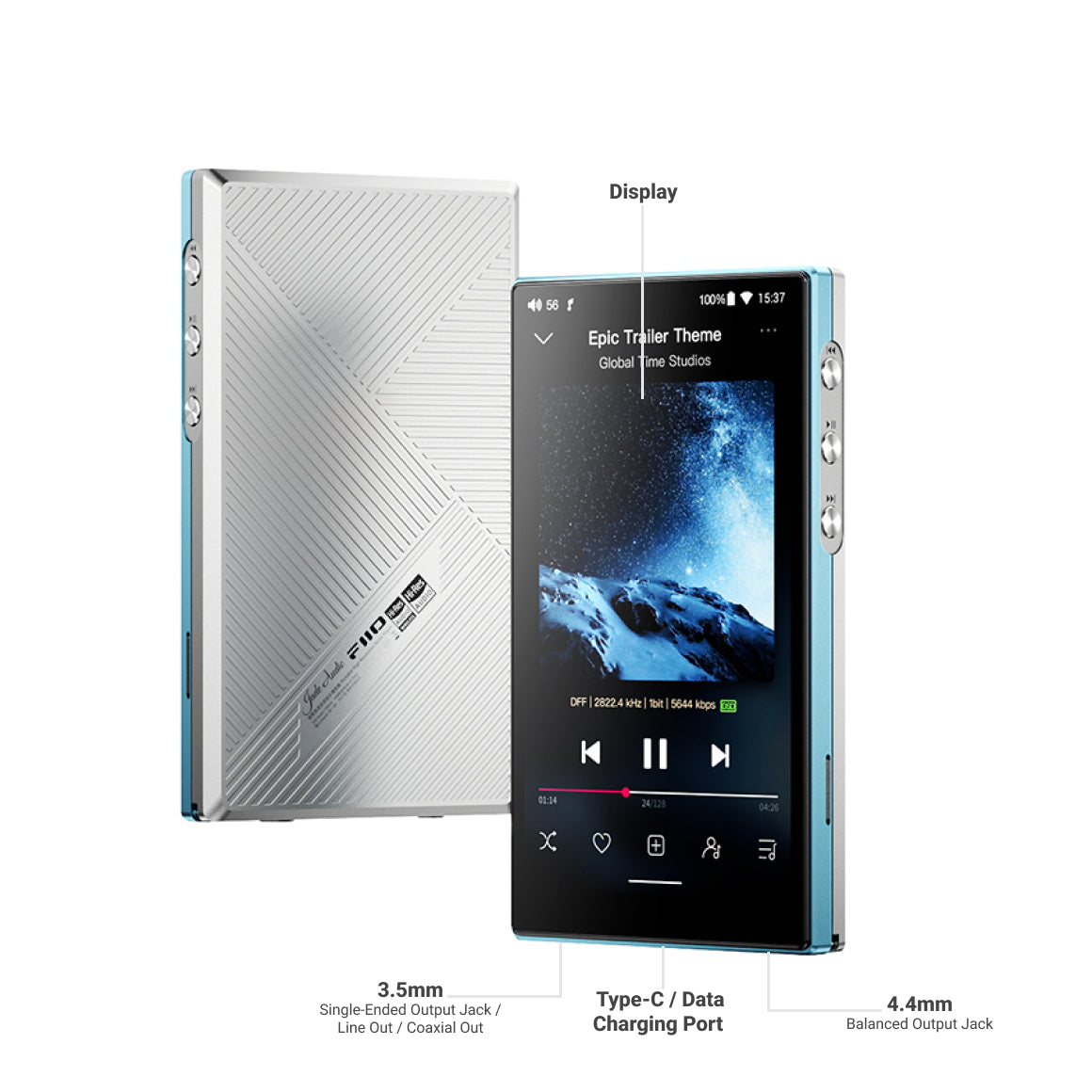
3.5mm (Single-Ended) 4.4mm (Balanced)
Input
Type-C USB2.0*1 (Charging/Data transfer)
MicroSD Card
Single MicroSD Card Expansion, Theoretically Supports Up To 2TB
RAM
4GB
ROM / Usable Storage
4G RAM+64G ROM
Special Functions
WiFi : 2.4GHz/5GHz, Supports DLNA, AirPlay, WiFi Song Transfer, etc. Bluetooth Reception (5.0) : SBC / AAC / LDACBluetooth Transmission (5.0) : AAC / SBC / aptX / aptX HD / LDAC / LHDCFiiO Link : Android Supports WiFi And Bluetooth Control, iOS Supports Bluetooth ControlFirmware Upgrade : Supports Upgrading Through Local Storage + MicroSD Card + OTAOperation Method : Supports Gesture, Two-Button And Three-Button OperationsMax. Supported Sampling Rate : USB DAC : Up to 384kHz/32bit; DSD256 (Native)Local Decoding : Up to 384kHz/32bit; DSD256 (Native) USB Audio : 768kHz/32bit; DSD512 (DoP/D2P/Native supported) Coaxial Output : Up to 384kHz/24bit; DSD128 (D2P/DOP)Poweroff Timer : Supports Idle / Sleep Poweroff
Buttons and Ports
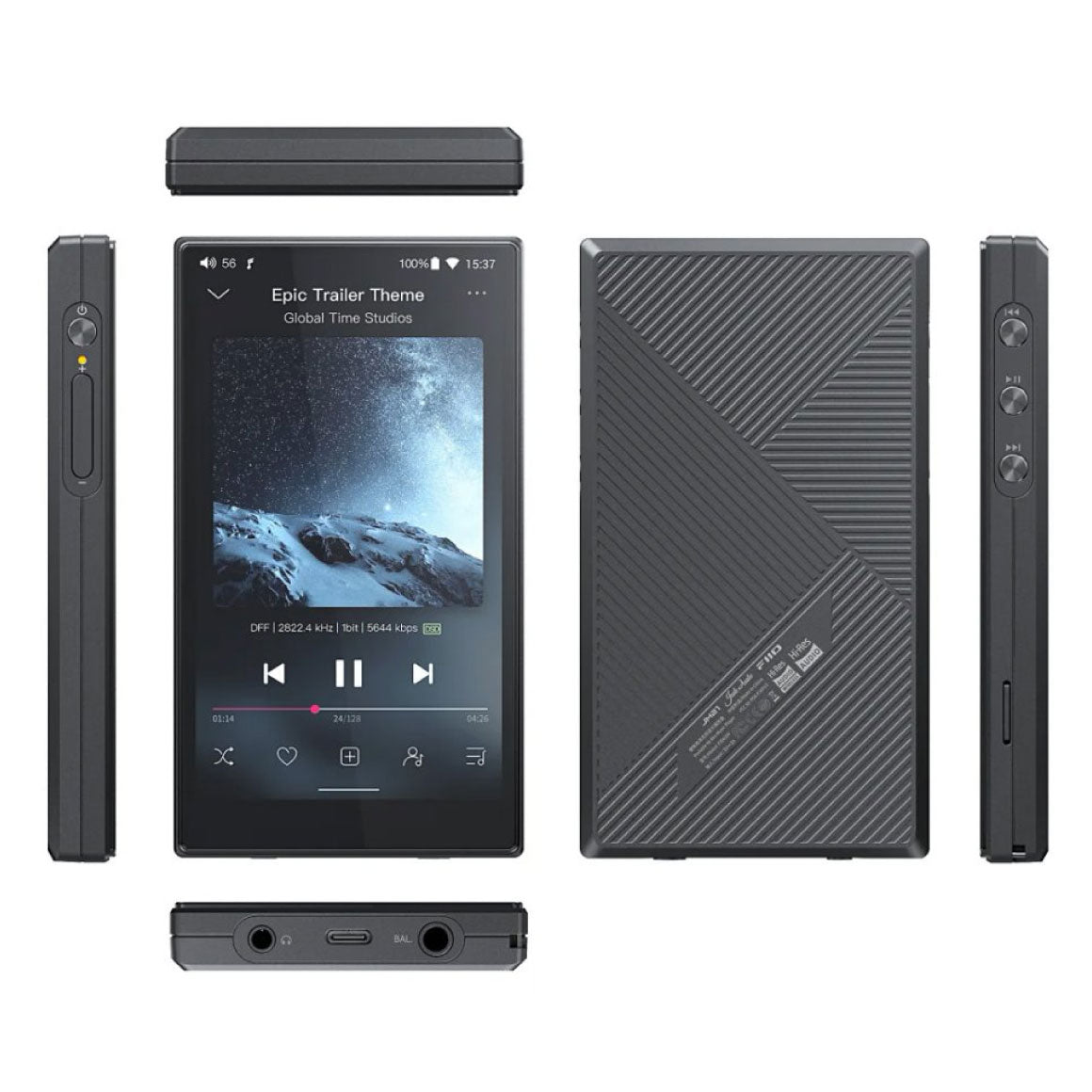
Buttons : Power On / Off*1; Volume Button*2; Play / Pause*1; Previous Track*1; Next Track*1 USB : Type-C USB2.0*1 (Charging / Data Transfer) Headphone Output : Standard 3.5mm Port Balanced Headphone Output : Standard 4.4mm Port Coaxial Output : Standard 3.5mm Port (Shared PO) Line Output : Shared 3.5mm + 4.4mm Ports
Power Supply Parameters
Power Supply : Supports 5V/≥2A Charging Time : About 2h (5V2A Charger)
Battery Life And Test Conditions
3.5mm Headphone Output(16h) Volume : 49Gain : High Gain Display Status : OFF Playing Track And Format : MP3 44kHz/16bit EQ : OFFLoad : 32Ω4.4mm Balanced Headphone Output(12.5h) Volume : 38Gain : High Gain Display Status : OFF Playing Track And Format : MP3 44kHz/16bit EQ : OFFLoad : 32Ω
Performance And Parameters Of Headphone Output (3.5mm out, USB DAC, High Gain)
Output Power : L+R≥360mW+360mW (16Ω, THD+N<1%) L+R≥245mW+245mW (32Ω, THD+N<1%) L+R≥30mW+30mW (300Ω, THD+N<1%) SNR : ≥124dB (A-weighted) THD+N : <0.0012% (1kHz/-4dB@32Ω) Frequency Response : 20Hz~80kHz: attenuation<0.7dB 20Hz~20KHz: attenuation<0.02dB Noise Floor : <1.6uV (A-weighted) Output Impedance : <1Ω Crosstalk : ≥70dB Peak Output Voltage : 7.9Vp-p
Performance And Parameters Of Balanced Headphone Output (4.4mm Out, USB DAC, High Gain)
Output Power : L+R≥605mW+605mW (16Ω, THD+N<1%) L+R≥700mW+700mW (32Ω, THD+N<1%) L+R≥80mW+80mW (300Ω, THD+N<1%) SNR : ≥129dB (A-weighted) THD+N : <0.0006% (1kHz/-4dB@32Ω) Frequency Response : 20Hz~80kHz: attenuation<0.7dB 20Hz~20KHz: attenuation<0.03dB Noise Floor : <1.7uV (A-weighted) Output Impedance : <1.5Ω Crosstalk : ≥110dB Peak Output Voltage : 13.2Vp-p
Channel Balance
L20~R20 (0.5dB per level)
Adaptive Impedance
PO : 8~150ΩBAL : 8~350Ω
Volume Control
Physical Button
Working Mode
Android Mode / Pure Music Mode / USB DAC Mode / Bluetooth Receiving Mode
General Specification
Display : 4.7-inch (750x1334) Bezel-Less Display Dimensions : About 120.7x68x13mm Weight : About 156g Color : Sky Blue / Black
Box Contents
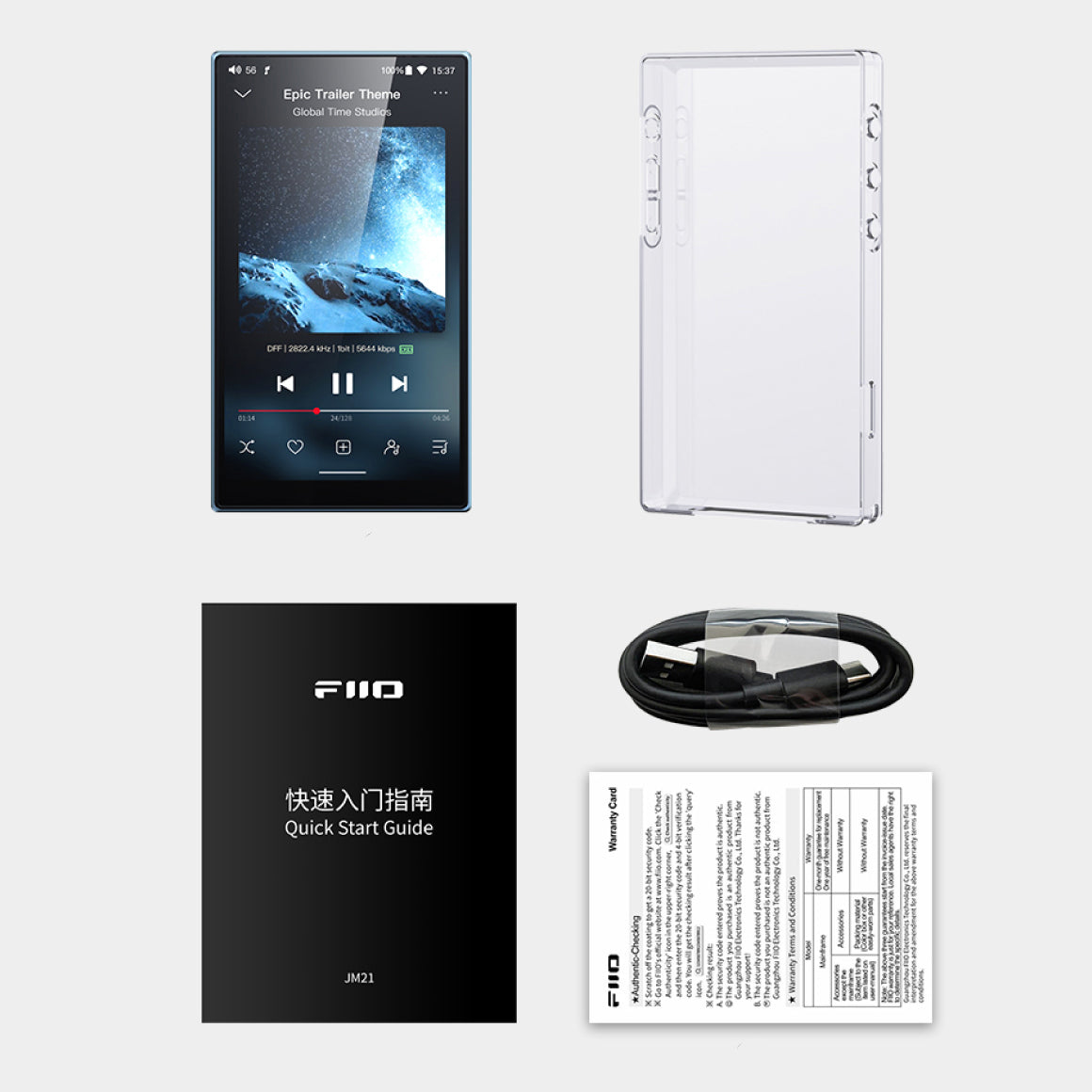
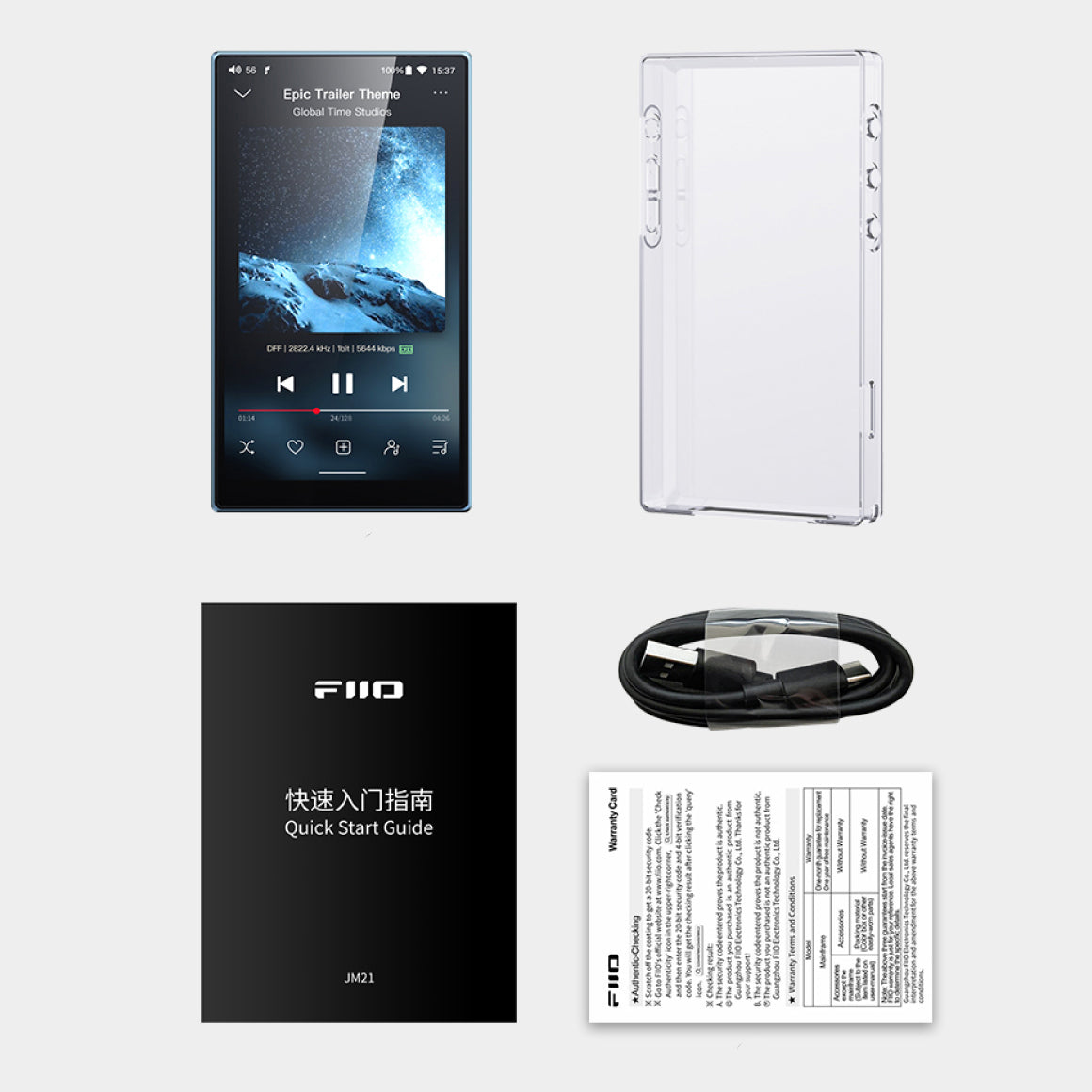
1. FiiO JM212. PET Film Screen Protector (pre-applied)* 13. Transparent Case * 14. USB Cable * 15. Quick Start Guide * 16. Warranty Card * 1
Have a question? Get in touch!
Check out the most common questions our customers ask. Still have questions? Talk to our Headphone Gurus.

Our customer support is available Monday to Friday: 11am-6pm.
What is the warranty period on the FiiO JM21 and how do I claim warranty?
The warranty period on FiiO JM21 is for 1 year. To read more information click here
How to access the storage/SD card after connecting the FiiO JM21 to a computer?
For Windows computers, it is driver-free. After connecting the FiiO JM21 to the computer by the included USB cable, the driver will be automatically installed. Then the FiiO JM21 disk can be directly seen on the computer. Mac computers need a driver. 1.After connecting the FiiO JM21 to the Mac computer, click the "NO NAME" folder emerging on the desktop->double click Mac->Mac/MAC OS MTP Client->Android File Transfer.dmg. Drag the "Android File Transfer.dmg" to the desktop of the computer. 2. Drag the "Android File Transfer" file to the "Applications" folder and wait for the completion of the copy. 3. Enter "Applications", and double click the "Android File Transfer". Then you can manage the files stored in the internal storage of the FiiO JM21 or the Micro SD card. Notes: The FiiO JM21 folder will directly pop up the next time it is being connected to the same computer.
How to upgrade firmware FW1.1.0 for FiiO JM21?
FiiO JM21 firmware download link: Click here The FiiO JM21 supports online upgrade and local upgrade. 1.Online upgrade If a new firmware is available and can be detected (with the FiiO JM21 connected to an available internet), an upgrade notification will show up in the notification center. Tap on it to enter the update menu for the online upgrade. If there's no upgrade notification showing up, you can go to the "Technical Support->Firmware Upgrade" menu, and tap the "Check for updates" icon to check manually. 2.Local upgrade Also, the FiiO JM21 can be upgraded locally by a firmware package. Download the firmware package file from FiiO website, and copy it to the internal storage of the FiiO JM21 or an SD card. Go to the "Technical Support->Firmware Upgrade->Local Upgrade" menu, and find the firmware package file to start the upgrade. Notes: 1.Do not unzip the firmware package file. 2.If the device goes to factory mode which cannot detect the firmware, the reason may be that the firmware file is damaged. At this time, press the power button to reboot the device. Re-download the firmware file and restart the upgrade. [The problem may occur in updating and the methods for solving] The upgrade process takes about 5 to 20 minutes. After the upgrade, the system automatic rebooting will take 2 minutes, so please be patient. 1. If you encounter the problem that the system is stuck and cannot boot normally after the upgrade, please try a forced restart: press and hold the power button for about 10 seconds until the "FiiO" logo appears on the screen. 2. If you are using online update, the system prompts "invalid image", please go to "built-in storage-android-data-com.android.fiioupdate-files", delete this folder, and try online update again. 3. If you encounter system errors, please enter factory mode to restart/reset the machine: In the off state, press and hold the FiiO JM21 volume down button, then plug in the USB charging cable, wait for the machine to turn on, that is, enter the factory (recovery) mode, select reboot system now to restart. 4.If the online upgrade fails, you can also try the local upgrade. If there is an error in the local upgrade, the copy or download of the installation package is generally damaged. Please download the installation package again.
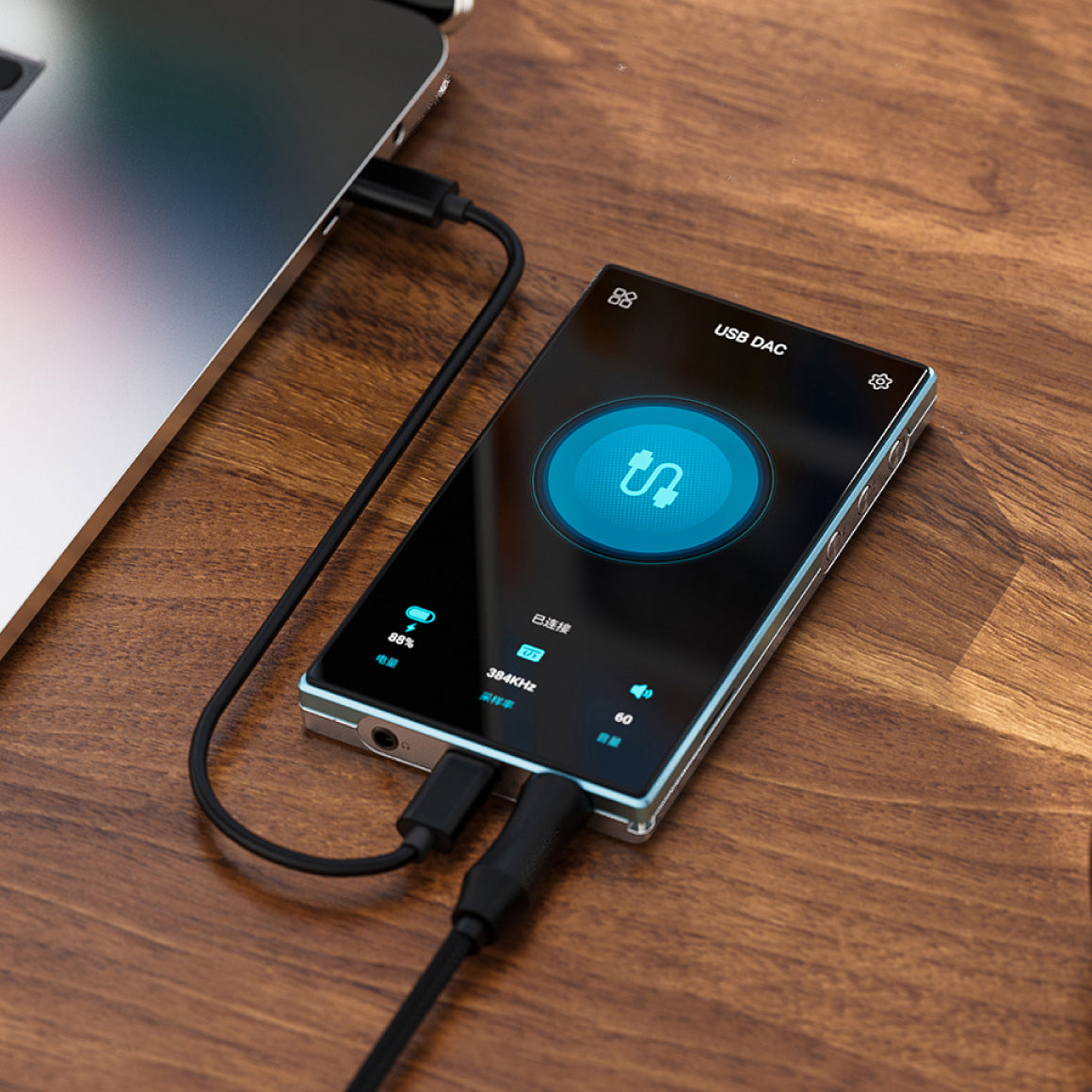
How to enable the USB DAC function?
For Mac computers, it is driver-free. For Windows computers, please make the settings as the followed steps. 1.Install the FiiO DAC driver in the computer first. 2.Switch the working mode of the FiiO JM21 to USB DAC mode on the drop-down menu or go to Settings->Mode choose menu to enter the USB DAC mode. 3. Connect the FiiO JM21 to the computer by the USB port. Select the FiiO JM21 as the audio input both in the computer and the music app, so it can work. For detailed USB DAC instructions, please refer to: This. Notes: When in the USB DAC mode, the FiiO JM21 does not support Bluetooth transmitting.
How to use the FiiO JM21 as a Bluetooth receiver?
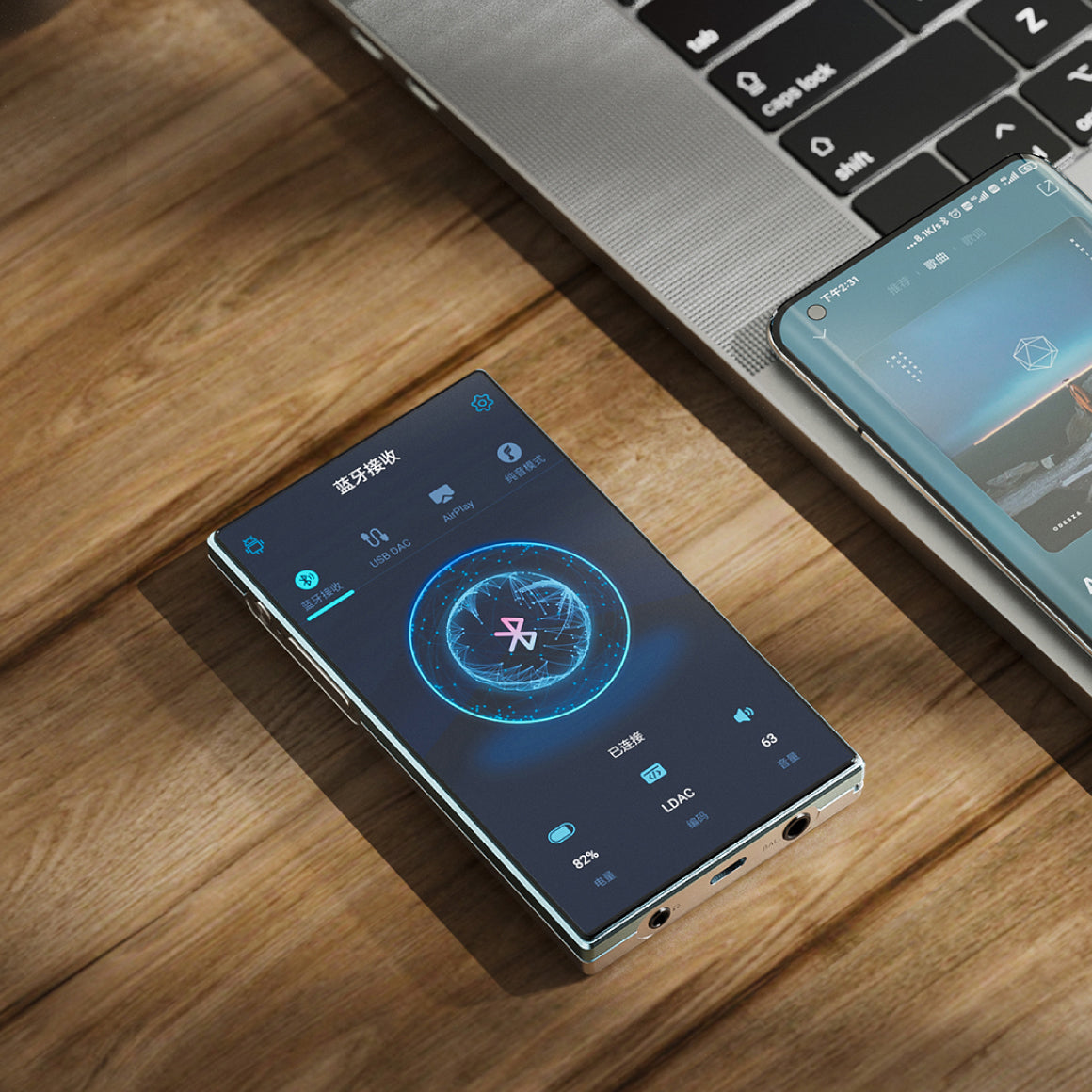
1. Go to the drop-down or Settings menu of the FiiO JM21, and choose the working mode as Bluetooth receiving mode. 2. Go to the Bluetooth transmitting list of the mobile phone, and tap the FiiO JM21 to complete the connection. If the connection fails, it is recommended to turn off the Bluetooth of mobile phone and FiiO JM21, then turn on the Bluetooth function again for pairing and connection.
How to output coaxial digital signal from FiiO JM21?
1. Player Settings - Audio - 3.5mm output selection, set to SPDIF. 2. Connect one section of coaxial cable to the 3.5mm audio port of FiiO JM21, and connect the other end to the coaxial decoding device. 3.Play music on FiiO JM21 player software to output coaxial signal. Note: a. At this time, the coaxial signal is decoded in the third-party decoding equipment, FiiO JM21 to realize the turntable function. b. The definition of the coaxial cable:
You May Also Like
Product Title