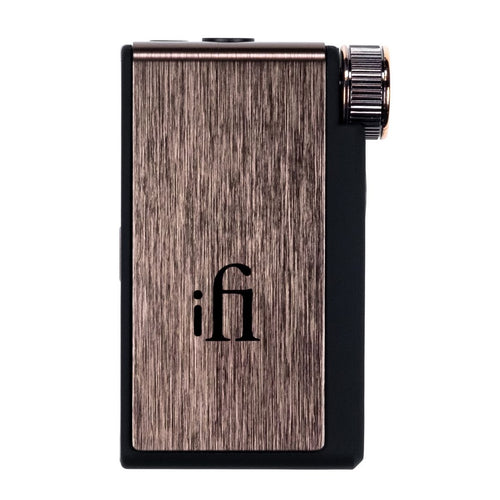


FiiO - BTR17
Portable Bluetooth DAC & Headphone Amp
₹ 19,999
Inclusive of all taxes
DELIVERY
Dispatches in 48 hours
RETURNS & WARRANTY
7 Day Replacement Guarantee
1 Year Warranty
FiiO Introduces The All-New And Upgraded Portable Bluetooth DAC & Amplifier - The BTR17
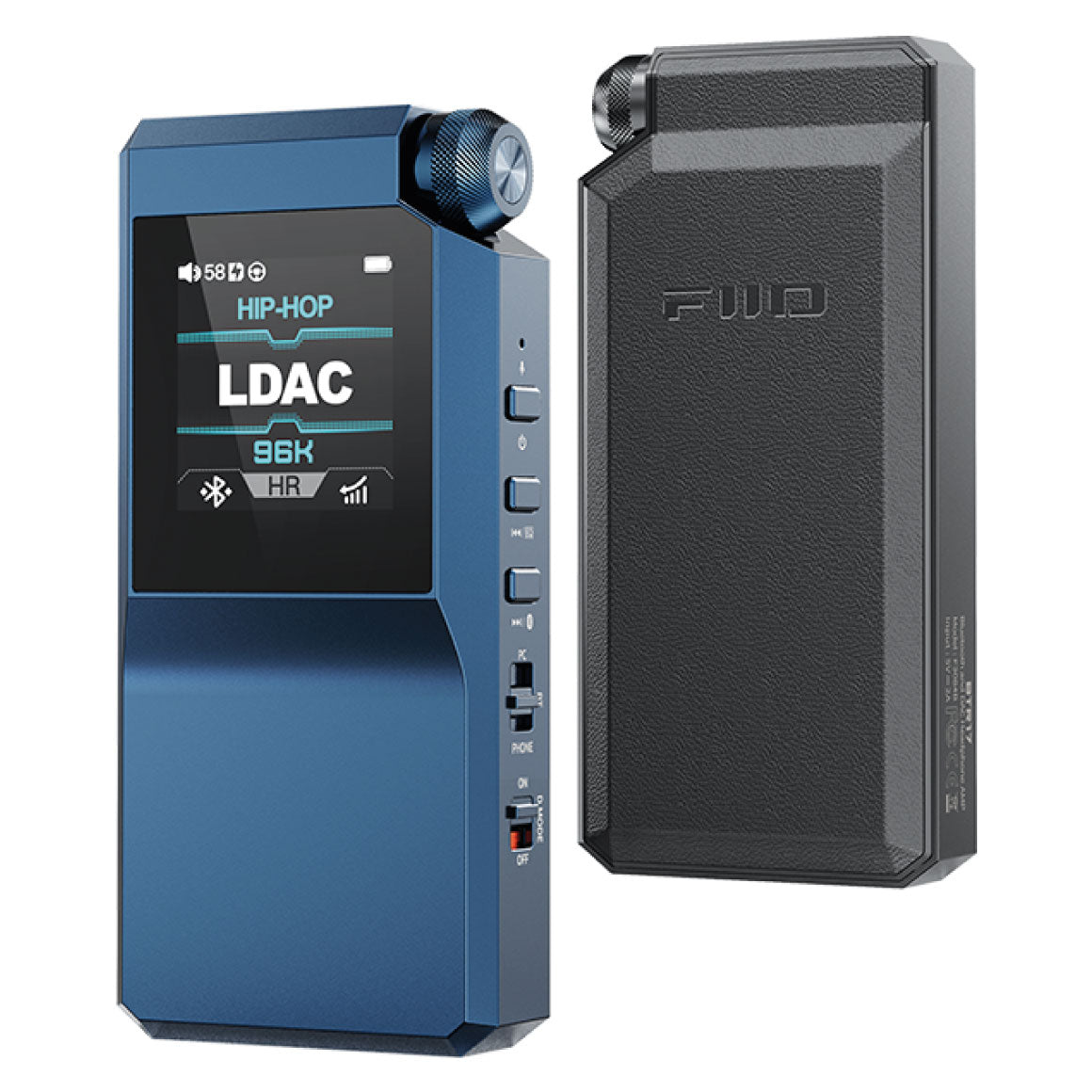
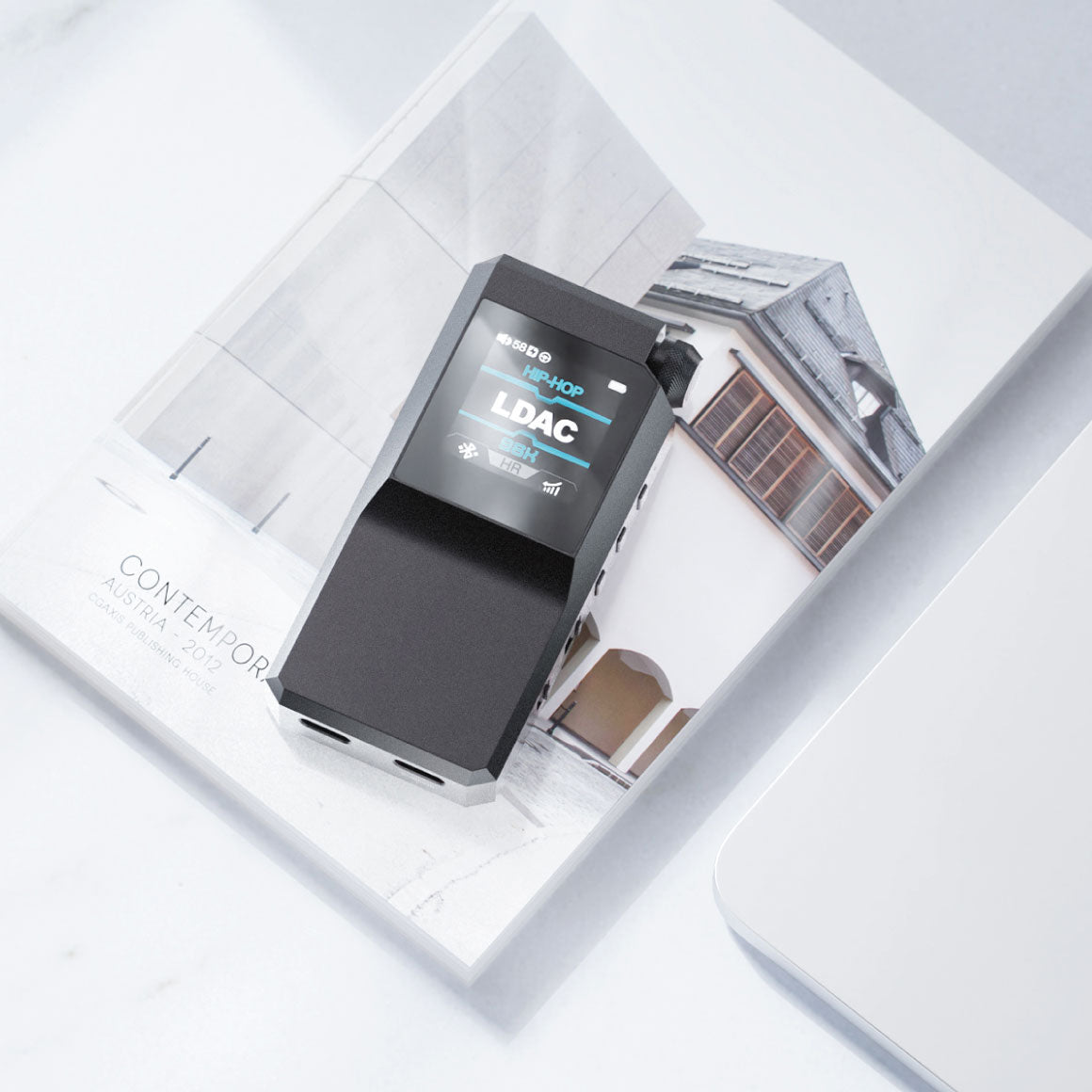
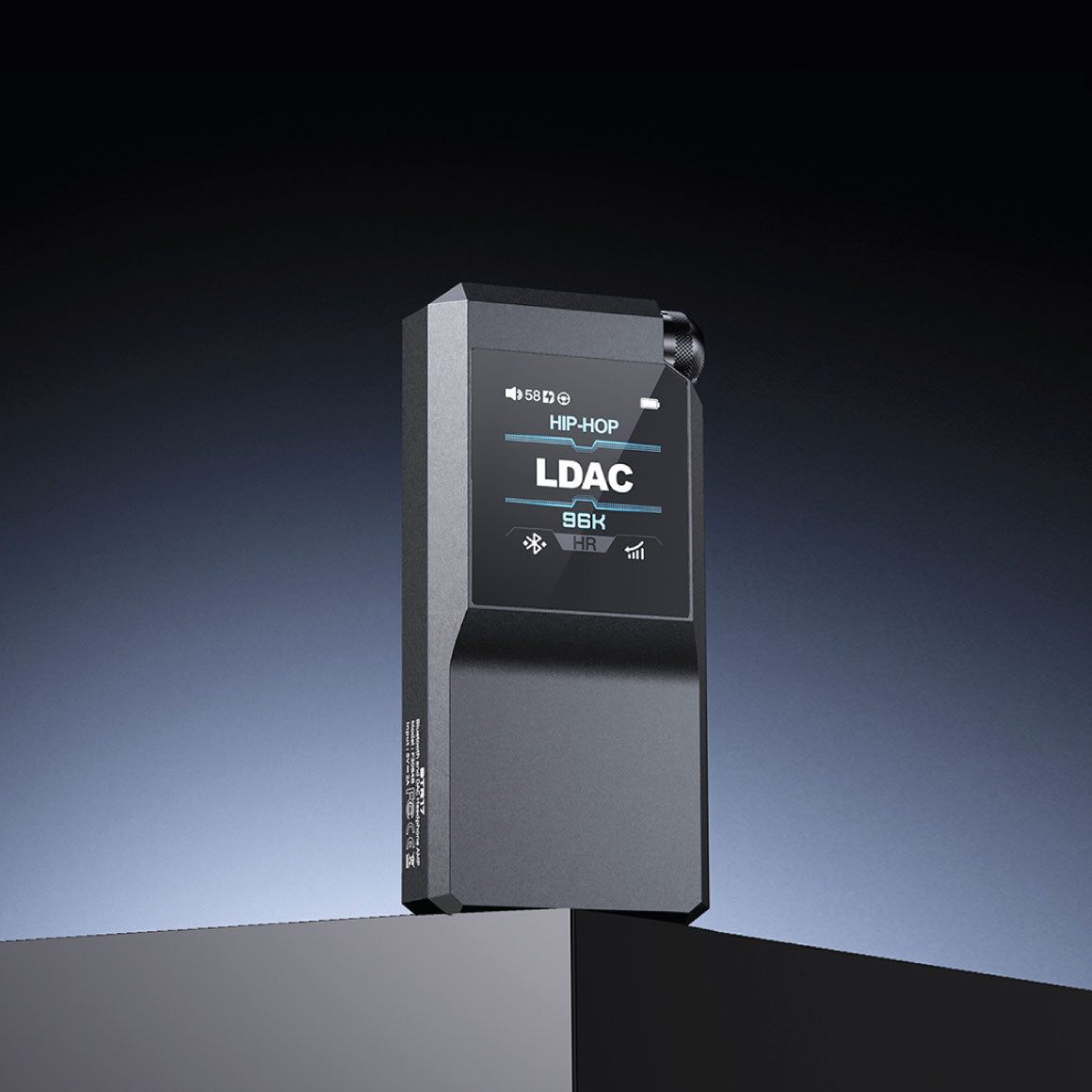
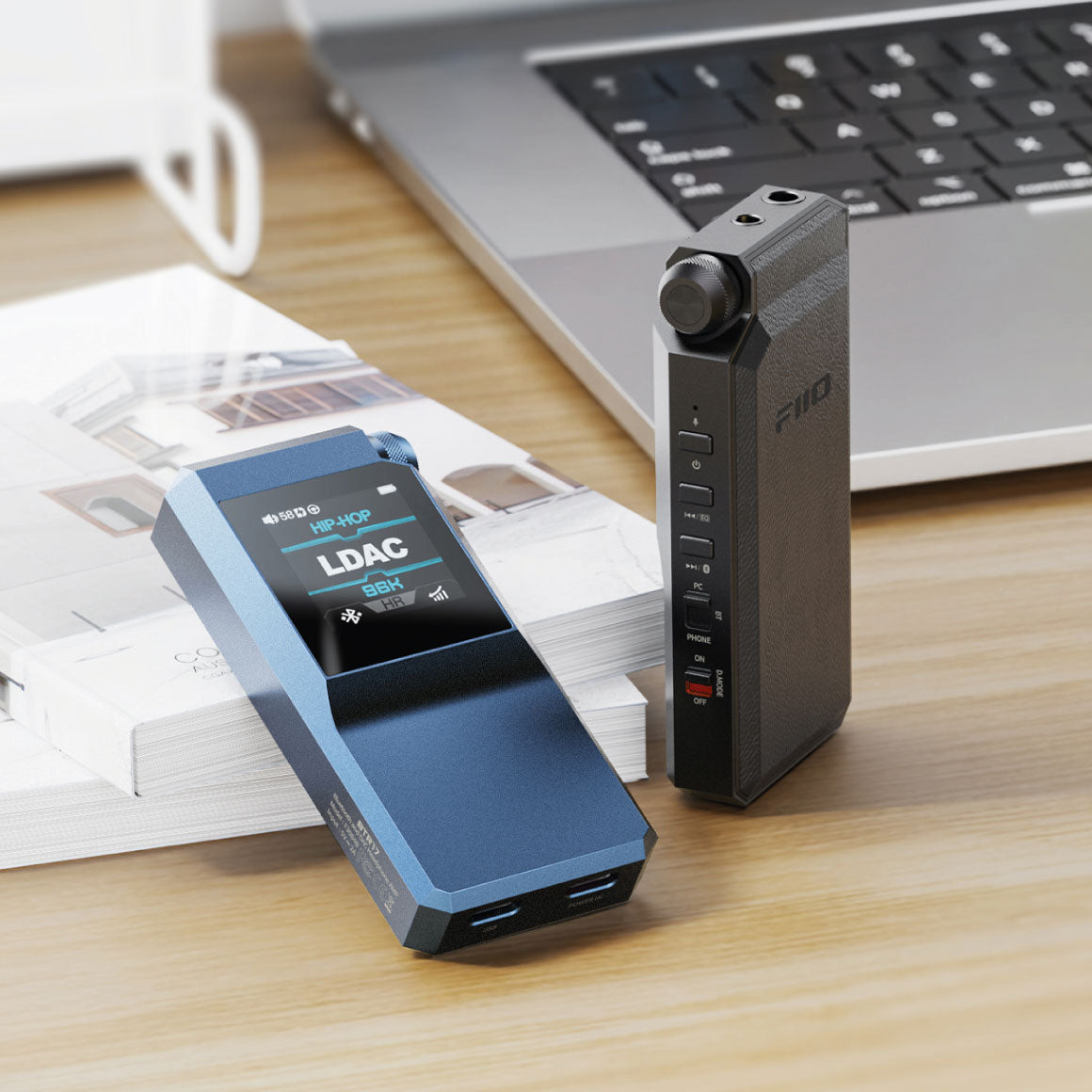
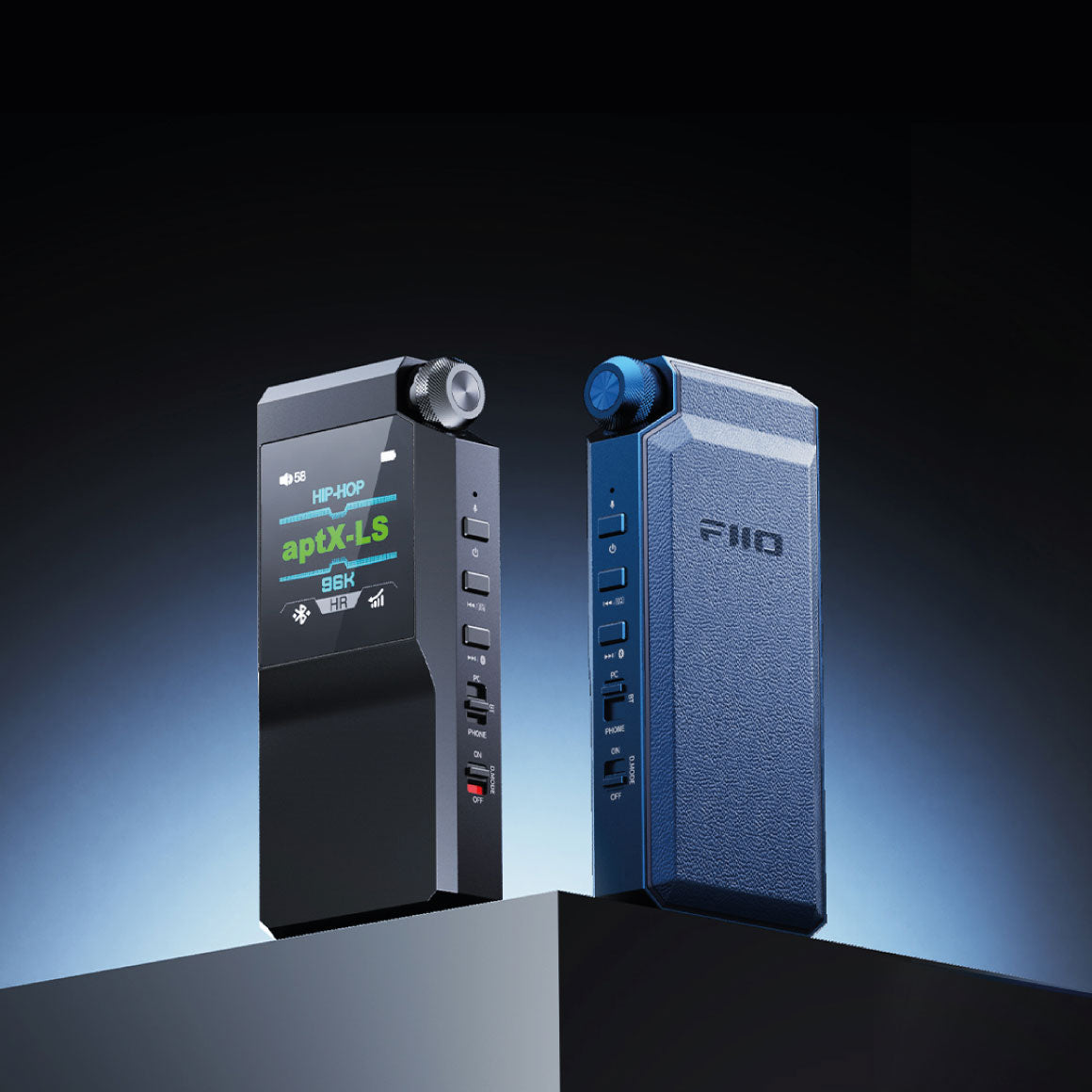
FiiO presents the BTR17, a powerful Bluetooth DAC and headphone amplifier for premium audio enthusiasts. It is equipped with high-performance dual ESS ES9069Q DAC chips for hi-res audio output. The flagship XMOS 16-Core processor and THX AAA 78+ amplifier deliver dynamic sound with low distortion. It offers versatile connectivity with dual headphone outputs and Bluetooth 5.4 with aptX Adaptive and LDAC support with USB-C for desktop mode. It is meticulously designed with a 3D aluminium alloy body and a 1.3-inch display with a user-friendly design. It allows you to customise EQ and another filter with the FiiO Control App. FiiO BTR17 becomes an ideal for audiophiles seeking a high-quality listening experience.
Features Two ESS ES9069Q DAC For Accurate Decoding & Clean Sound
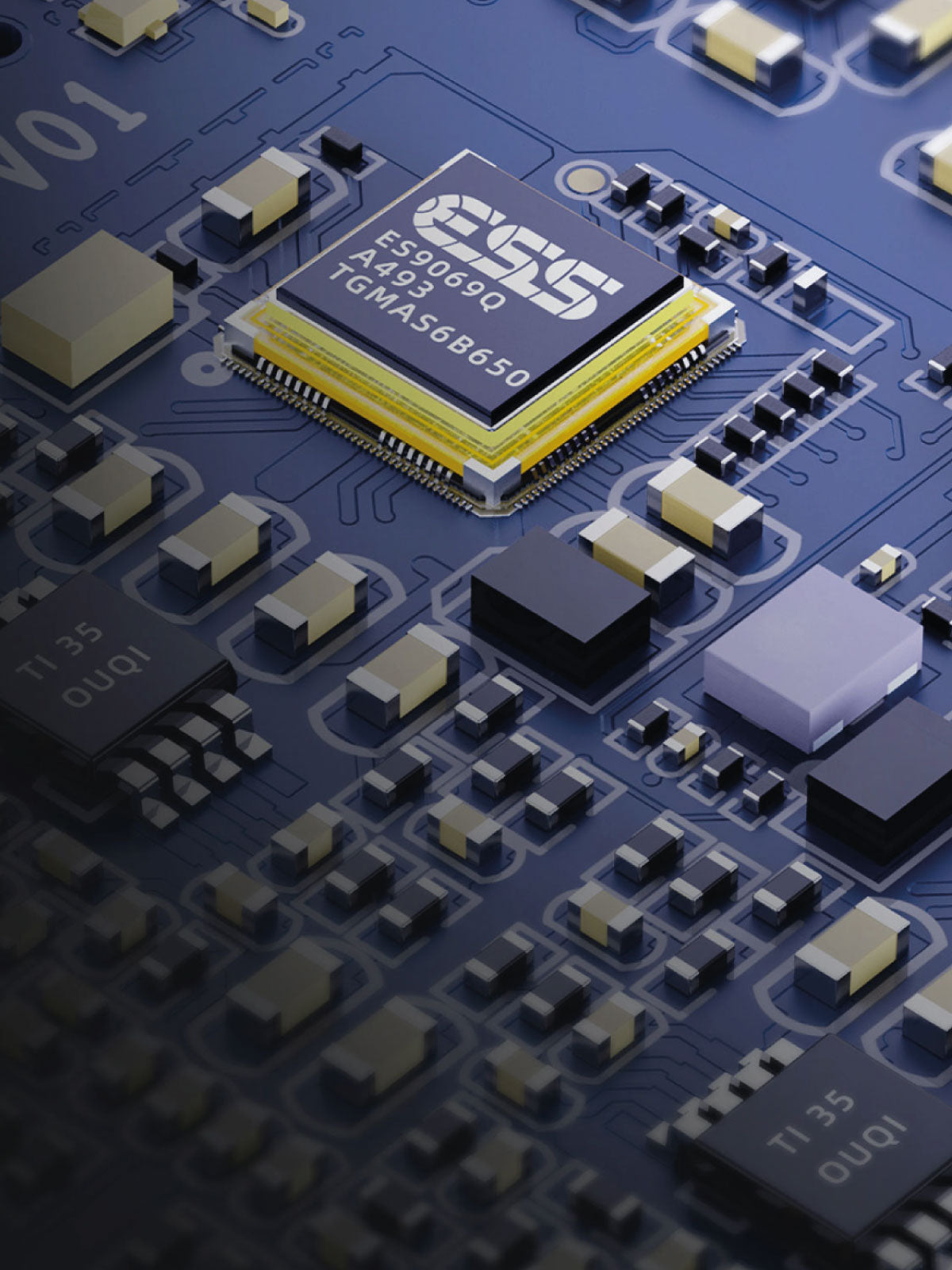
The BTR17 houses two DAC chips from ESS - the ES9069Q is based on the fourth-generation 32-bit HyperStream architecture for an excellent performance of the device while using less power. This configuration delivers a dynamic range of up to 130dB and -130dB total harmonic distortion for refined and coherent audio.
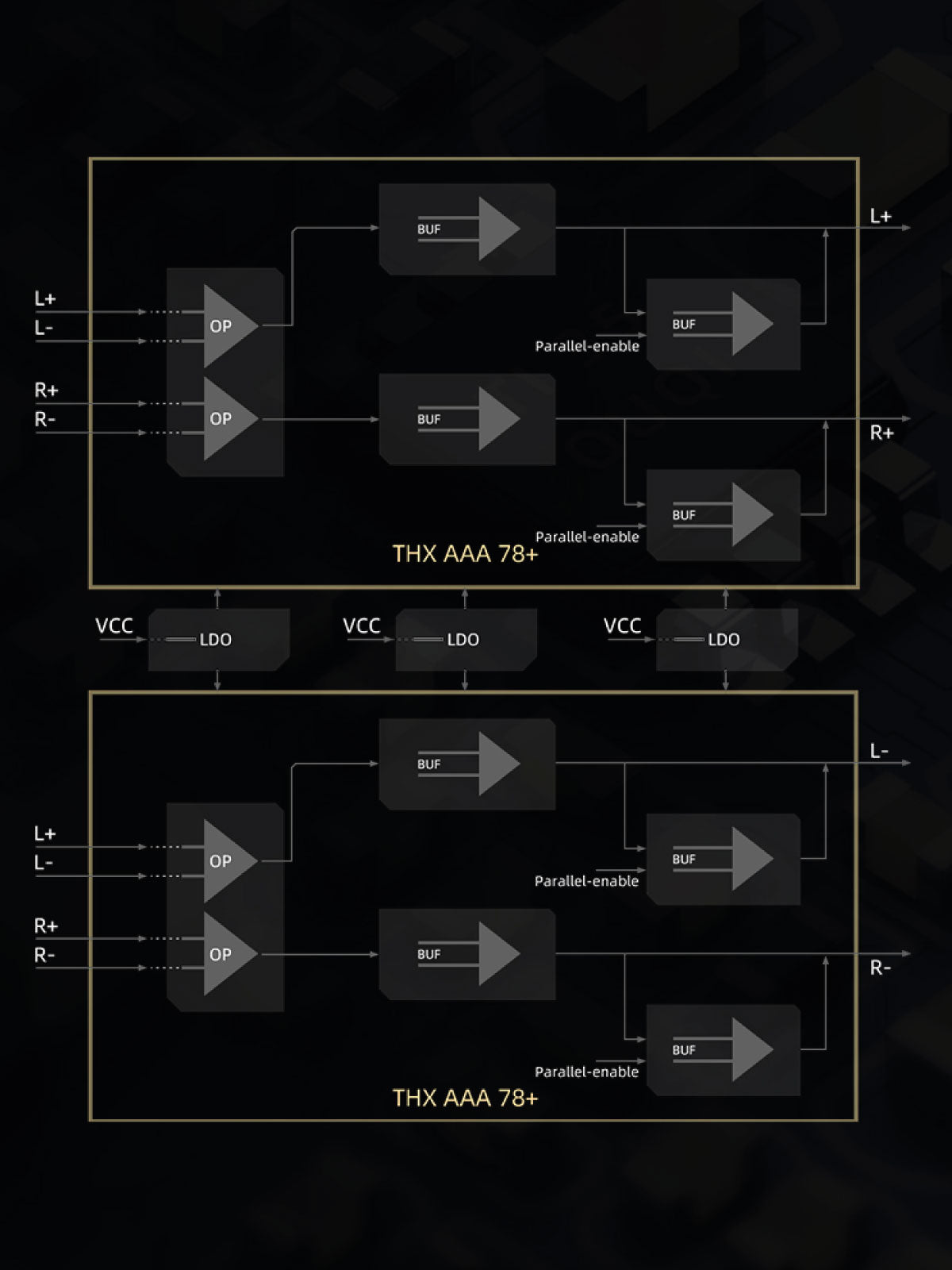
Features THX AAA 78+ Headphone Amp With Powerful Sound Output
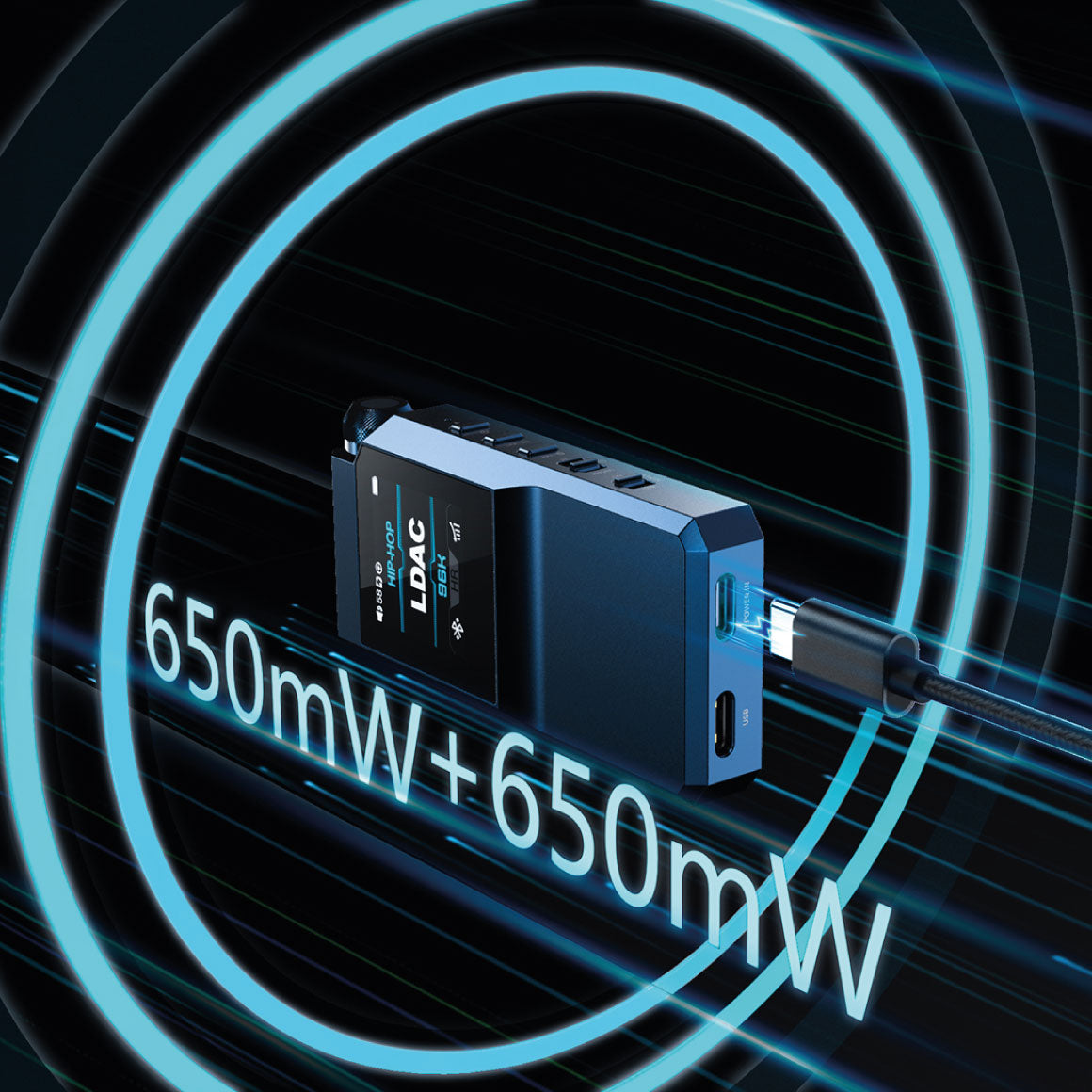
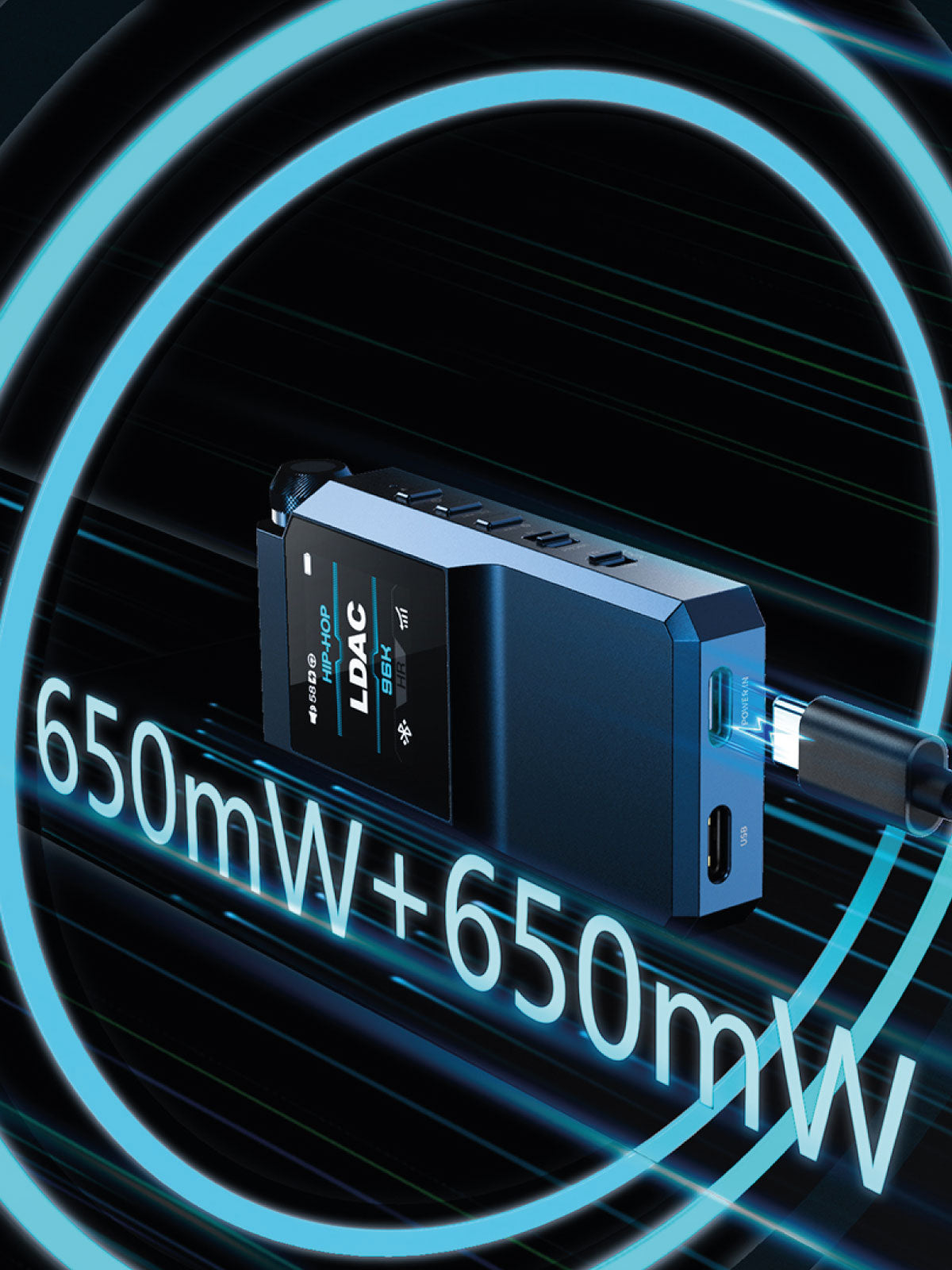
FiiO BTR17 equips the THX AAA 78+ headphone amp as of the FiiO KA17 and M23 with a fully balanced four channel with 8 op-amps configured parallel. This results in clean and natural sound with controlled power and robustness. When the power in port is connected to USB power and desktop mode is activated, the BTR17’s THX headphone amp uses four op-amps in parallel for current amplification for high performance. It offers output power of 650mW+650mW with an increase of 203% for excellent performance.
Multi-Stage Audio Circuit With Hi-End Components For Premium Audio
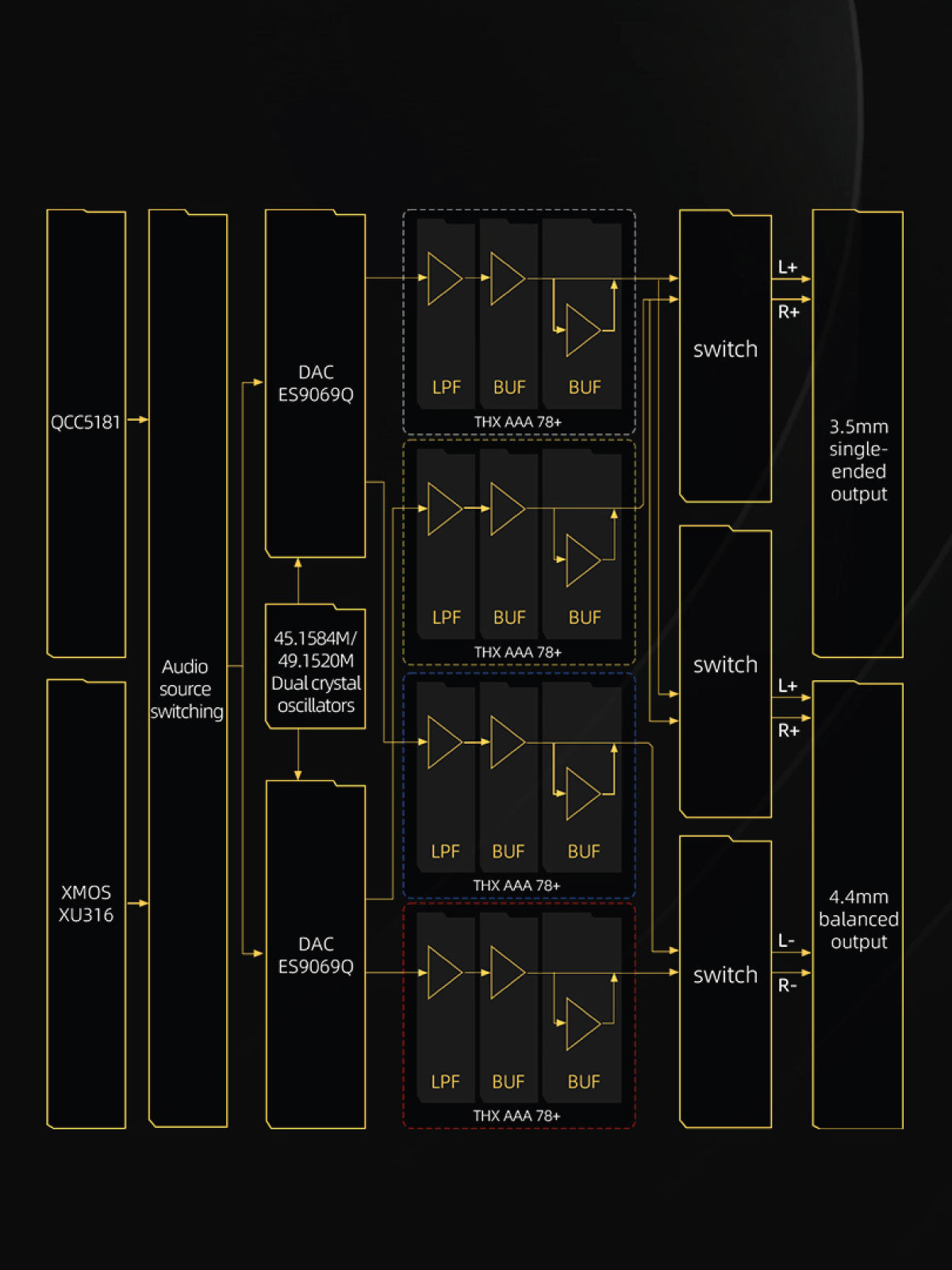
FiiO BTR17 equips the multi-stage HiFi audio circuit that processes the signal within its compact body. It features dual clock digital audio and a high-quality DAC to process the digital signals while the LPF preamplification and multi-stage analog audio process deliver the audio with excellent transient response and high accuracy.
Equips Flagship XMOS 16-Core XU316 For Hi-Res Decoding With Dual Headphone Output
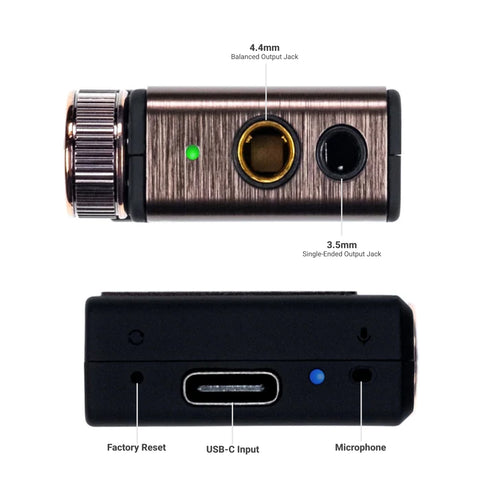
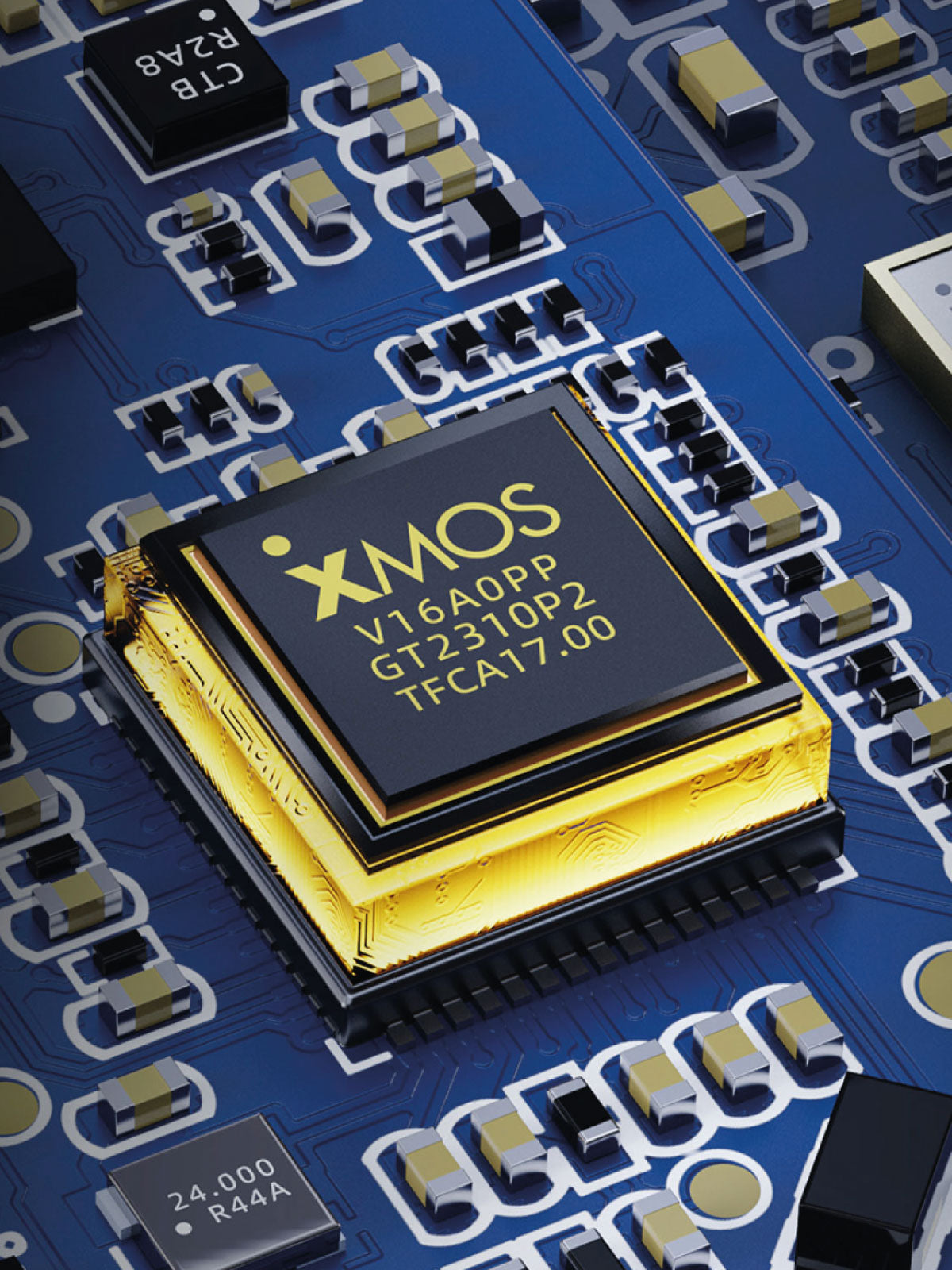
FiiO BTR17 features XMOS 16-Core XU316 embedded in the USB chip, which enhances data transmission with low latency. It allows the DAC to decode any audio stream as it supports 768kHz/32bit audio, DSD512 native, MQA full decoding, and PEQ 192kHz for a high-definition music listening journey. BTR17 is embedded with dual headphone outputs of single-ended 3.5mm and balanced 4.4mm, supporting CTIA protocol in-line controls.
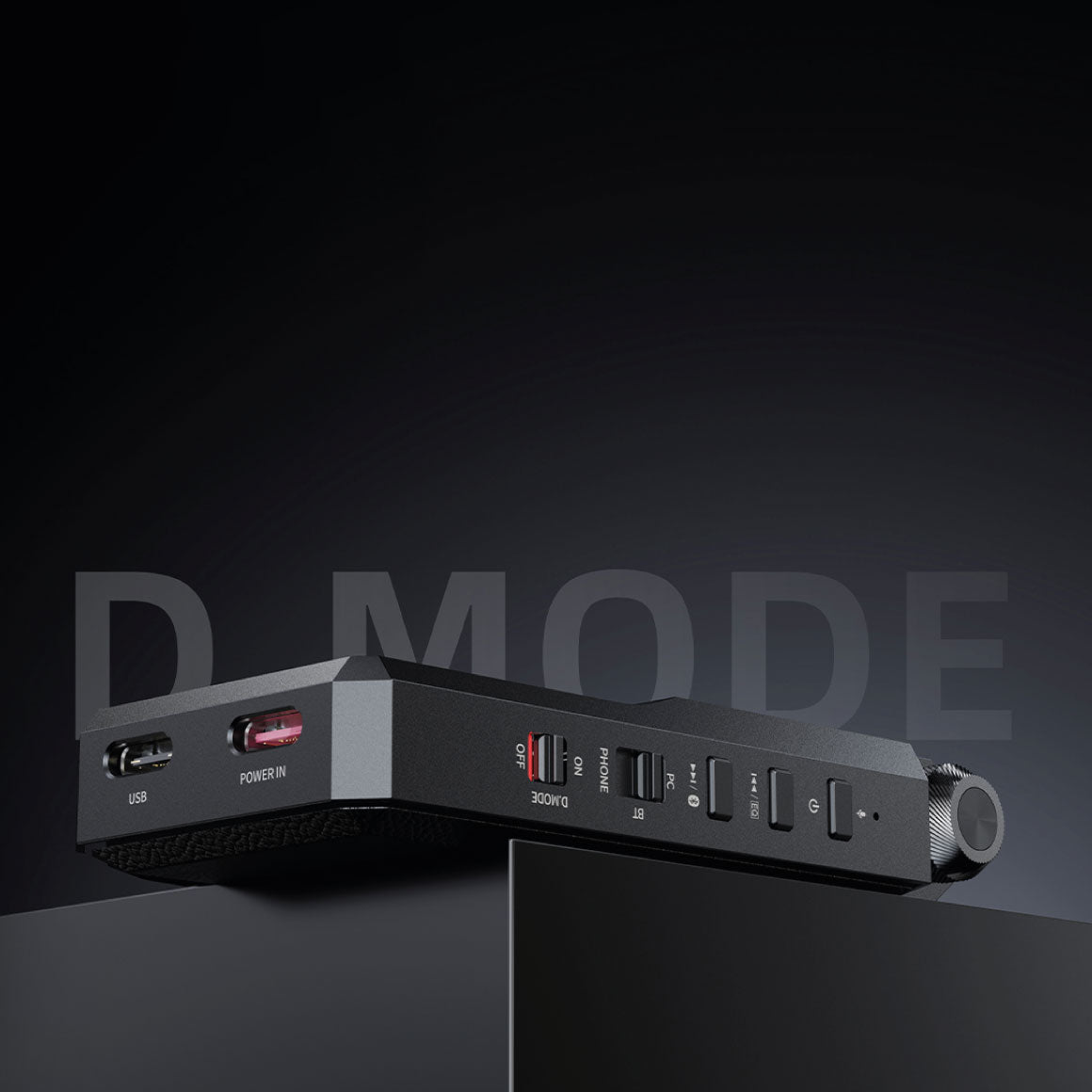
Patented Desktop Mode With Type-C Interface For Independent Power Supply
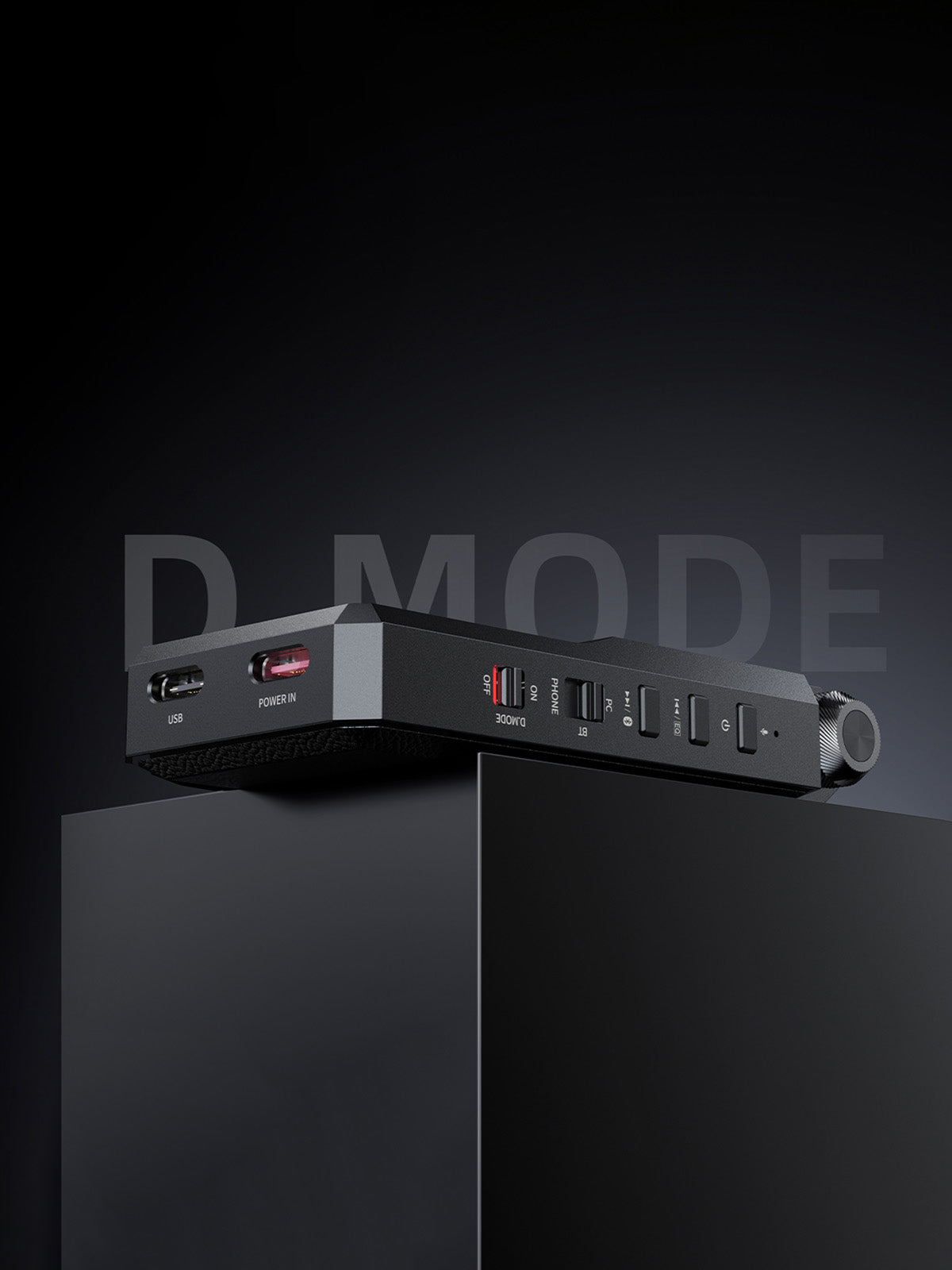
FiiO BTR17 has a dedicated desktop mode that allows you to connect to a phone as a dongle DAC and headphone amplifier. The BTR17 is equipped with a Type-C port that enables you to connect an external power supply. This helps the battery to fully charge itself without getting overcharged and without discharging the built-in battery and phone battery while delivering high-quality audio.
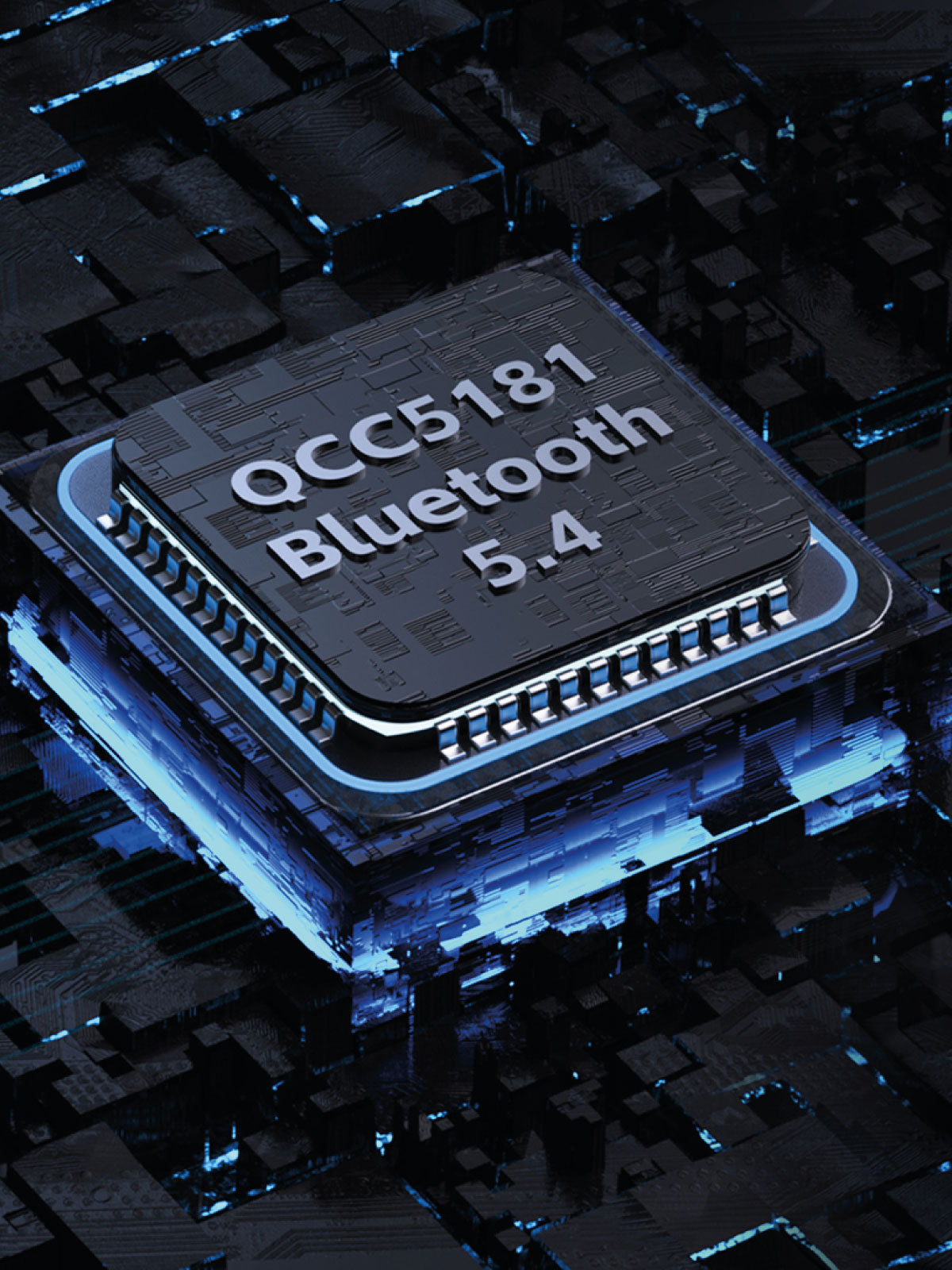
Enjoy Lossless Audio With Flagship Qualcomm Bluetooth Chip QCC5181.
The BTR17 provides CD-level lossless audio with precise detailing through the Qualcomm Bluetooth chip QCC5181. It offers Bluetooth LE audio standards with transmission bandwidth capacity of 2.1Mbps and lossless audio within the aptX Adaptive system. BTR17 features Bluetooth 5.4 supporting LDAC and aptX Adaptive 96kHz/24bit. When this configuration is combined with Snapdragon sound technology, it delivers an immersive music-listening experience.
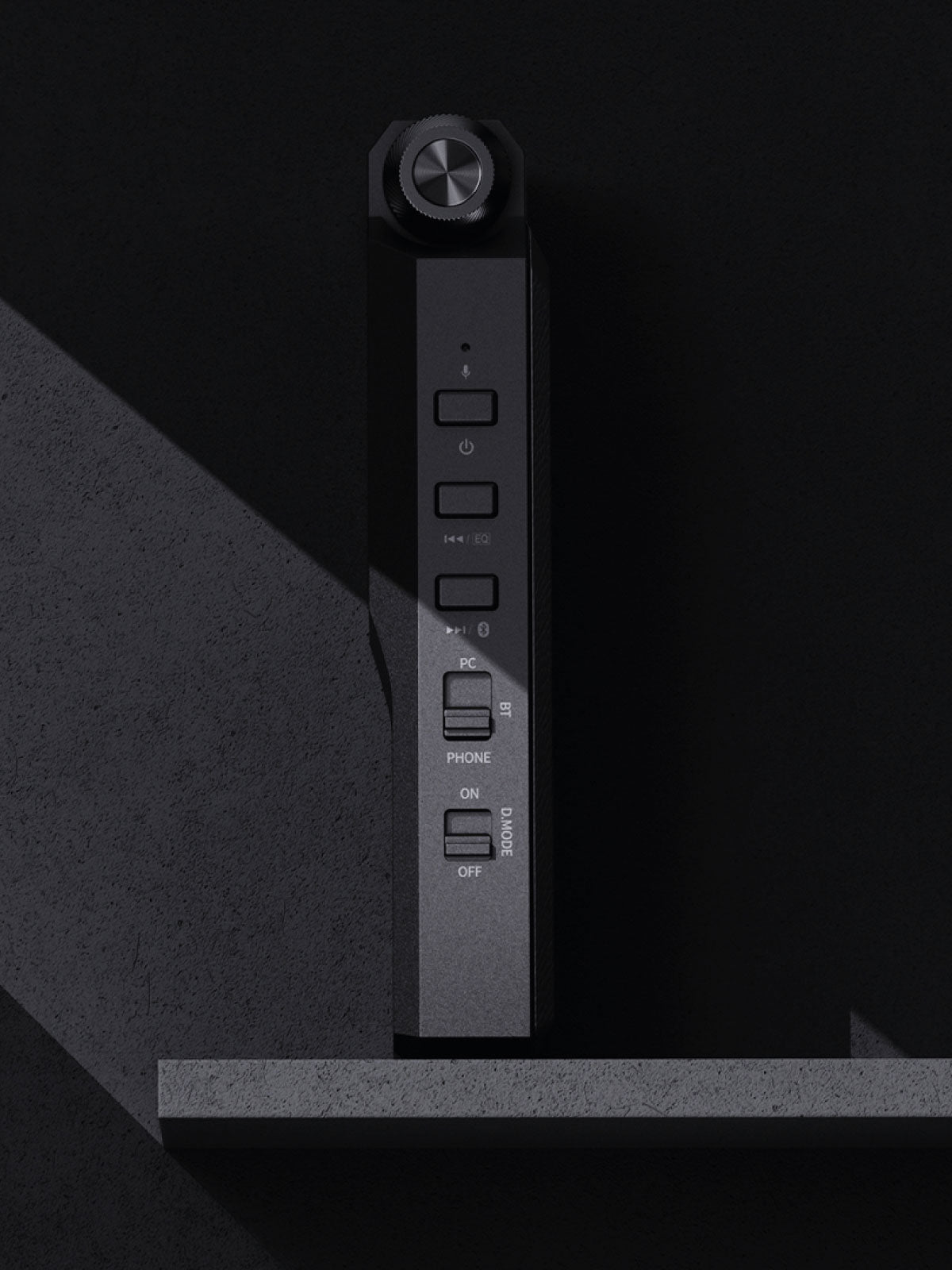
Choose Between Three Operating Modes With a Three-Position Switch
PHONE(phone dongle): The device's internal battery participates in the power supply, reducing the power consumed by the connected phone.
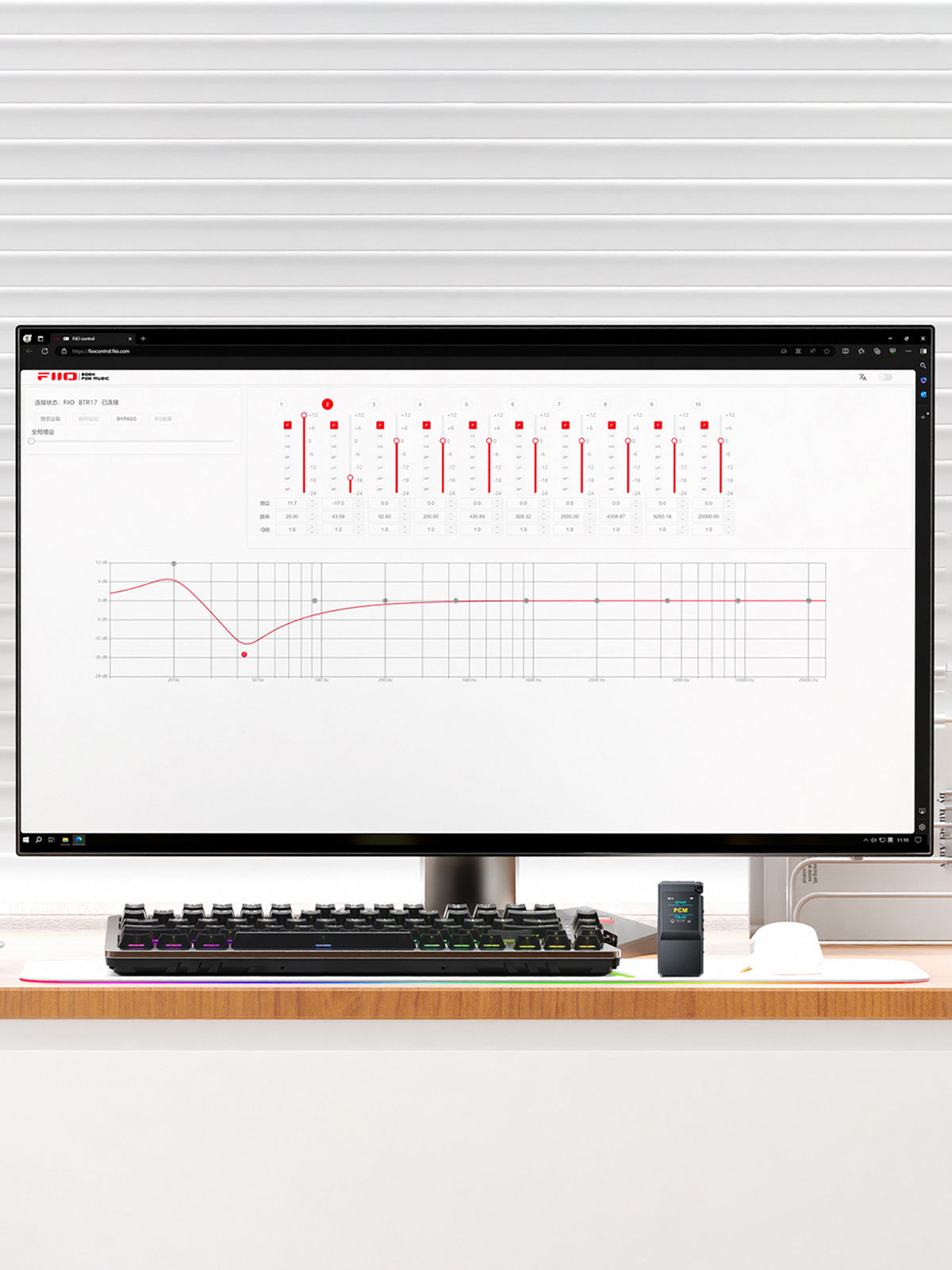
Listen To Your Music As You Like With The Ten-Band PEQ Adjustment Feature
The FiiO engineers have put their heart and soul into integrating the software and hardware components to create user-friendly apps and web interfaces. The BTR17 features proprietary PEQ adjustment algorithms that allow you to tune the EQ frequency points, gain, bandwidth and Q value to customise or correct the frequency response curve of various headphones. You can also import, export, share, and save EQ curves for everyone to enjoy the tuning experience. NOTE: On the side of the device features a dedicated EQ shortcut key that allows you to instantly select your desired EQ settings.
Three-Stage Power Transmission With Independent Power Supply
FiiO BTR17 follows a three-stage, three main rails precision power supply with 8 tantalum audio capacitors with 10 - 0.1% high precision thin film resistors. In the first stage, the filtering and overvoltage protection takes place. The second stage handles the DC-DC boost conversion. The third stage comprises high-precision LDO voltage stabilisation. It features an independent power supply rail for the digital signal, digital-to-analogue conversion and analogue amplification parts of the audio circuit and more than 10 small rails. This configuration offers stability with ample energy supply and excellent sound quality.
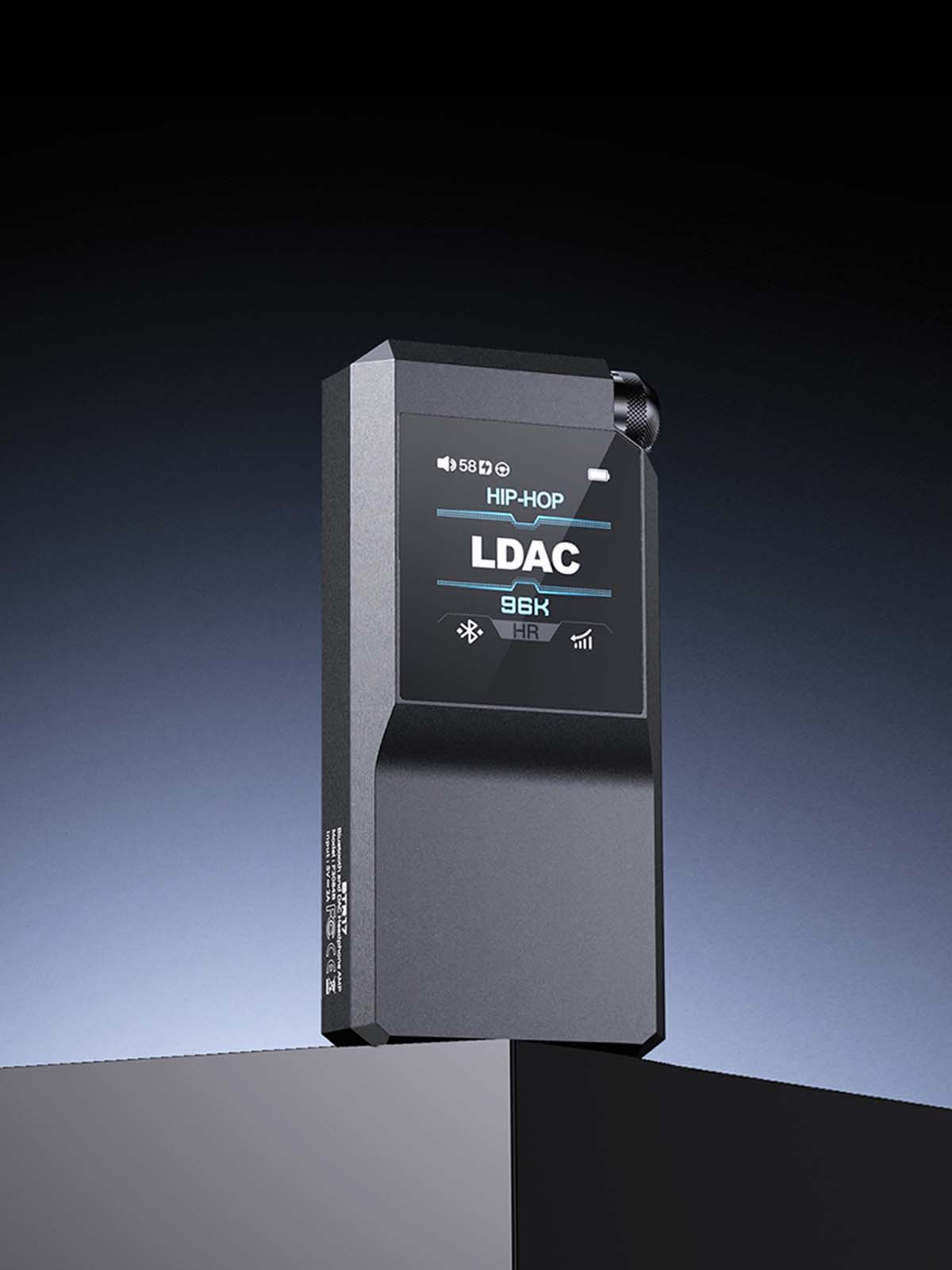
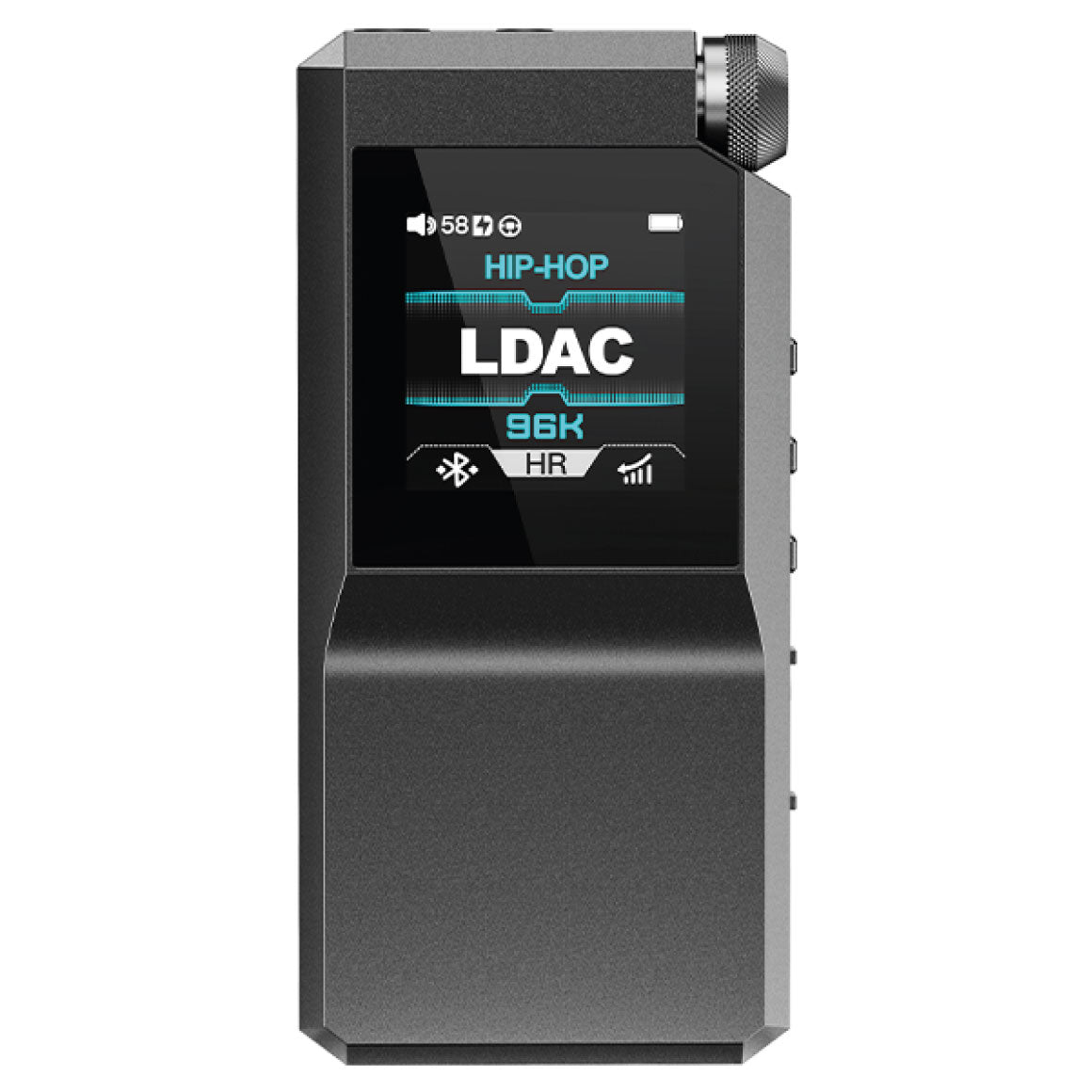
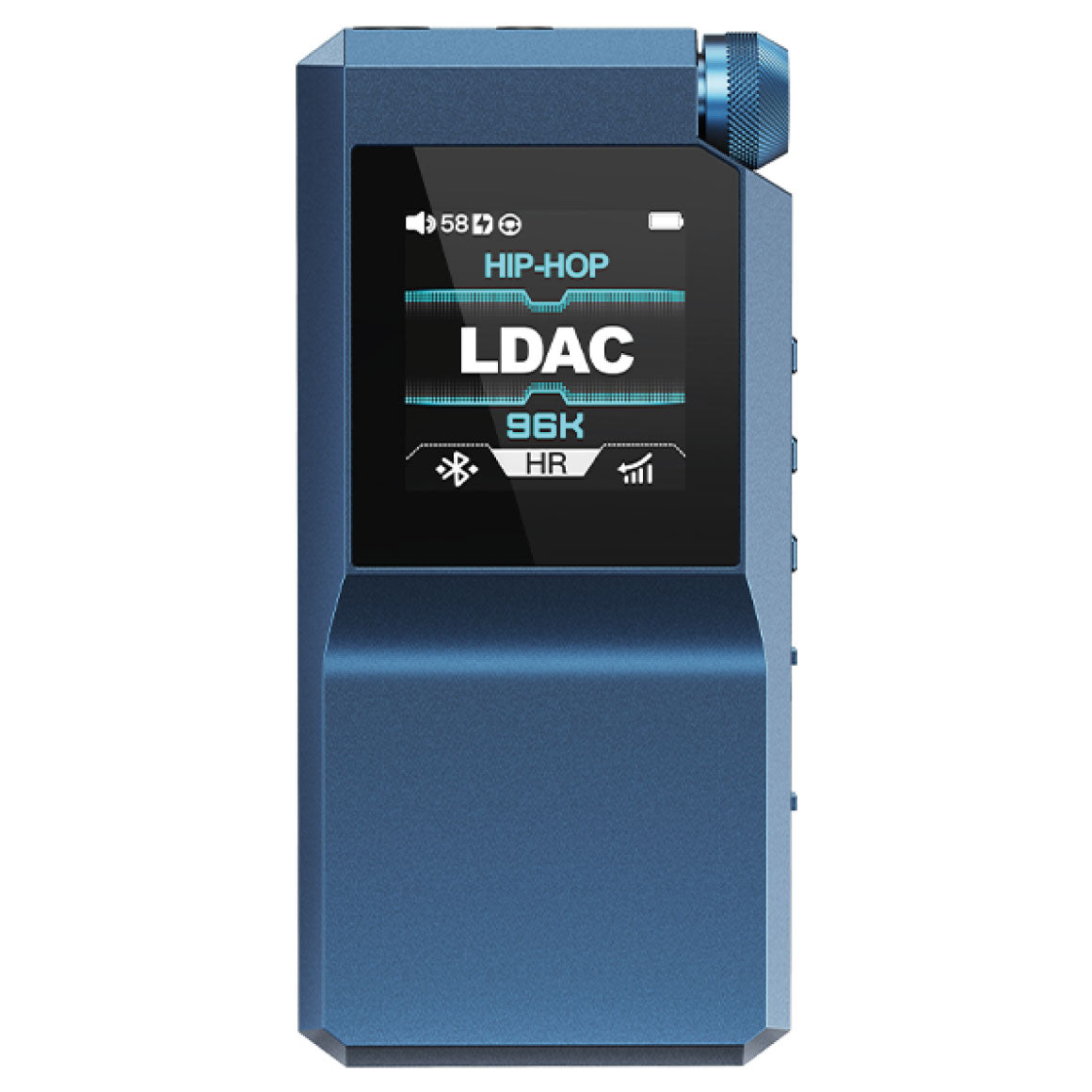
Meticulous Designed With an All-New UI Display Screen With Control Buttons
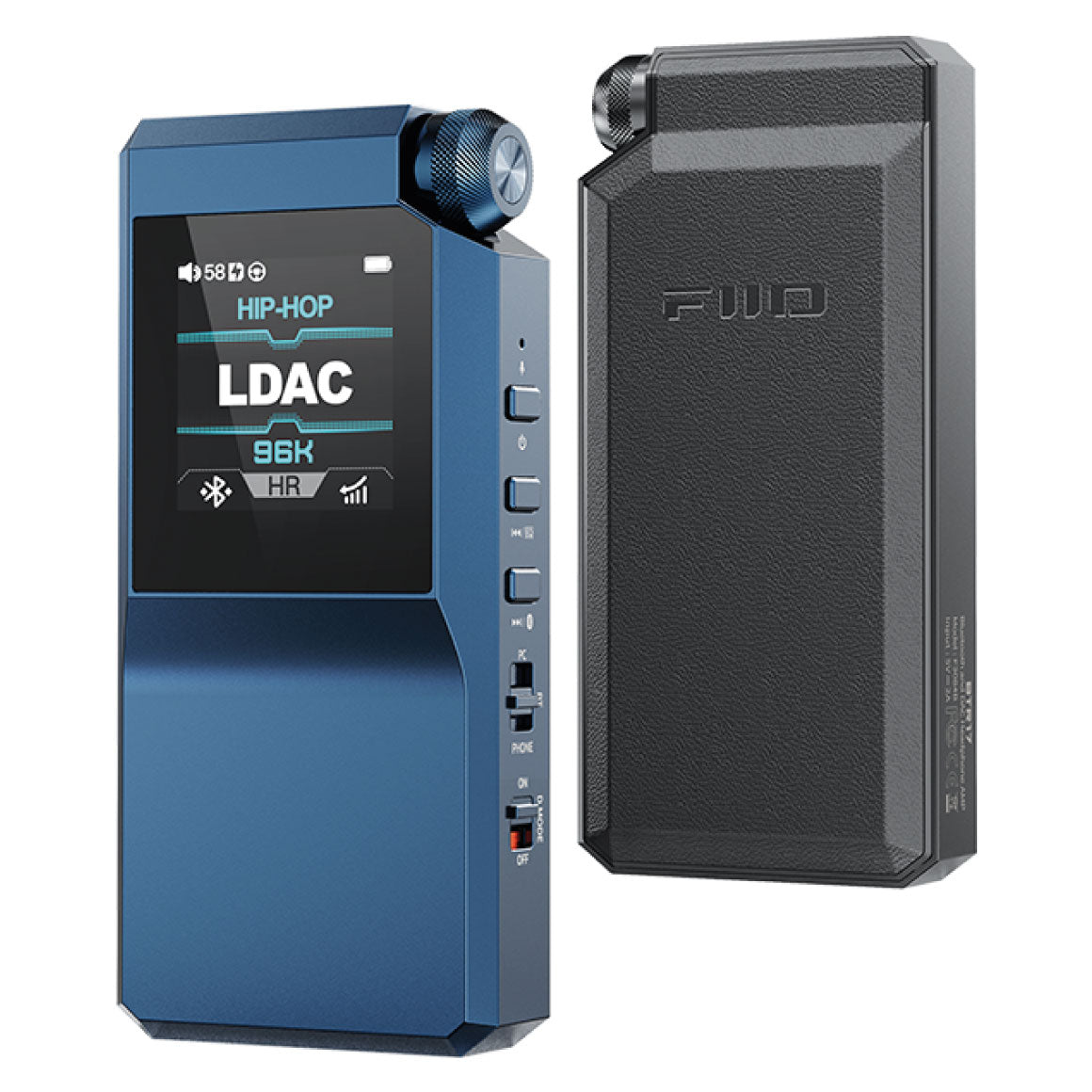
In Bluetooth mode: PQ (Popular Quality): Average sound quality HQ (High Quality): High-resolution sound quality SQ (Super Quality): Super high-resolution sound quality HR (High Resolution): Quasi-lossless sound quality Dark Blue - SBC Light Blue - AAC Pink - aptX White - LDAC Yellow - aptX HD Green - aptX Adaptive/aptX Lossless
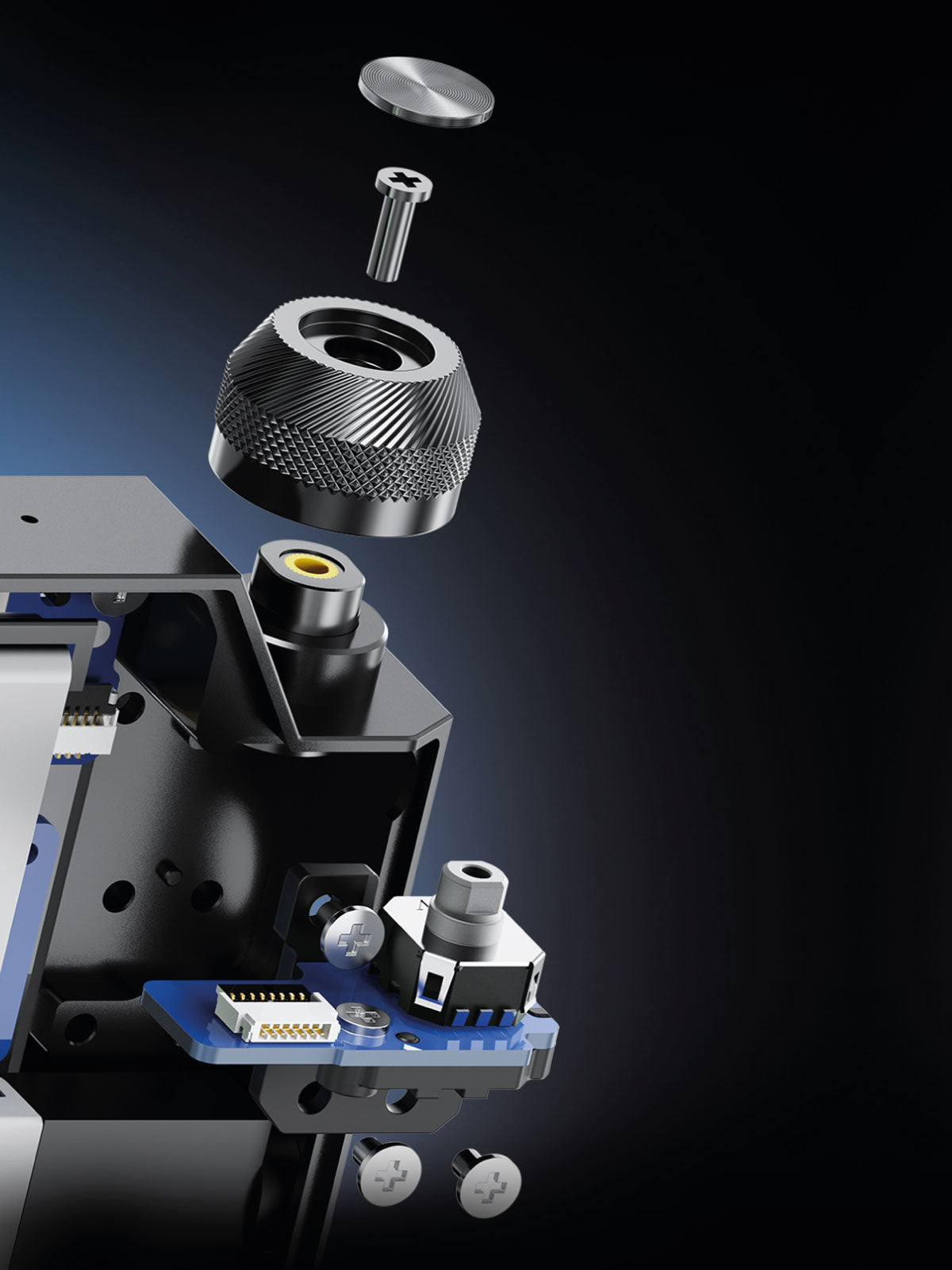
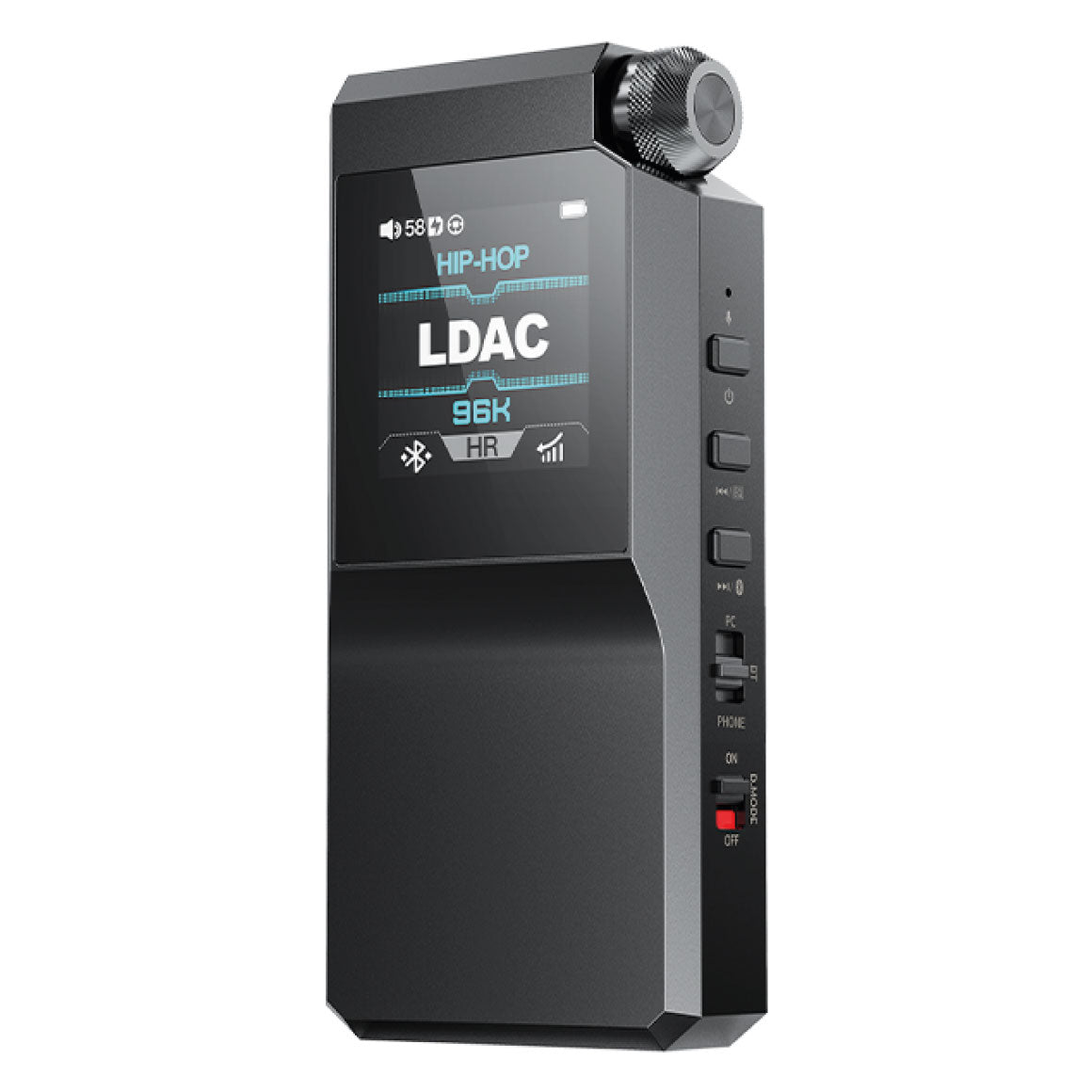
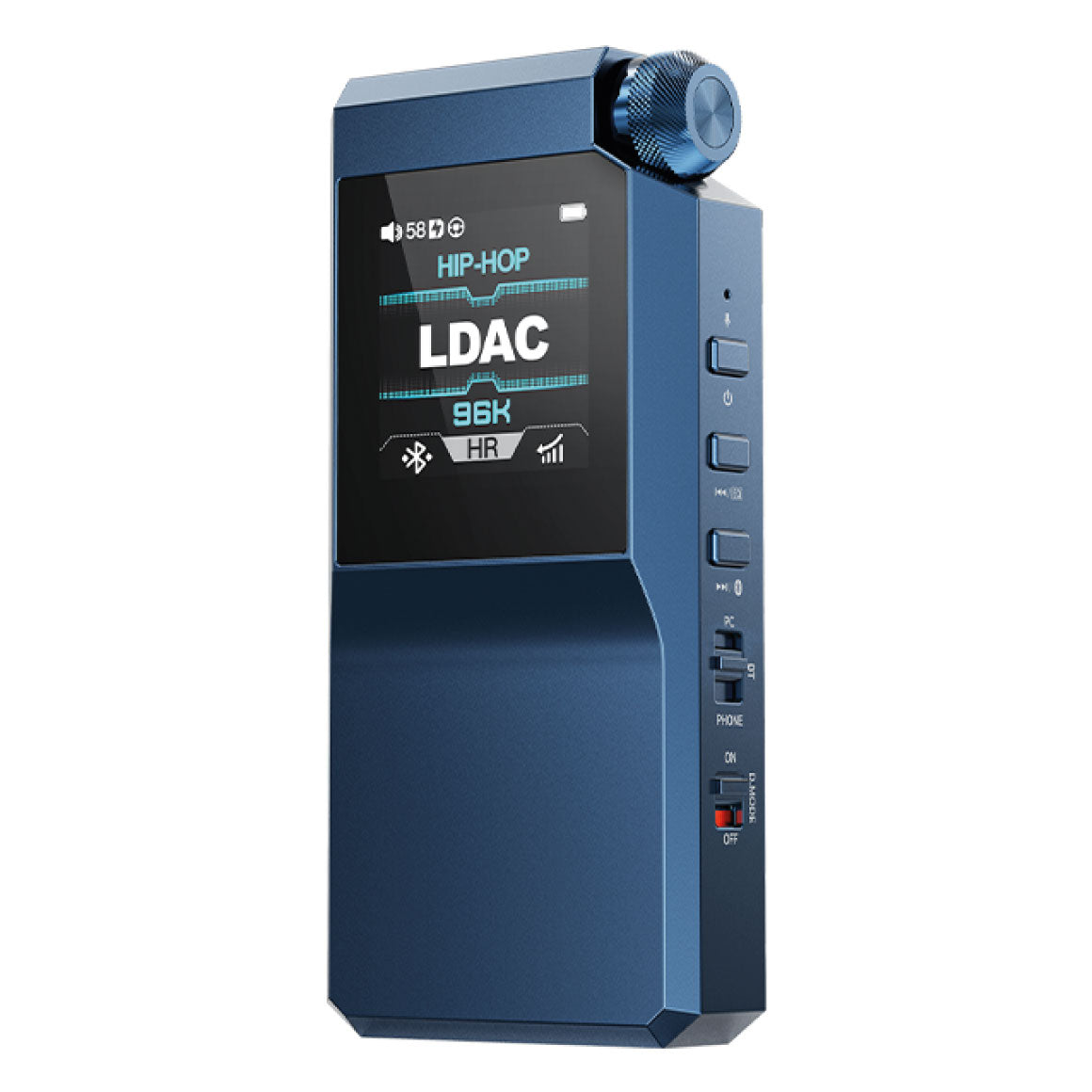
Embeds Control Buttons & Volume Knob To Access Various Features
BTR17 features three control buttons - a power button to power on or off, turn on or off display and reset. The previous button to play the previous track and switch EQ. The next button to play the next track, force a pairing and switch EQ. It equips a pressable 3D engraved design volume knob to adjust volume and access other features. The BTR17 equips temperature and DC output detection that prevents damage to the device and headphones if abnormal conditions are detected. It also prevents accidental loud volumes and protects against hearing damage.
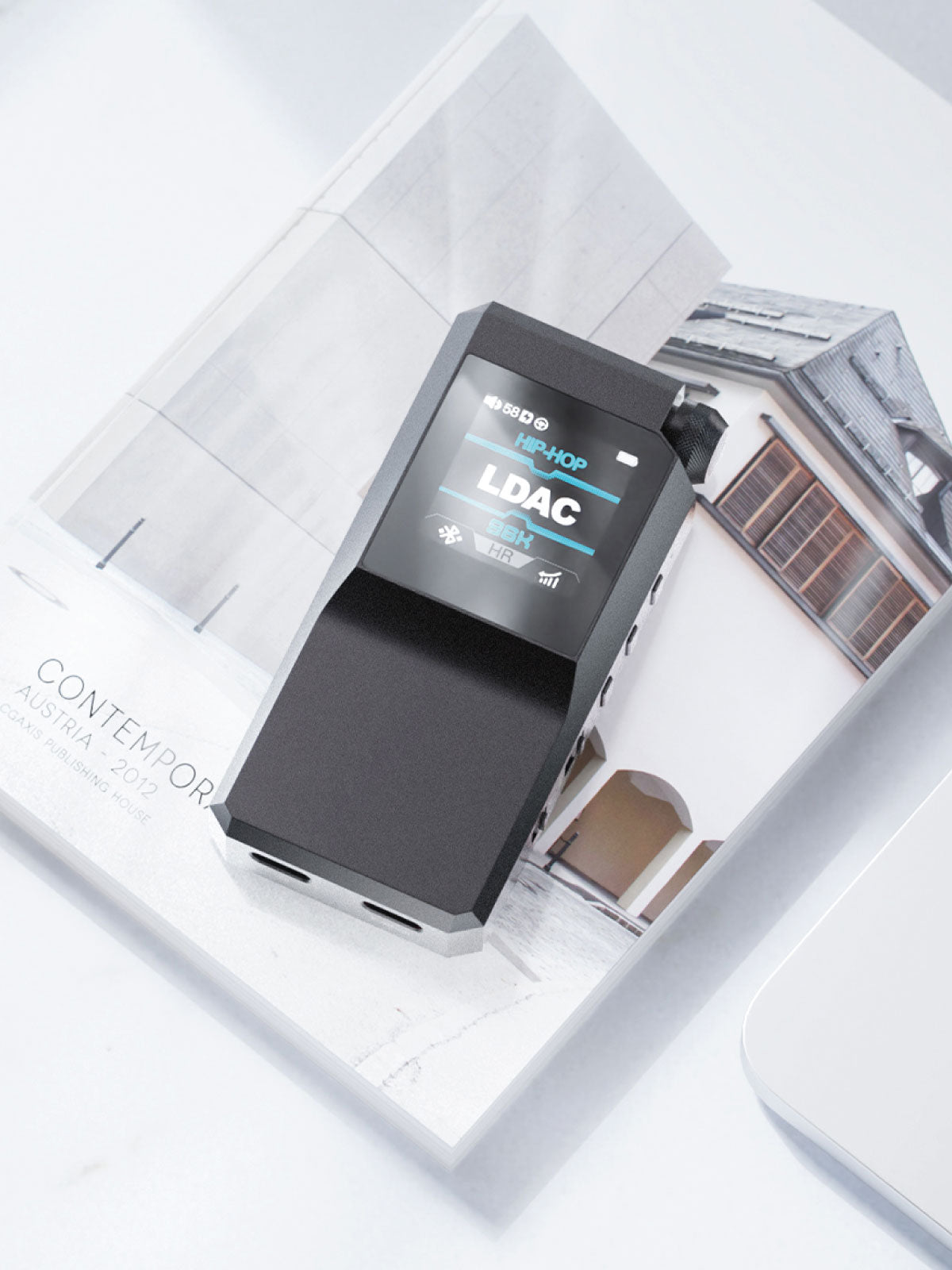
Supported By FiiO Control App With OTA Firmware Updates
FiiO BTR17 can be controlled by the FiiO Control App (iOS/Android) to access features for a seamless music listening experience. It features firmware updates through OTA.
All You Need To Know About The FiiO BTR17
Hardware Solution
DAC: ES9069Q*2USB DAC: XMOS XU316*1Bluetooth: QCC5181
Mode
Desktop ModeDriver-Free ModeIn-Vehicle Mode
Bluetooth Reception (5.4)
AAC/SBC/aptX/aptX Adaptive/aptX Lossless/aptX HD/LDAC
Sampling Rate
PCM: Up To 768kHz/32bitDSD: Up To DSD512 (Native), DOP256
Deep Standby
Without any connection, it automatically enters power saving shutdown state in 3 minutes, and the timer can be set in the app
Microphone Function
Supports Bluetooth Voice Call, Built-In Omnidirectional+CTIA In-Line Control Mic
Gain
L/H
Adaptive Impedance
PO: 8~150ΩBAL: 8~300Ω
Button and Ports
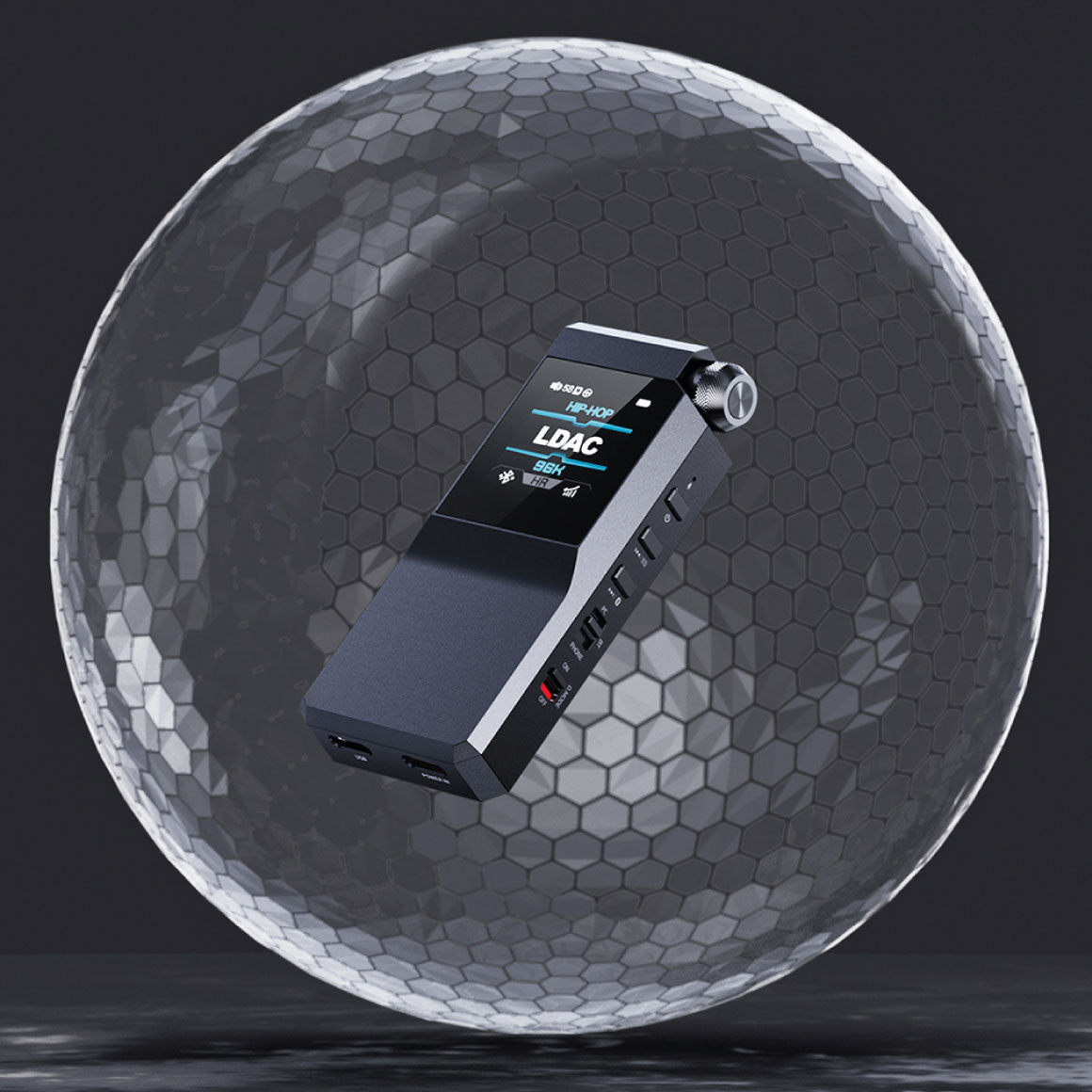
Button: Power On/Off*1Previous Track*1Next Track*1Volume Knob (With Confirm)*1USB: Type-C USB (Power Supply/Data Transfer)Type-C USB POWER IN (Orange, Power Supply)Headphone Out: Standard 3.5mm PortBalanced Headphone Out: Standard 4.4mm PortSlide switch: Mode Switch (PC/BT/PHONE)*1Desktop Mode Switch*1
Power Supply Parameters
Power supply: DC 5V ≥2ACharging time: ≤2h
3.5mm Headphone Out: ≥9h
Audio Input: Bluetooth ReceivingBluetooth Codec: AACVolume Level: 23 LevelGain: High Display Status: OffPlaying Track And Format: MP3 44.1KHz/16bitEQ: OffLoad: 32Ω
4.4mm Balanced Headphone Out: ≥8h
Audio Input: Bluetooth ReceivingBluetooth Codec: AACVolume Level: 18 LevelGain: High Display Status: OffPlaying Track And Format: MP3 44.1KHz/16bitEQ: OffLoad: 32Ω
3.5mm Headphone Out: ≥10h
Audio Input: Phone mode (Slide The Mode Switch To PHONE Position)Gain: HighVolume Level: 23 LevelPlaying Track And Format: 44.1KHz/16bitDisplay Status: OffLoad: 32ΩEQ: Off
4.4mm Balanced Headphone Out: ≥9h
Audio Input: Phone mode (Slide The Mode Switch To PHONE Position)Gain: HighVolume Level: 18 LevelPlaying Track And Format: 44.1KHz/16bitDisplay Status: OffLoad: 32ΩEQ: Off
Performance And Parameters Of Headphone Output (3.5mm, UAC Decoding, Desktop Mode: High Gain)
Output power: L+R≥330mW+330mW (16Ω, THD+N<1%)L+R≥280mW+280mW (32Ω, THD+N<1%)L+R≥30mW +30mW (300Ω, THD+N<1%)THD+N: <0.0015% (1kHz/-18dB@32Ω)Frequency Response: 20Hz~80kHz: attenuation<3dB20Hz~20KHz: attenuation<0.1dBOutput Impedance: <1ΩCrosstalk: ≥78dBPeak Output Voltage: 8.5Vp-pSNR: ≥120dB (A-weighted)Noise Floor: <3uV (A-weighted)
Performance And Parameters Of Balanced Headphone Output (4.4mm, UAC Decoding, Desktop Mode: High Gain)
Output power: L+R≥480mW+480mW (16Ω, THD+N<1%)L+R≥650mW+650mW (32Ω, THD+N<1%)L+R≥125mW+125mW (300Ω, THD+N<1%)THD+N: <0.00035% (1kHz/-10dB@32Ω)Frequency Response: 20Hz~80kHz: attenuation<3dB20Hz~20KHz: attenuation<0.1dBOutput Impedance: <1.5ΩCrosstalk: ≥120dBPeak Output Voltage: 17.5Vp-pSNR: ≥126dB (A-weighted)Noise Floor: <2.2uV (A-weighted)
Performance And Parameters Of Headphone Output (3.5mm, UAC Decoding, Non-Desktop Mode: High Gain)
Output power: L+R≥130mW+130mW (16Ω, THD+N<1%)L+R≥140mW+140mW (32Ω, THD+N<1%)L+R≥20mW +20mW (300Ω, THD+N<1%)THD+N: <0.0022% (1kHz/-12dB@32Ω)Frequency Response: 20Hz~80kHz: attenuation<3dB20Hz~20KHz: attenuation<0.1dBOutput Impedance: <1ΩCrosstalk: ≥78dBPeak Output Voltage: 6.5Vp-pSNR: ≥120dB (A-weighted)Noise Floor: <2.1uV (A-weighted)
Performance And Parameters Of Balanced Headphone Output (4.4mm, UAC Decoding, Non-Desktop Mode: High Gain)
Output power: L+R≥180mW+180mW (16Ω, THD+N<1%)L+R≥300mW+300mW (32Ω, THD+N<1%)L+R≥35mW+35mW (300Ω, THD+N<1%)THD+N: <0.0008% (1kHz/-4dB@32Ω)Frequency Response: 20Hz~80kHz: attenuation<3dB20Hz~20KHz: attenuation<0.1dBOutput Impedance: <1.5ΩCrosstalk: ≥105dBPeak Output Voltage: 9.3Vp-pSNR: ≥122dB (A-weighted)Noise Floor: <2.3uV (A-weighted)
Box Contents
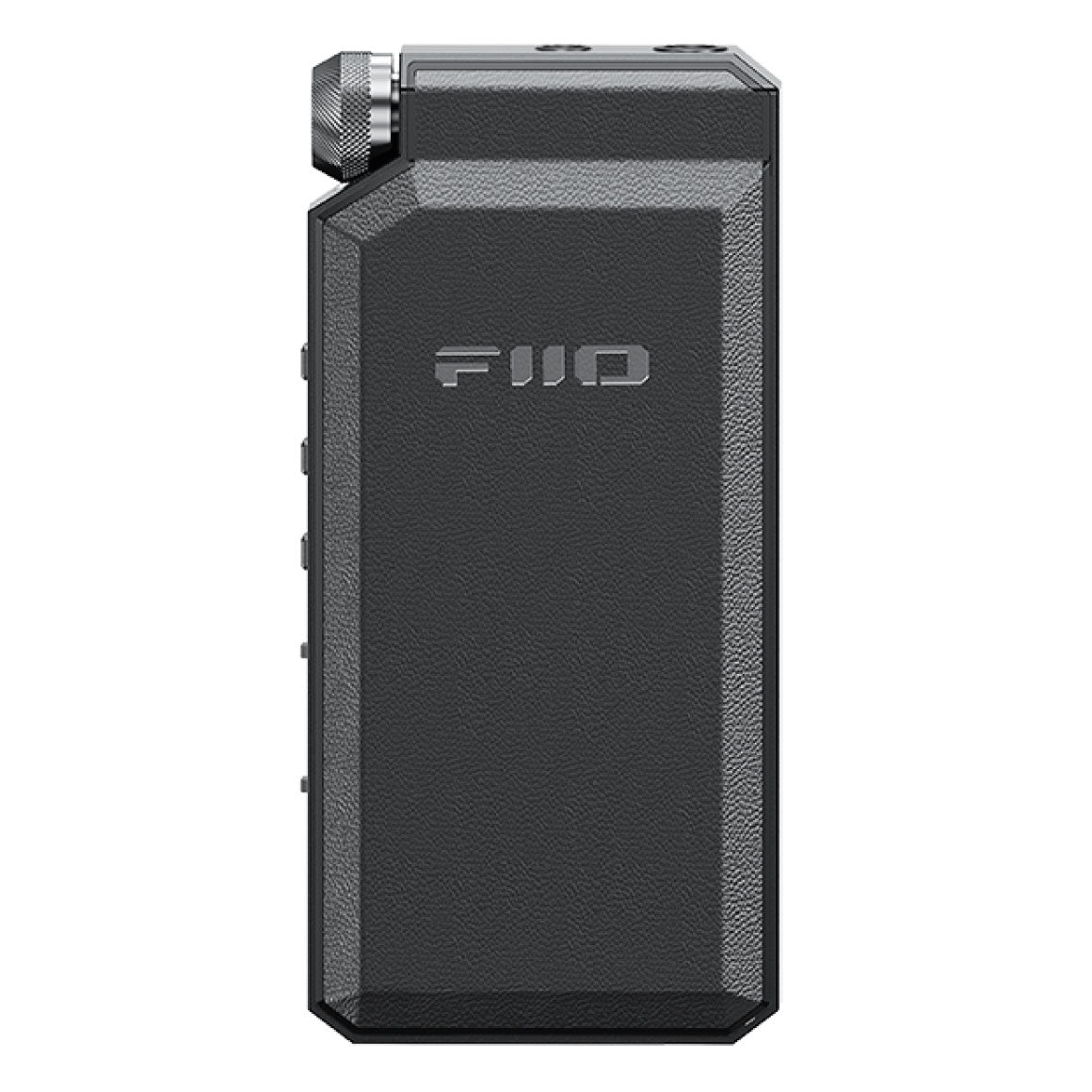
1. FiiO BTR172. Leatherette Case3. Specially-Made Short Dual Type-C OTG4. Data Cable5. Quick Start Guide6. Warranty Card7. PET Protective Film (Pre-Installed)
Have a question? Get in touch!
Check out the most common questions our customers ask. Still have questions? Talk to our Headphone Gurus.

Our customer support is available Monday to Friday: 11am-6pm.
What is the warranty period on the FiiO BTR17 and how do I claim warranty?
The warranty period on FiiO BTR17 is for 1 year. To read more information click here.
What should I do if the BTR17 does not work normally?
When BTR17 can't connect to the mobile phone, sound abnormality or no sound, you can try the following methods to solve the problem: 1. Clear the pairing information on your phone Go to Settings-Bluetooth to delete the BTR17 pairing information and reconnect it to BTR17 2. Clear the pairing information on BTR17 When it is on, hold both the volume- and volume+ buttons at the same time for about 5s. 3. Reset operation Hold the Power button for at least 16 seconds to reset it.
How to enter pairing mode in BT mode? How to clear the pairing list of BTR17?
BT mode: Toggle the switch to the middle and the BTR17 will enter the Bluetooth receiving mode. How to enter Bluetooth pairing mode?(not on the menu page) 1. If the device is never paired: After the device powers on, it will automatically enter the pairing mode with the display showing “PAIRING”; After the device restarted, it will reconnect to the last connected device automatically. 2. Force the device to enter pairing mode: After the device is successfully connected, hold the next track button for about 5s until the display shows “PAIRING”. [Note]The BTR17 will enter pairing mode automatically when turned on for the first time or after clearing pairing. How to clear the pairing list of BTR17? When it is on, hold both the volume- and volume+ buttons at the same time for about 5s.
How to switch Bluetooth codec for BTR17?
The BTR17 is a Bluetooth receiver. So the Bluetooth code it receives is depended by the mobile phone terminal. If you would like to switch the Bluetooth code, you could go to the developer mode page of the mobile phone for switching. There is a Bluetooth code selection option of BTR17 in the FiiO Control. You could select the Bluetooth codecs you want to use on the BTR17 via that option. The codecs that are not selected will be disabled. If you would like to use other Bluetooth codec(Like LDAC), please follow this steps for help: 1. Enter FiiO Control app-BTR17-Status 2. Click'Select Bluetooth code' 3. Cancel the selection of the Bluetooth you don't want to enable ,then click'ok' 4. The BTR17 will automatically restart and adapt the appropriate Bluetooth codes to connect to the phone according to the Bluetooth protocols selected in the list. Note: The iOS device only supports SBC and AAC Bluetooth codec. And the default Bluetooth codec will be AAC.
How to update the Bluetooth and XMOS firmware of BTR17?
Bluetooth V1.25 Firmware Update: click here XMOS V1.32 Firmware Update: click here BTR17 Bluetooth V1.25 and XMOS V1.32 firmware changes are as follows: Bluetooth V1.25 Added bitrate display for aptX Adaptive/Lossless codecs. Modified UI display color for aptX Lossless codec. Fixed the issue where charging could sometimes only reach 60% after enabling charging protection. XMOS V1.32 Fixed the issue where PS5 might not be recognized in UAC 1.0 mode. Notes: When playing under aptX Lossless codec, it may take some time (normally around 30 seconds) before stably entering lossless mode. The bitrate in lossless mode will dynamically vary between 1 Mbps and 1.2 Mbps depending on the audio data. The connection quality and signal interference will affect the activation of lossless mode. It is suggested to keep the phone and receiving device as close as possible, and ensure that the phone is connected to a 5GHz WiFi network (or disable WiFi).
How to control the BTR17 in the FiiO Control App?
Here are the steps to control the BTR17 in FiiO Control App. 1. Please update the Control App to the latest version (Click the link to get the latest Android version: 2. Ensure that the Control App is the latest version. Enter My devices->Tap the BTR17 to complete the connection. After a successful connection, it will enter the Bluetooth control menu. EQ 1. When the mobile phone is connected to BTR17 in PC/PHONE mode, the output volume will be lower after enabling EQ: the volume of the mobile phone can be enabled after enabling EQ, and the default volume of the mobile phone becomes only half. At this time, please turn the volume of the mobile phone to the maximum. 2. When the mobile phone is connected to BTR17 in PC/PHONE mode, there will be noise when playing MQA with EQ function on: MQA tracks are not supported in EQ mode. FiiO control APP works in both BT mode and wired decoding mode.
Product Title